Speed kills deals. Research shows that leads contacted within five minutes are 21 times more likely to convert than those reached after 30 minutes. Yet most sales teams still rely on manual follow-up, losing opportunities while they sleep, attend meetings, or simply forget to hit send. Automated lead follow-up systems solve this by triggering personalized outreach the moment a prospect shows interest—whether they fill out a form, download content, or engage with your website.
The right system does more than send emails on autopilot. It qualifies leads, routes them to the right rep, personalizes messaging based on behavior, and tracks engagement across multiple channels. When evaluating options, focus on automation flexibility (can you build complex workflows?), integration capabilities (does it connect with your existing stack?), multi-channel support (email, SMS, phone, LinkedIn?), and total cost including setup time.
Here are the top automated lead follow-up systems transforming how teams close deals in 2026.
1. Orbit AI
Best for: Teams who want AI-powered lead qualification built directly into their forms
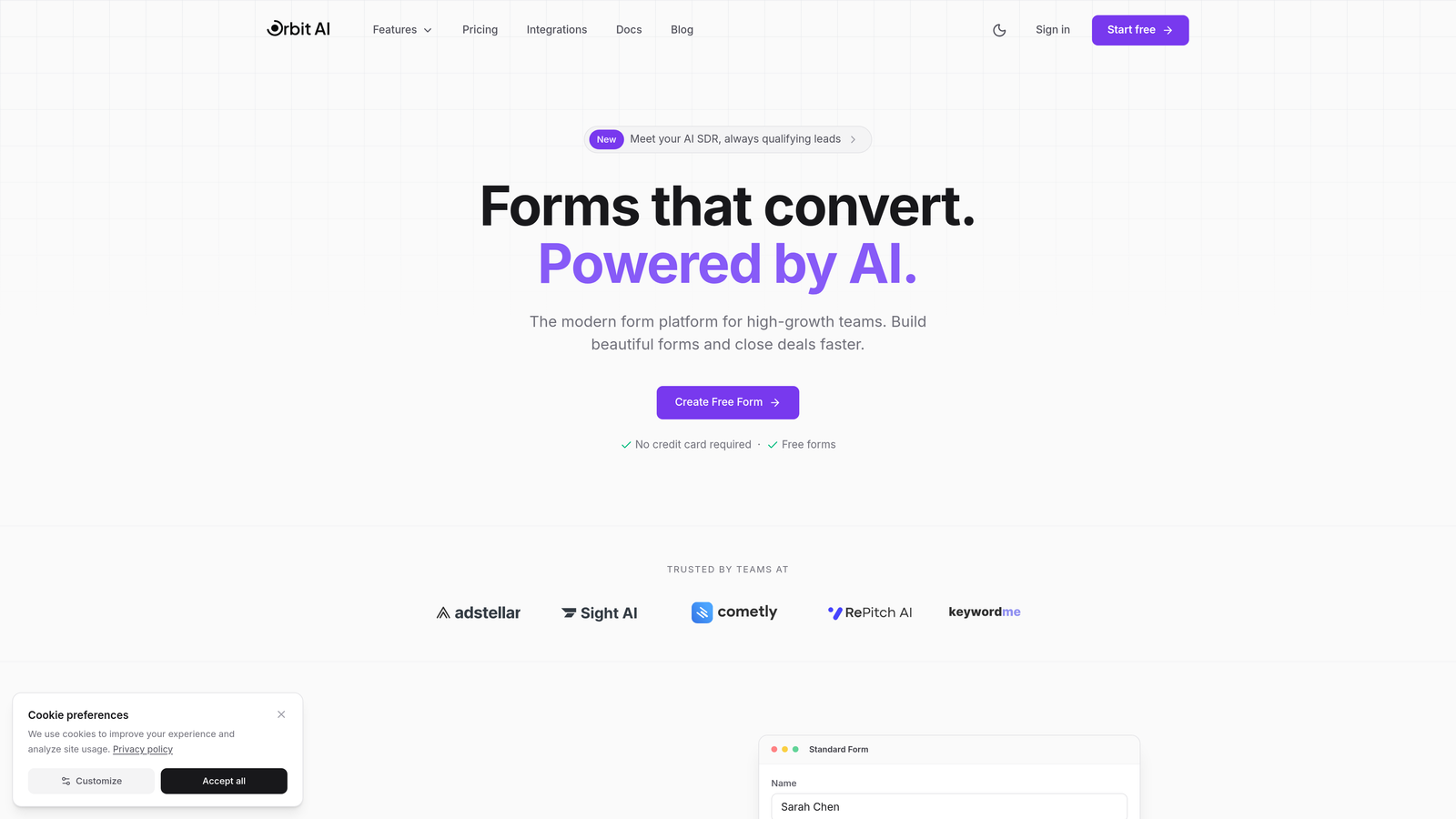
Orbit AI combines form building with intelligent lead qualification and automated follow-up sequences in one platform.
Where This Tool Shines
Most follow-up tools assume you already have leads in your CRM. Orbit AI starts earlier in the funnel by qualifying prospects as they submit forms, then triggering appropriate follow-up sequences based on their responses and behavior. The AI analyzes form submissions in real-time to score lead quality and route high-value prospects to priority sequences.
The platform's workflow automation includes conditional logic that adapts follow-up cadence and messaging based on engagement signals. If a lead opens your first email but doesn't click, the system automatically adjusts the next touchpoint. This creates a more intelligent follow-up experience than static email sequences.
Key Features
AI-Powered Lead Qualification: Automatically scores and segments leads based on form responses and behavioral signals.
Automated Follow-Up Sequences: Trigger personalized email sequences immediately after form submission with conditional branching.
Workflow Automation: Build complex automation with conditional logic that adapts to lead behavior and engagement.
Native Integrations: Connect seamlessly with major CRMs, marketing platforms, and sales tools to sync lead data.
Conversion Analytics: Track form performance, sequence engagement, and conversion metrics in a unified dashboard.
Best For
High-growth teams focused on lead generation who want to combine beautiful form experiences with intelligent qualification and follow-up automation. Particularly valuable for companies running multiple lead generation campaigns who need to route and nurture different prospect segments automatically.
Pricing
Pricing is quoted on a short demo, and Orbit has no free plan. Book a demo to see it with your own forms.
2. HubSpot Sales Hub
Best for: Teams wanting an all-in-one CRM with built-in sequences and marketing alignment
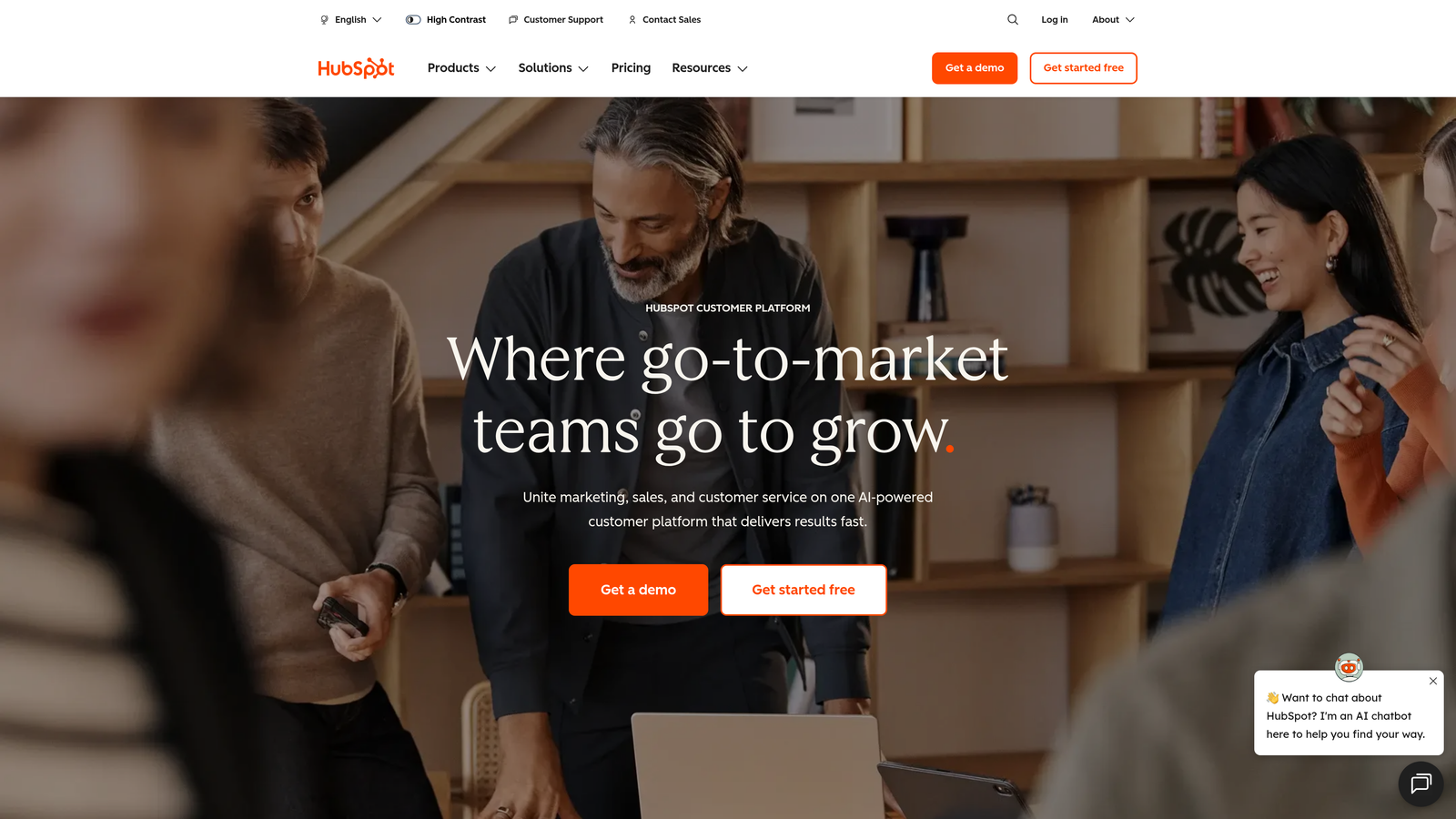
HubSpot Sales Hub offers comprehensive CRM functionality with email sequences, task automation, and deep integration with HubSpot's marketing tools.
Where This Tool Shines
HubSpot's strength lies in its unified platform approach. When marketing captures a lead through a landing page or form, Sales Hub automatically enrolls them in appropriate sequences based on list membership or lead score. The alignment between marketing and sales automation eliminates gaps where leads typically fall through cracks.
The platform's email sequences support personalization tokens that pull data from contact records, making automated outreach feel personal. Combined with automated task creation and meeting scheduling, reps spend less time on administrative work and more time having conversations.
Key Features
Email Sequences: Create automated email series with personalization tokens, delays, and task triggers for manual touchpoints.
Automated Task Creation: Generate follow-up tasks automatically based on deal stage, contact properties, or time-based triggers.
Meeting Scheduler: Share booking links that automatically send confirmation and reminder emails without manual intervention.
Deal Pipeline Automation: Move deals through stages automatically based on activity completion or property changes.
Free CRM Tier: Access core CRM and basic automation features at no cost, making it accessible for smaller teams.
Best For
Companies already using HubSpot Marketing or those wanting a complete sales and marketing platform with strong alignment between teams. Ideal for businesses that value ease of use and extensive educational resources.
Pricing
Free CRM with basic features. Sales Hub Starter begins at $20 per user per month, with Professional and Enterprise tiers offering advanced automation and reporting capabilities.
3. Salesforce Sales Cloud
Best for: Enterprise teams needing highly customizable automation with AI-powered insights
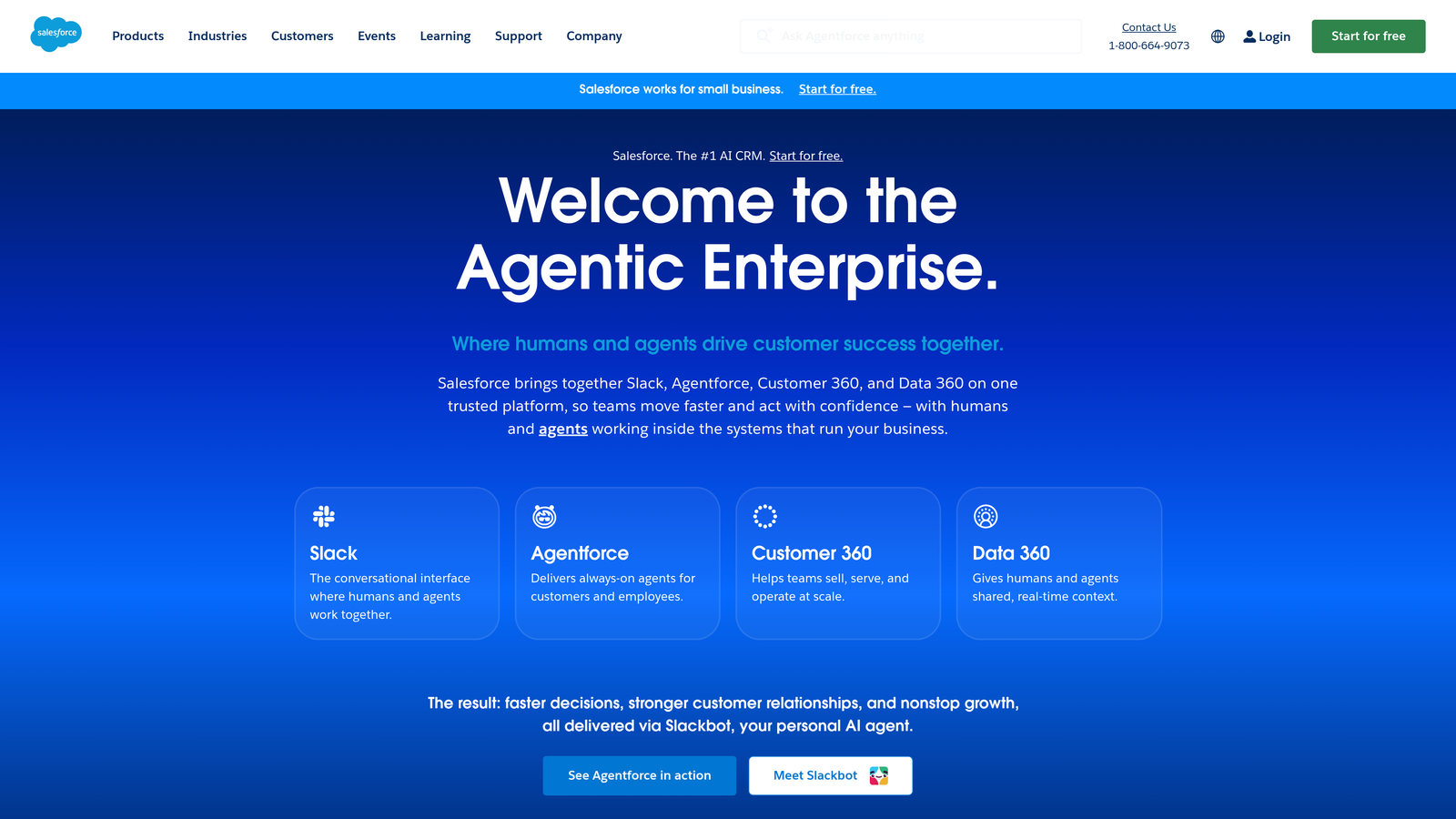
Salesforce Sales Cloud delivers enterprise-grade CRM with Einstein AI for predictive analytics and Flow Builder for complex automation workflows.
Where This Tool Shines
Salesforce's Flow Builder enables automation complexity that other platforms can't match. You can create workflows that incorporate multiple objects, external systems, and decision logic that adapts based on dozens of variables. This makes it possible to automate sophisticated follow-up strategies that consider account hierarchy, opportunity size, product interest, and engagement history simultaneously.
Einstein AI adds predictive intelligence to follow-up timing and messaging. The system analyzes historical data to recommend which leads to prioritize, when to reach out, and which messaging approaches work best for similar prospects. For large sales organizations, this data-driven approach significantly improves conversion rates.
Key Features
Einstein AI: Provides lead scoring, opportunity insights, and next-best-action recommendations based on predictive analytics.
Flow Builder: Create complex automation workflows with visual design tools supporting conditional logic and multi-object updates.
Sales Cadences: Structure engagement sequences combining automated emails, calls, and tasks with manual touchpoints.
AppExchange Ecosystem: Access thousands of pre-built integrations and specialized tools that extend platform capabilities.
Advanced Reporting: Build custom dashboards tracking sequence performance, conversion metrics, and forecast accuracy.
Best For
Large enterprises with complex sales processes, multiple product lines, or sophisticated territory management needs. Best suited for organizations with dedicated Salesforce administrators who can leverage the platform's full customization potential.
Pricing
Essentials edition starts at $25 per user per month for small teams. Enterprise edition at $165 per user per month unlocks advanced automation and AI capabilities most companies need for sophisticated follow-up systems.
4. ActiveCampaign
Best for: Marketing teams wanting powerful visual automation with email sequence expertise
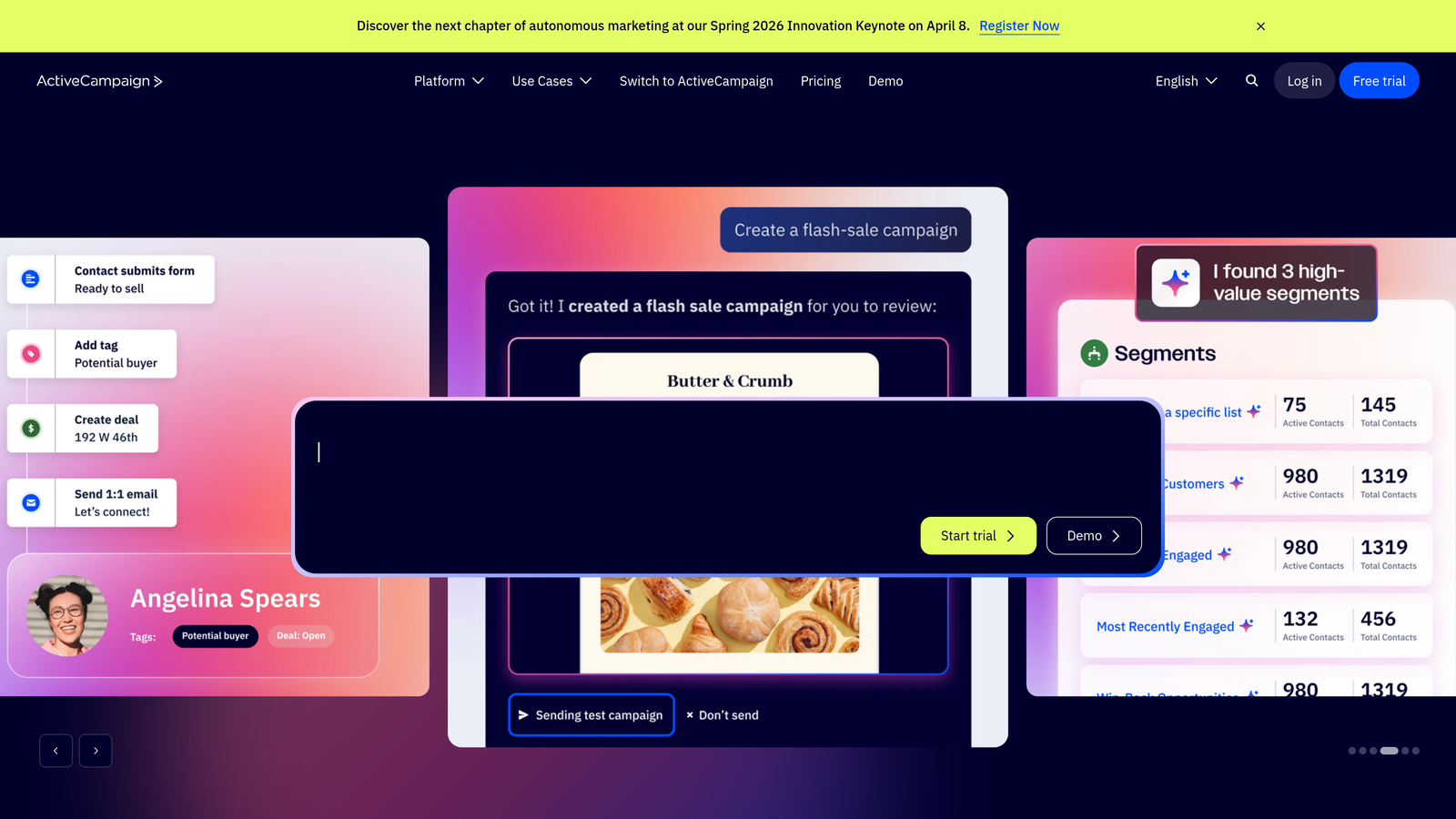
ActiveCampaign combines marketing automation with CRM functionality, featuring a visual workflow builder that makes complex sequences intuitive to create.
Where This Tool Shines
ActiveCampaign's automation builder uses a visual canvas where you drag and drop triggers, conditions, and actions to create workflows. This visual approach makes it easier to design sophisticated nurture sequences that branch based on engagement, lead score changes, or website behavior without writing code or getting lost in configuration menus.
The platform excels at behavioral triggers. When a lead visits your pricing page three times but doesn't convert, the system can automatically enroll them in a sequence addressing common objections. This level of behavioral intelligence creates follow-up that feels responsive rather than robotic.
Key Features
Visual Automation Builder: Design complex workflows on a drag-and-drop canvas with clear visualization of logic flow and branching.
Conditional Logic and Split Testing: Create if/then branches based on any contact property and test different sequence variations automatically.
Lead Scoring and Segmentation: Assign points based on behaviors and demographics, triggering different follow-up based on score thresholds.
CRM with Sales Automation: Manage deals and tasks with automation that creates pipeline activities based on marketing engagement.
Site Tracking: Monitor website visits and trigger follow-up sequences when leads view specific pages or content.
Best For
Marketing-led organizations where lead nurture happens primarily through email, combined with teams that want to visualize automation logic before building it. Strong choice for businesses with longer sales cycles requiring sophisticated nurture sequences.
Pricing
Pricing starts at $29 per month for 1,000 contacts with basic automation. Professional tier at $149 per month unlocks advanced features like predictive sending and split automation testing.
5. Pipedrive
Best for: Sales teams focused on pipeline visibility with automation for repetitive tasks
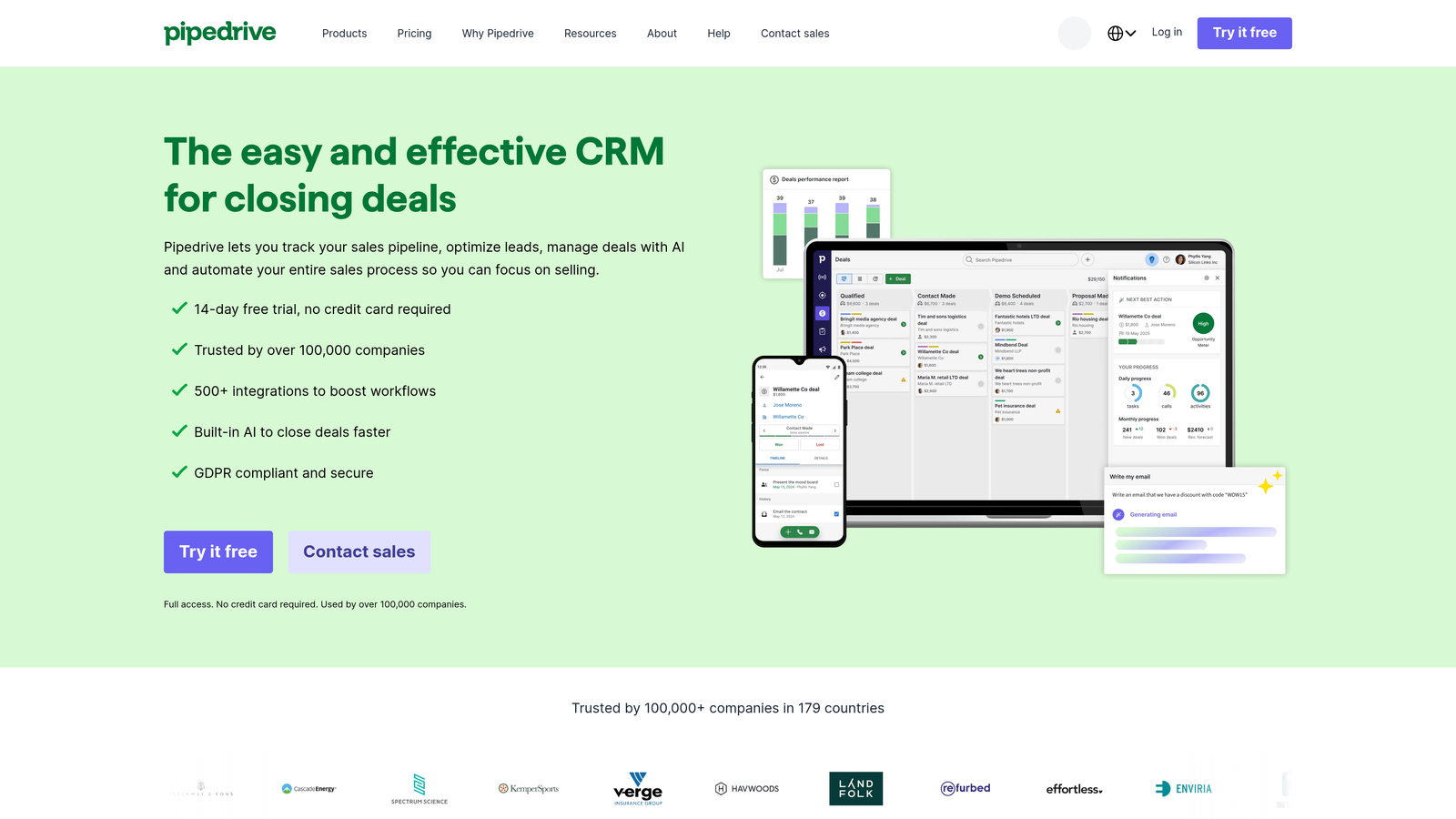
Pipedrive builds its CRM around visual pipeline management, adding workflow automation that eliminates manual busywork while keeping deals moving forward.
Where This Tool Shines
Pipedrive's visual pipeline makes it immediately clear which deals need attention and what actions come next. The automation layer ensures that as deals move through stages, appropriate follow-up activities happen automatically. When a prospect moves to "Proposal Sent," the system creates a follow-up task for three days later and enrolls them in a sequence checking if they have questions.
The platform emphasizes activity-based selling, where consistent follow-up activities drive results. Automation ensures these activities happen on schedule without reps needing to remember or manually create each touchpoint. This systematic approach helps teams maintain consistent follow-up velocity.
Key Features
Visual Deal Pipeline: Drag-and-drop interface showing all opportunities with customizable stages and deal values.
Workflow Automation: Trigger task creation, email sending, or deal updates automatically based on stage changes or time delays.
Email Sequences and Templates: Send automated email series with personalization and track opens, clicks, and replies.
Activity-Based Methodology: Focus on completing scheduled activities that move deals forward rather than just tracking contact information.
Smart Contact Data: Automatically enrich contact records with company information and social profiles to personalize outreach.
Best For
Small to mid-sized sales teams that want simple, visual pipeline management combined with essential automation. Works well for transactional sales with clear stages and predictable follow-up patterns.
Pricing
Essential plan starts at $14 per user per month with basic automation. Advanced plan at $34 per user per month adds workflow automation and email sequences most teams need.
6. Reply.io
Best for: Multi-channel outreach across email, LinkedIn, calls, and SMS from one platform
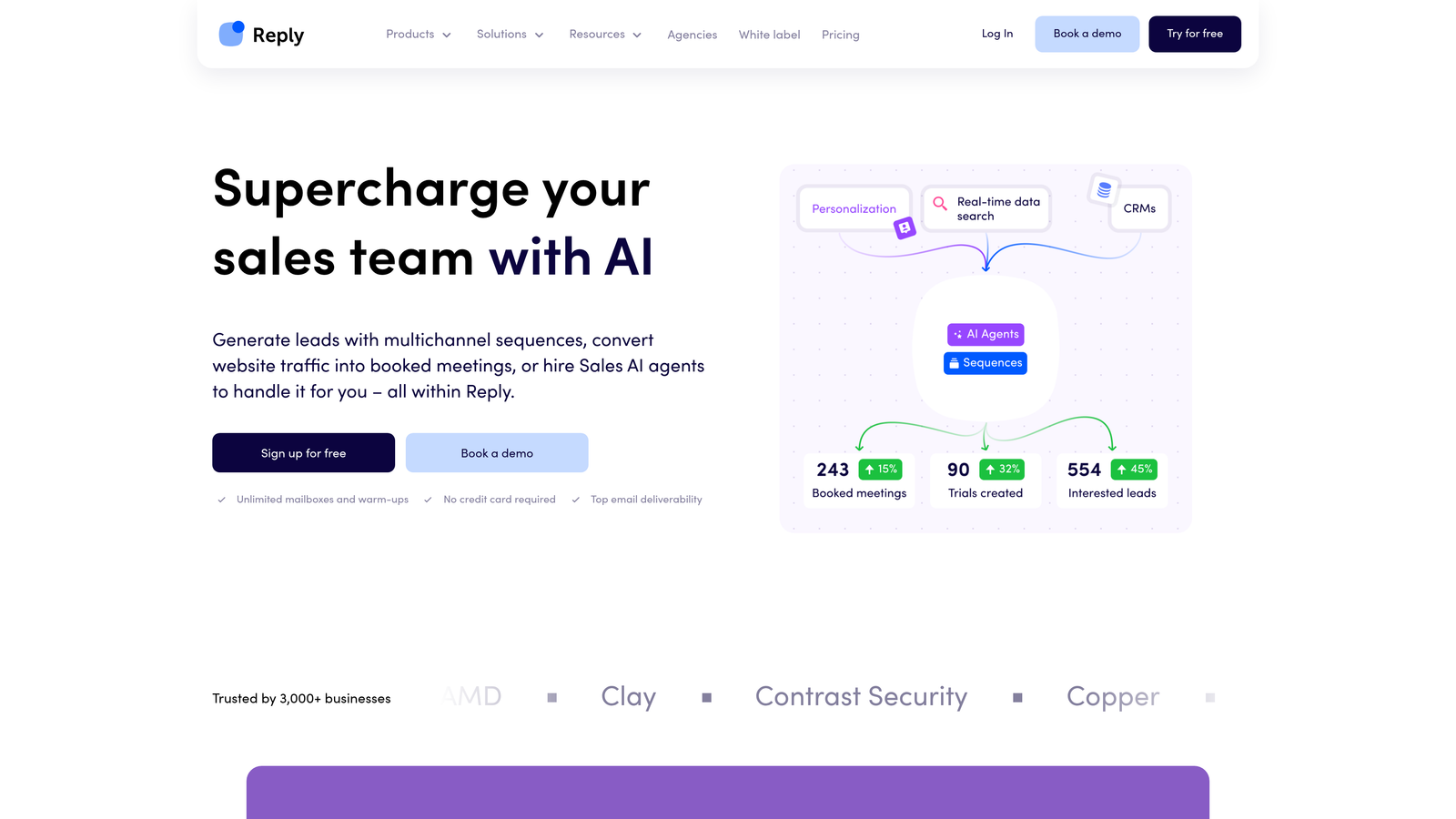
Reply.io specializes in sales engagement with automated sequences that combine multiple communication channels in coordinated campaigns.
Where This Tool Shines
Reply.io's multi-channel approach recognizes that prospects engage differently across channels. A sequence might start with an email, follow up with a LinkedIn connection request, then a phone call, then SMS—all automated based on the prospect's response (or lack thereof) at each step. This orchestrated approach increases touchpoint variety without manual coordination.
The platform's AI email assistant helps optimize messaging by analyzing successful campaigns and suggesting improvements. It can generate subject lines, refine email copy, and recommend sending times based on engagement patterns. This makes it easier to create sequences that actually get responses rather than just sending more emails.
Key Features
Multi-Channel Sequences: Combine email, LinkedIn messages, calls, and SMS in single automated workflows with conditional logic.
AI Email Assistant: Get writing suggestions, subject line optimization, and message improvements based on performance data.
Automatic Response Detection: Identify replies and automatically remove prospects from sequences to prevent awkward continued outreach.
LinkedIn Automation: Send connection requests and messages automatically with safety limits to protect account standing.
Team Collaboration: Share sequence templates, track team performance, and manage prospect ownership across multiple reps.
Best For
Outbound sales teams running coordinated campaigns across multiple channels. Particularly valuable for B2B companies where decision-makers are active on LinkedIn and respond to varied touchpoint types.
Pricing
Plans start at $60 per user per month, positioning it as a mid-market solution for teams serious about multi-channel engagement and willing to invest in sophisticated automation.
7. Instantly
Best for: Cold email at scale with unlimited sending accounts and deliverability focus
Instantly focuses specifically on cold email infrastructure, offering unlimited sending accounts with built-in warmup to maximize inbox placement.
Where This Tool Shines
Instantly solves the deliverability challenge that kills most cold email programs. By distributing sends across multiple email accounts and warming them systematically, the platform maintains sender reputation even when sending high volumes. Each account sends reasonable daily volumes that don't trigger spam filters, while collectively your campaign reaches thousands of prospects.
The unified inbox aggregates responses from all sending accounts, so you don't miss replies buried across dozens of email addresses. This infrastructure approach makes it possible to run cold outreach at scale without burning domains or landing in spam folders.
Key Features
Unlimited Email Accounts: Connect as many sending accounts as needed to distribute volume and protect sender reputation.
Built-In Email Warmup: Automatically warm new accounts with gradual sending increases and engagement simulation.
Campaign Analytics: Track open rates, reply rates, and conversions across all accounts with A/B testing capabilities.
Lead Database: Access built-in prospect database with verification to reduce bounces and improve deliverability.
Unified Inbox: Manage replies from all sending accounts in one interface without switching between email clients.
Best For
Companies running high-volume cold email campaigns where deliverability and infrastructure management are critical concerns. Best for outbound-focused teams with dedicated SDRs sending hundreds of emails daily.
Pricing
Growth plan starts at $37 per month with unlimited email accounts and warmup, making it cost-effective for scaling cold outreach without per-seat pricing.
8. Close CRM
Best for: Inside sales teams wanting calling, SMS, and email built natively into their CRM
Close CRM integrates calling and messaging directly into the platform, eliminating the need to toggle between tools during follow-up.
Where This Tool Shines
Close eliminates the friction of using separate tools for different communication channels. Click a contact and you can immediately call them, send an SMS, or fire off an email without leaving the platform. This native integration means all communication history lives in one timeline, giving you complete context before each touchpoint.
The Power Dialer automates the calling process by dialing numbers sequentially and automatically logging call outcomes. Combined with email and SMS sequences, reps can execute multi-touch follow-up campaigns that feel coordinated rather than scattered across disconnected tools.
Key Features
Built-In Calling: Make and receive calls directly in the CRM with automatic recording and transcription.
Power Dialer: Automatically dial through contact lists with one-click logging and instant next-dial capability.
Native SMS Messaging: Send individual texts or automated SMS sequences without third-party integrations.
Email Sequences: Create automated email series with open and click tracking integrated into contact timelines.
Workflow Automation: Trigger follow-up tasks, sequence enrollment, or pipeline updates based on activities or time delays.
Best For
Inside sales teams making high volumes of calls combined with email and SMS outreach. Particularly strong for B2B sales where phone conversations remain a primary engagement channel.
Pricing
Startup plan at $49 per user per month includes basic calling and sequences. Professional plan at $99 per user per month adds Power Dialer and advanced automation most calling-focused teams need.
9. Lemlist
Best for: Personalized outreach with unique image and video customization at scale
Lemlist differentiates through personalization capabilities that go beyond mail merge, including dynamic images and videos customized for each recipient.
Where This Tool Shines
Lemlist's image personalization creates screenshots, graphics, or photos that include the prospect's name, company logo, or website. When someone receives an email with an image showing their actual website with a personalized annotation, it stops the scroll in a way generic text never could. This visual personalization significantly improves open and response rates.
The platform extends this to video, letting you record one video that dynamically inserts each prospect's name and company details. This creates the appearance of custom videos without recording hundreds of individual clips. Combined with LinkedIn automation and email warmup, it's a complete personalization-focused outreach system.
Key Features
Dynamic Image Personalization: Automatically generate custom images including prospect names, company details, or website screenshots.
Video Personalization: Create video templates that dynamically insert recipient information for scalable custom video outreach.
LinkedIn Automation: Integrate LinkedIn touchpoints into email sequences for coordinated multi-channel campaigns.
Email Warmup (lemwarm): Built-in deliverability tool that warms sending accounts and monitors sender reputation.
Advanced Personalization: Use custom variables, conditional content, and dynamic elements beyond basic mail merge.
Best For
Teams focused on standing out in crowded inboxes through creative personalization. Works especially well for agencies, consultants, and B2B companies where personalized outreach significantly impacts response rates.
Pricing
Email Starter plan begins at $39 per month for basic features. Email Pro at $69 per month unlocks advanced personalization, video capabilities, and higher sending limits.
Finding Your Perfect Follow-Up System
The right automated follow-up system depends on where you need the most help. If you want AI-powered qualification built directly into your lead capture forms, Orbit AI combines beautiful form experiences with intelligent automation from the first touchpoint. For teams wanting an all-in-one platform with strong marketing alignment, HubSpot Sales Hub delivers comprehensive functionality with a generous free tier.
Enterprise organizations with complex processes should consider Salesforce Sales Cloud for its customization depth and predictive AI capabilities. If your strength is in email marketing and you need sophisticated visual workflows, ActiveCampaign excels at behavioral automation. For cold outreach specifically, Reply.io provides multi-channel coordination while Instantly focuses on deliverability infrastructure for high-volume campaigns.
The common thread across successful implementations isn't the tool itself but the strategy behind it. The best systems combine timely outreach (responding within minutes, not hours) with personalization that acknowledges prospect context and behavior. They automate repetitive tasks while preserving opportunities for genuine human connection at critical moments.
Start by mapping your current follow-up process and identifying where leads fall through cracks. Is it slow initial response? Inconsistent follow-up after the first touch? Lack of personalization at scale? Choose the tool that solves your specific bottleneck rather than the one with the longest feature list.
Transform your lead generation with AI-powered forms that qualify prospects automatically while delivering the modern, conversion-optimized experience your high-growth team needs. Book a demo and see how intelligent form design can elevate your conversion strategy.