If your forms live on a separate page, you're losing conversions. Every redirect adds friction, and friction kills momentum. Embeddable form builders solve this by letting you drop lead capture, qualification, and survey forms directly into your website, keeping visitors in context and moving through your funnel.
But not all embed experiences are created equal. Some tools offer a basic iframe with limited styling control. Others give you pixel-perfect customization, conditional logic, and AI-powered lead qualification that works seamlessly inside your existing pages.
This list covers the best embeddable form builders available in 2026, evaluated on embed flexibility, design control, logic capabilities, integrations, and pricing. Whether you're a SaaS team qualifying inbound leads, a marketing agency building client campaigns, or a B2B company capturing demo requests, there's a tool here that fits your stack.
1. Orbit CRM
Best for: High-growth SaaS and B2B teams that need AI-powered lead qualification built directly into the form flow
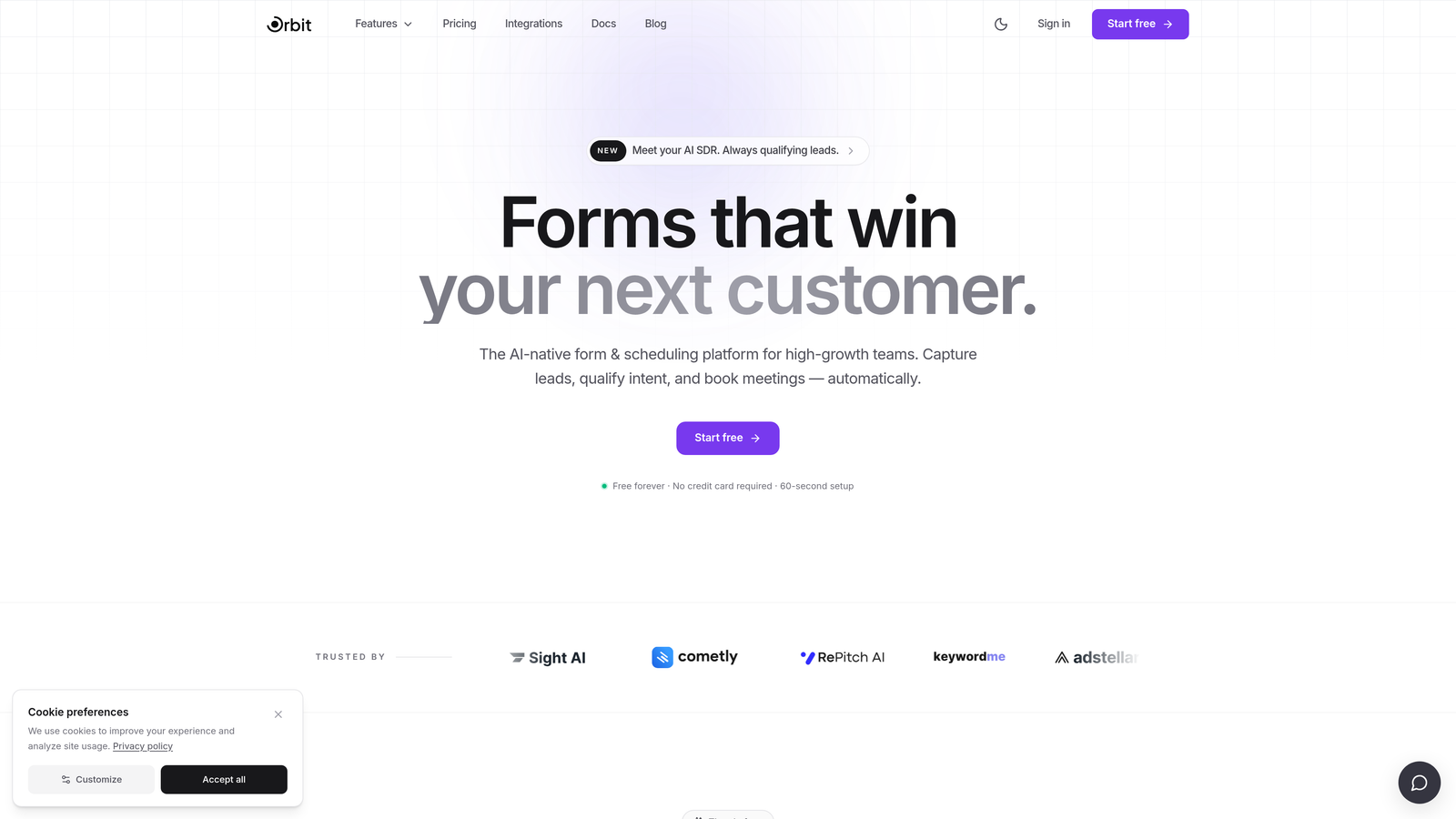
Orbit CRM is an AI-powered embeddable form builder designed specifically for conversion-focused lead generation and qualification.
Where This Tool Shines
Most form tools capture lead data and pass it downstream for qualification. Orbit CRM flips that model. The AI qualification layer runs inside the form flow itself, so by the time a submission hits your CRM, it already carries intent signals, routing logic, and lead scores. For high-growth teams managing large inbound volumes, this changes how quickly sales can act.
The embed is a lightweight JavaScript snippet that inherits your site's styling and stays fully responsive on mobile. You're not fighting an iframe's constraints. You're working with a form that feels native to your page, because it essentially is.
Key Features
AI Lead Qualification: Qualification logic runs inside the form flow, not post-submission, so leads arrive pre-scored and pre-routed.
Lightweight JS Embed: Full styling control and responsive design without the limitations of an iframe-based approach.
Conditional Logic and Dynamic Fields: Personalize the form experience in real time based on how respondents answer earlier questions.
Conversion-Optimized Templates: Pre-built templates designed specifically for lead gen, demo requests, and sales qualification flows.
CRM and Sales Workflow Integrations: Built to connect with the tools high-growth teams already use, so qualified leads flow directly into your pipeline.
Best For
SaaS companies and B2B teams with meaningful inbound volume who want to qualify leads at the form level rather than relying on manual review or post-submission scoring. Particularly strong for teams running demo request flows, gated content, or multi-step qualification sequences.
Pricing
See current plans at useorbitcrm.ai. Pricing is designed for growing teams with scalable options as your form volume increases.
2. Typeform
Best for: Teams that want a polished, conversational form experience with strong brand customization
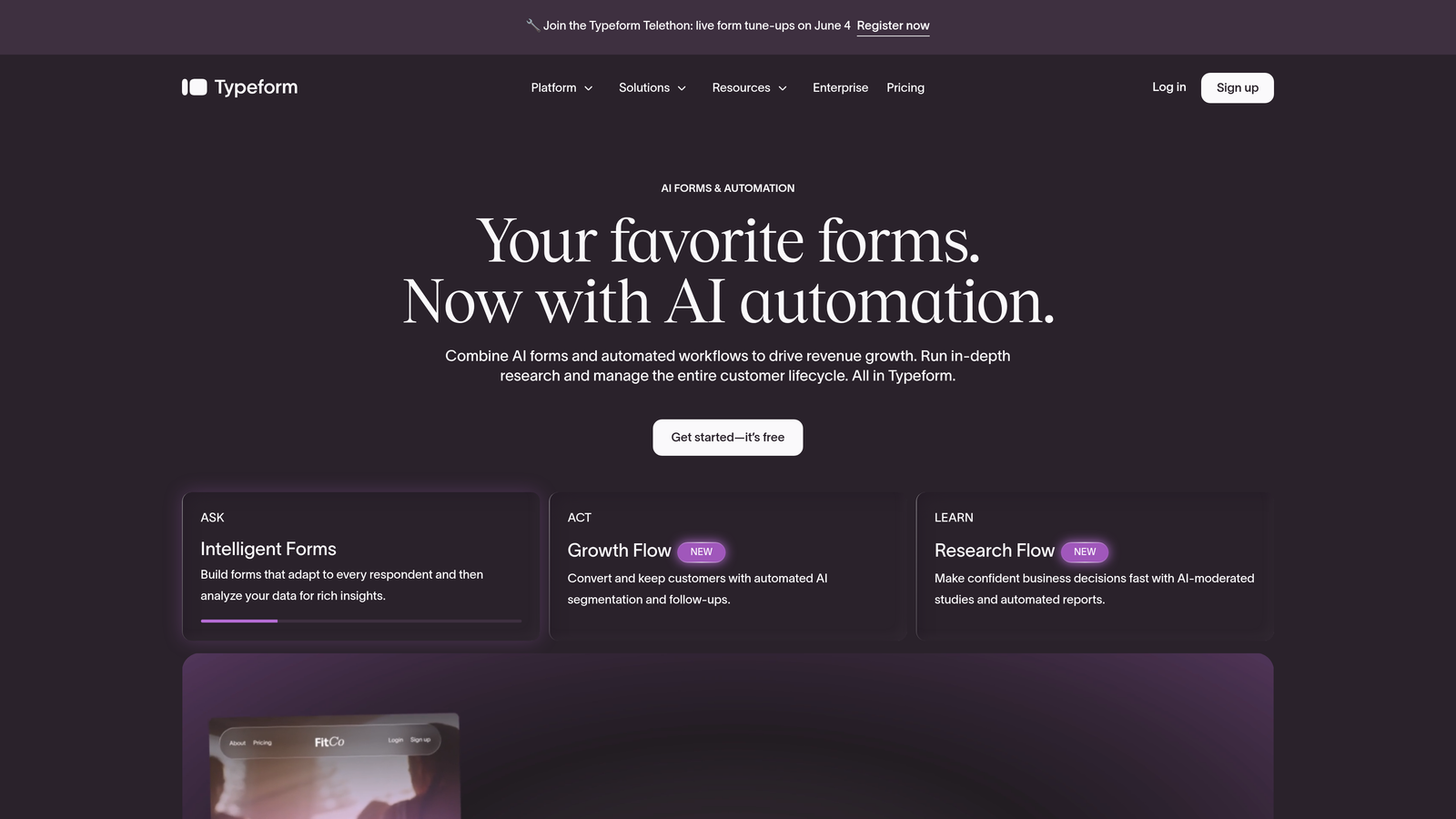
Typeform is a conversational form builder known for its one-question-at-a-time UX and versatile embed options.
Where This Tool Shines
Typeform's signature format, presenting one question at a time, makes forms feel less like a chore and more like a conversation. For brand-sensitive use cases where first impressions matter, this approach tends to create a more engaging experience than a traditional multi-field form layout.
The embed flexibility is genuinely strong. You can choose between inline embeds, popup triggers, slider panels, and full-page takeovers, giving you real control over how the form enters the user's experience rather than just dropping it into a page.
Key Features
Multiple Embed Modes: Inline, popup, slider, and full-page takeover options let you match the embed style to your page design and conversion goal.
Conversational UX: One-question-at-a-time format reduces perceived form length and can improve completion rates for longer forms.
Brand Customization: Custom fonts, colors, and backgrounds on paid plans let you match forms closely to your brand identity.
Conditional Logic and Answer Piping: Available on paid plans, allowing dynamic question paths and personalized language based on earlier answers.
Integration Library: Connects with HubSpot, Salesforce, Zapier, and a wide range of other tools.
Best For
Marketing teams and agencies focused on brand experience, survey-heavy use cases, or lead gen flows where a polished, conversational feel is a priority. Less ideal for teams that need AI-level qualification logic or very high submission volumes on tighter budgets.
Pricing
Free tier available. Paid plans start at approximately $25/month. Verify current pricing at typeform.com.
3. HubSpot Forms
Best for: Teams already using HubSpot CRM who want zero-friction form-to-contact sync
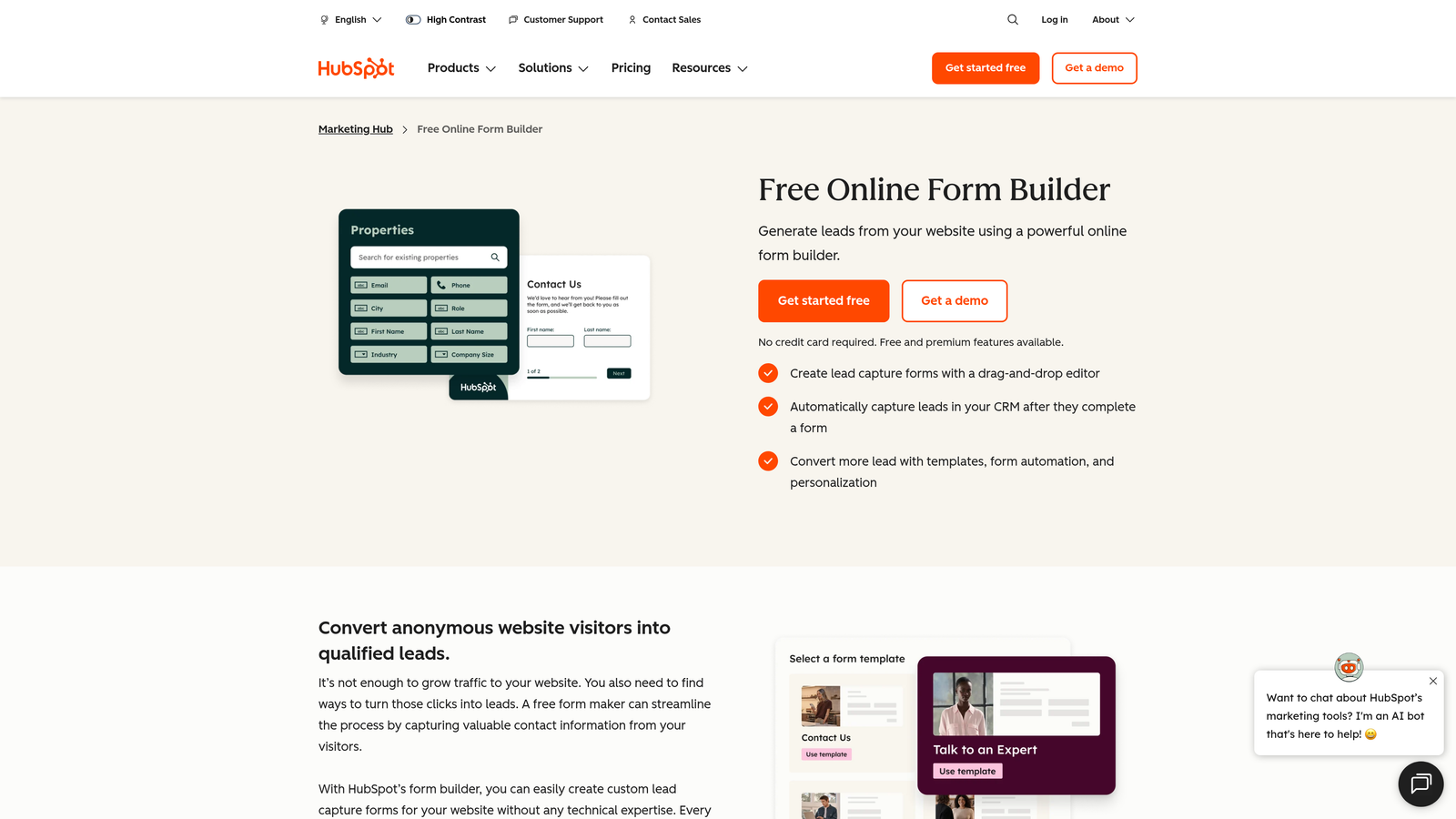
HubSpot Forms is the native form tool inside HubSpot's Marketing Hub, built to embed on any site with direct CRM sync.
Where This Tool Shines
If you're already paying for HubSpot, the forms tool is one of the best-integrated options available. Submissions automatically create or update contact records, trigger workflows, and feed into your reporting, with no Zapier connections or manual CSV imports required.
The progressive profiling feature is a standout capability. For returning visitors who are already in your CRM, the form intelligently swaps out fields you already know for fields you don't, so repeat visitors aren't asked for their company name twice. It's a small detail that meaningfully improves the experience.
Key Features
Zero-Setup CRM Sync: Submissions instantly become contacts and trigger workflows in HubSpot with no third-party connector needed.
Progressive Profiling: Known fields are replaced with new questions for returning visitors, enriching contact data over time.
Flexible Embed: Deploy via HubSpot's JS snippet on any website, CMS, or landing page builder.
Smart Form Fields: Fields adapt based on existing contact record data, reducing redundancy.
Free with HubSpot CRM: Available at no additional cost within HubSpot's free tier.
Best For
Teams already invested in the HubSpot ecosystem. If you're not using HubSpot, the forms tool alone isn't a compelling reason to start. For HubSpot users, it's an obvious default choice for any lead capture or contact enrichment flow.
Pricing
Free with HubSpot CRM. Advanced features are included in Marketing Hub paid plans. Verify current pricing at hubspot.com.
4. Jotform
Best for: Teams that need feature depth: payments, e-signatures, approval workflows, and a massive template library
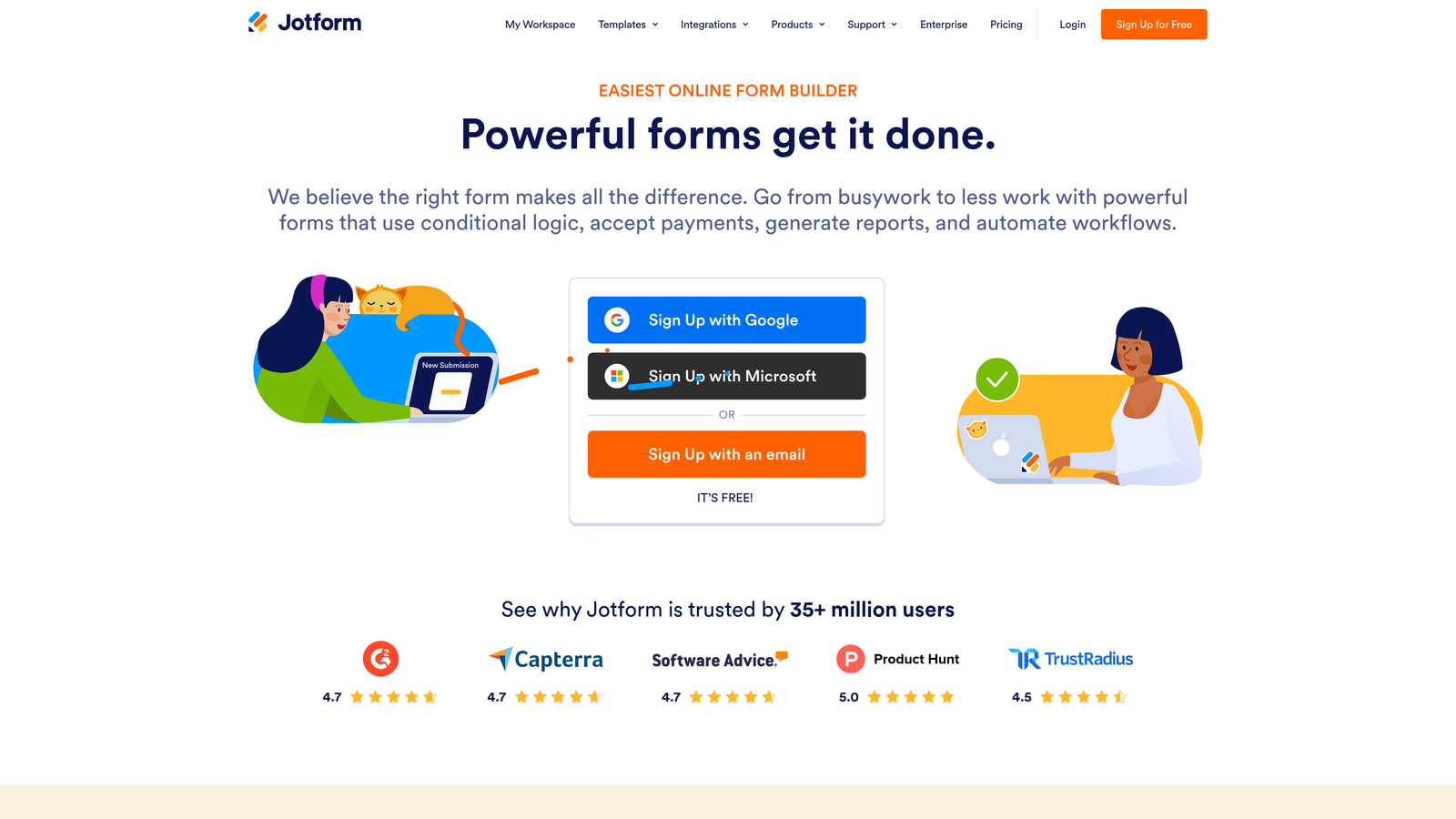
Jotform is one of the most feature-rich form builders available, with support for complex workflows well beyond basic lead capture.
Where This Tool Shines
Jotform's breadth is its defining characteristic. While many form tools focus on one or two use cases, Jotform covers nearly everything: lead gen, payment collection, e-signatures, approval workflows, booking forms, and more. If your team handles diverse form needs across departments, Jotform can consolidate a lot of that under one roof.
The template library, with over 10,000 options, is genuinely useful rather than just a marketing number. Finding a starting point for almost any use case is fast, which reduces build time significantly for teams managing multiple campaigns or client projects.
Key Features
Multiple Embed Options: Deploy via iframe, JavaScript snippet, or a dedicated WordPress plugin depending on your setup.
Deep Conditional Logic: Branching, skip rules, and calculation fields for complex, multi-path form experiences.
Built-In Payment Collection: Accept payments through Stripe, PayPal, and Square directly inside forms.
10,000+ Templates: Pre-built starting points for virtually every industry and use case.
Approval Workflow Builder: Route form submissions through multi-step review and approval processes.
Best For
Operations teams, agencies, and businesses with diverse form needs spanning multiple departments or use cases. The free tier is limited (5 forms, 100 submissions per month), so growing teams will need a paid plan relatively quickly.
Pricing
Free tier available. Paid plans start at approximately $34/month. Verify current pricing at jotform.com.
5. Tally
Best for: Early-stage startups and indie makers who want a genuinely unlimited free tier with clean embed options
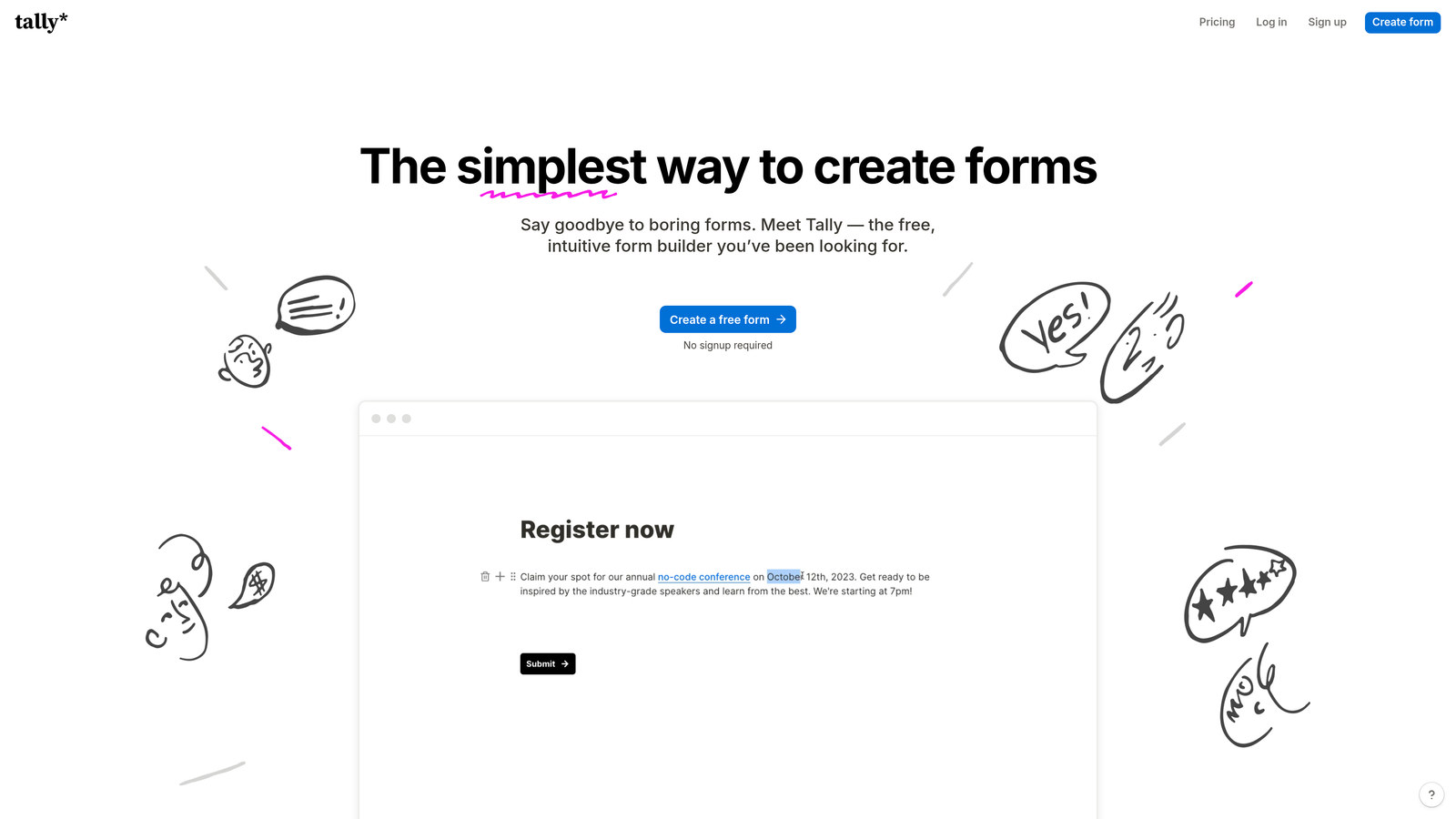
Tally is a Notion-inspired form builder with an unusually generous free plan and a lightweight, intuitive building experience.
Where This Tool Shines
Tally's free tier is the real story here. Unlimited forms and unlimited submissions at no cost is a meaningful differentiator in a market where most tools cap free usage aggressively. For early-stage teams watching every dollar, that's a compelling starting point.
The Notion-like block editor makes building forms feel natural for anyone already comfortable in that environment. It's not the most powerful tool on this list, but the combination of generous free access, clean design, and solid conditional logic makes it punch above its weight class for the price.
Key Features
Truly Unlimited Free Tier: No caps on forms or submissions at the free level, which is rare in this category.
Flexible Embed Options: Embed via iframe or script tag on any website or platform.
Notion-Style Block Editor: Intuitive drag-and-drop building experience familiar to Notion users.
Conditional Logic on Free Plan: Multi-page forms and conditional logic are available without upgrading.
Fast-Loading Embeds: Lightweight by design, which keeps page performance strong.
Best For
Early-stage startups, indie makers, and small teams with straightforward form needs who want maximum capability at zero cost. Teams needing advanced lead qualification or deep CRM integrations will likely outgrow Tally and want to evaluate more purpose-built tools.
Pricing
Free tier with unlimited forms and submissions. Pro plan approximately $29/month. Verify current pricing at tally.so.
6. Paperform
Best for: Teams that want design-rich forms that work as both embeddable widgets and standalone branded pages
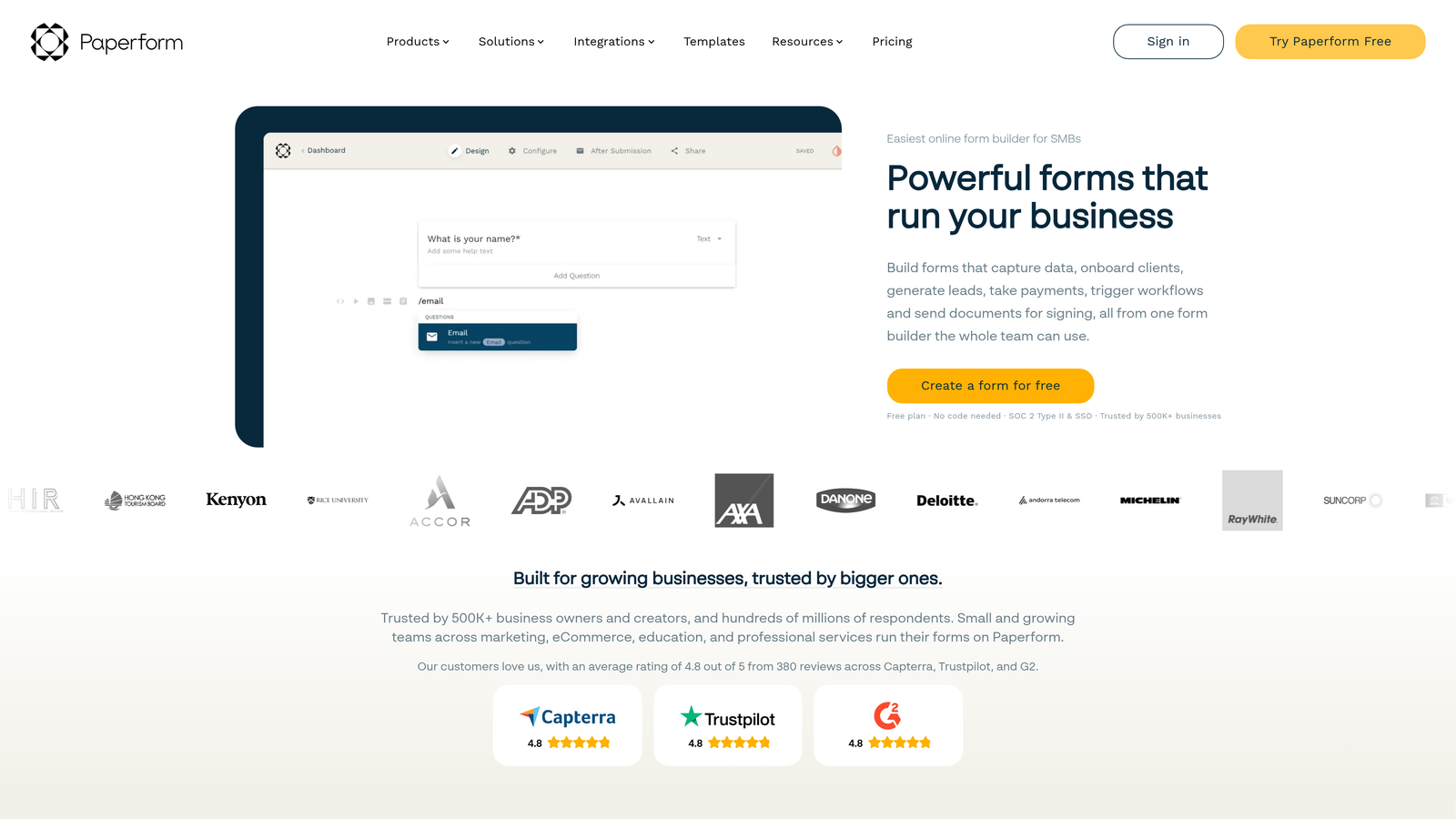
Paperform is a design-forward form builder where forms function as polished branded pages as much as they function as embed widgets.
Where This Tool Shines
Paperform sits at an interesting intersection: it's part form builder, part mini landing page tool. You can embed it on your site, but the forms also stand on their own as visually rich, branded experiences. Rich media support, including images, videos, and product listings inside the form itself, makes it particularly strong for product-focused or e-commerce-adjacent use cases.
The design customization is accessible without requiring CSS knowledge, which matters for teams without dedicated developers. You can create something that looks genuinely custom without touching a line of code.
Key Features
Rich Media Support: Embed images, videos, and product listings directly inside the form experience.
Dual-Mode Deployment: Works as both a standalone branded page and an inline embedded widget.
Built-In Payments: Accept payments and sell products directly through form submissions.
Conditional Logic and Calculations: Dynamic form paths and calculation fields for more complex use cases.
No-Code Design Customization: Strong visual control without requiring CSS or developer involvement.
Best For
Small businesses, creators, and teams with multi-purpose form needs that blend lead capture, product sales, and brand presentation. Less focused on pure lead gen pipeline optimization compared to tools like Orbit CRM.
Pricing
Starts at approximately $24/month. Verify current pricing at paperform.co.
7. Gravity Forms
Best for: WordPress-native teams that want deep integration, an extensive add-on ecosystem, and annual licensing
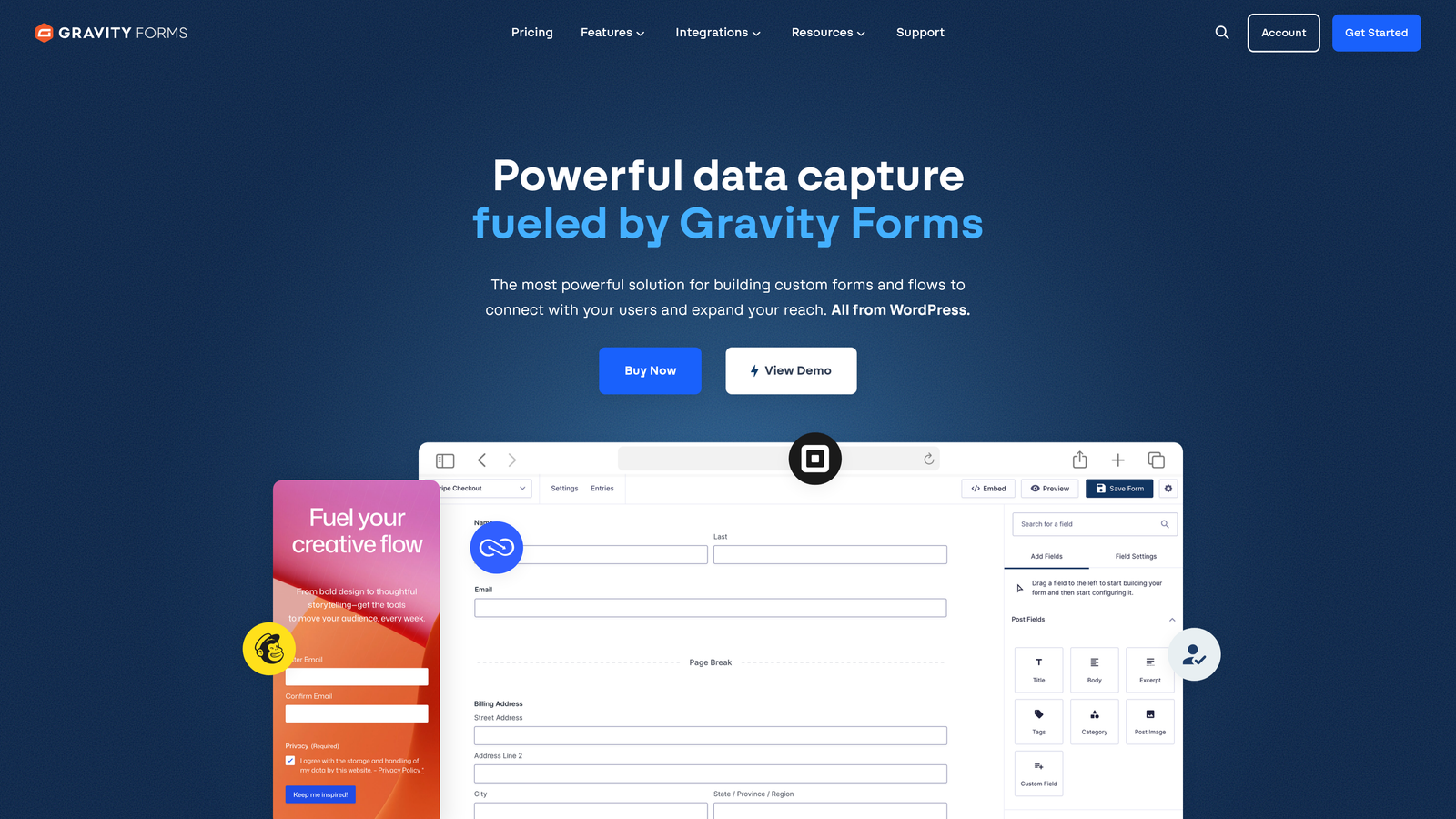
Gravity Forms is the industry-standard form plugin for WordPress, with a developer-friendly architecture and a mature add-on library.
Where This Tool Shines
If your site runs on WordPress, Gravity Forms is the default recommendation for serious form work. Forms render natively inside any page or post, which means full theme inheritance, no iframe constraints, and complete control over how the form looks and behaves within your existing design system.
The add-on ecosystem is extensive and well-maintained. Connections to HubSpot, Stripe, Mailchimp, Zapier, and many others are available as official add-ons, and the developer hooks and filters make custom integrations straightforward for teams with engineering resources.
Key Features
WordPress-Native Rendering: Forms embed natively in pages and posts, inheriting your theme's styles without iframe limitations.
Conditional Logic and Multi-Page Forms: Built-in support for complex form flows, file uploads, and branching paths.
Extensive Add-On Library: Official integrations with HubSpot, Stripe, Mailchimp, Zapier, and more.
Developer-Friendly Architecture: Hooks, filters, and custom field types give developers full control over form behavior.
Annual License Model: Pay once per year with no per-submission fees, which can be cost-effective at scale.
Best For
WordPress teams, agencies managing client WordPress sites, and developers who want maximum control. Not applicable for non-WordPress sites, and the annual license model requires a bit more upfront commitment than month-to-month SaaS tools.
Pricing
Starts at approximately $59/year. Verify current pricing at gravityforms.com.
8. Fillout
Best for: Ops-heavy teams that need native connections to Notion, Airtable, Supabase, or Google Sheets
Fillout is an embeddable form builder with standout native database integrations that eliminate the need for middleware connectors.
Where This Tool Shines
Fillout's differentiator is its native database connectivity. While most form tools route data through Zapier or Make to reach Notion or Airtable, Fillout connects directly. For operations teams managing complex data workflows, removing that middleware layer reduces latency, simplifies troubleshooting, and cuts costs on automation platforms.
The scheduling and booking capabilities built into the platform are also worth noting. For teams that need forms to do double duty as appointment or meeting request tools, having that functionality native rather than bolted on via integration is a genuine convenience.
Key Features
Native Database Integrations: Direct connections to Notion, Airtable, Supabase, and Google Sheets without Zapier as an intermediary.
Inline Embed with Conditional Logic: Multi-step forms with branching logic that embed cleanly on any website.
Built-In Scheduling: Booking and appointment scheduling capabilities available natively inside forms.
Modern, Responsive UI: Clean design with solid mobile performance out of the box.
Free Tier Available: A functional starting point for teams evaluating the tool before committing.
Best For
Operations teams, product teams, and no-code builders who work heavily in Notion, Airtable, or Supabase and want form data to flow directly into those systems. Also a strong fit for teams that need scheduling alongside standard form capture.
Pricing
Free tier available. Paid plans start at approximately $15/month. Verify current pricing at fillout.com.
9. Google Forms
Best for: Internal use cases where cost is the only constraint and brand experience doesn't matter
Google Forms is a completely free, zero-setup form tool that embeds via iframe and routes data automatically to Google Sheets.
Where This Tool Shines
The honest answer is that Google Forms shines when the budget is zero and the use case is internal. Employee surveys, event RSVPs, quick feedback forms for a team, internal request intake: these are the scenarios where Google Forms makes complete sense. It requires no setup, no account beyond a standard Google account, and no learning curve.
The Google Sheets integration is seamless. Every submission appears in a connected spreadsheet automatically, which is genuinely useful for teams already living in Google Workspace.
Key Features
Completely Free: No cost, no submission limits, no upgrade required for any Google account holder.
Instant iframe Embed: Generate an embed code in seconds with no technical configuration required.
Automatic Google Sheets Sync: All submissions route directly to a connected spreadsheet.
Basic Skip Logic: Simple branching available for directing respondents to different sections.
Google Infrastructure Reliability: Backed by Google's uptime and security standards.
Best For
Internal teams, educators, and anyone with a simple, low-stakes data collection need. Not suitable for brand-sensitive external forms, conversion-optimized lead gen, or any use case where styling control, advanced logic, or CRM integration matters.
Pricing
Free with any Google account.
Which Tool Is Right for Your Team?
The right embeddable form builder depends on what you're optimizing for. Here's a quick breakdown to help you land on the right fit.
If you're a SaaS or B2B team focused on qualifying inbound leads and routing them to sales without manual review, Orbit CRM is the clear choice. The AI qualification layer running inside the form flow is a capability you won't find in most tools on this list, and the lightweight JS embed keeps your page experience clean and fast.
If brand experience and conversational UX are your top priorities, Typeform delivers a polished, engaging form format that stands out. For teams already deep in the HubSpot ecosystem, HubSpot Forms is the obvious default given the seamless CRM sync and progressive profiling.
Need maximum feature breadth across payments, workflows, and approvals? Jotform covers more ground than almost any other tool here. Working on a tight budget or just getting started? Tally's unlimited free tier is hard to beat. Running WordPress? Gravity Forms is the industry standard for good reason. Working heavily in Notion or Airtable? Fillout eliminates the middleware friction. And if you just need something free for internal use, Google Forms gets the job done.
For high-growth teams serious about conversion, the gap between a basic form and an intelligent, embedded qualification flow is where deals are won or lost. Book a demo and see how AI-powered lead qualification at the form level can transform your inbound pipeline.