Client intake form software replaces emailed PDFs and copy-paste onboarding with a structured online form that collects new-client details, qualifies the inquiry, and kicks off whatever comes next — a contract, a booking link, a CRM record. The right pick depends mostly on what you do: law firms should look at purpose-built tools like Clio Grow, anyone touching health information needs a HIPAA-compliant option like JotForm or Formstack, and solo creatives usually get more from an all-in-one like Dubsado or HoneyBook than from a generic form builder.
Nine tools are worth shortlisting in 2026. I've judged them on how fast you can ship a working form, what happens to a submission after it lands (routing, qualification, follow-up), and whether the pricing survives a growing inquiry list. If you're still working out what to collect in the first place, start with what an intake form actually needs to do and come back.
1. Orbit CRM
Best for: Service businesses with more inquiries than time, where qualifying leads matters as much as collecting them
Orbit CRM treats the intake form as the top of your sales funnel rather than a filing cabinet. You build a standard or conversational (one-question-at-a-time) form, and an AI qualification agent scores and routes each submission against your criteria — so a serious project inquiry doesn't sit in the same queue as someone fishing for a free consult.
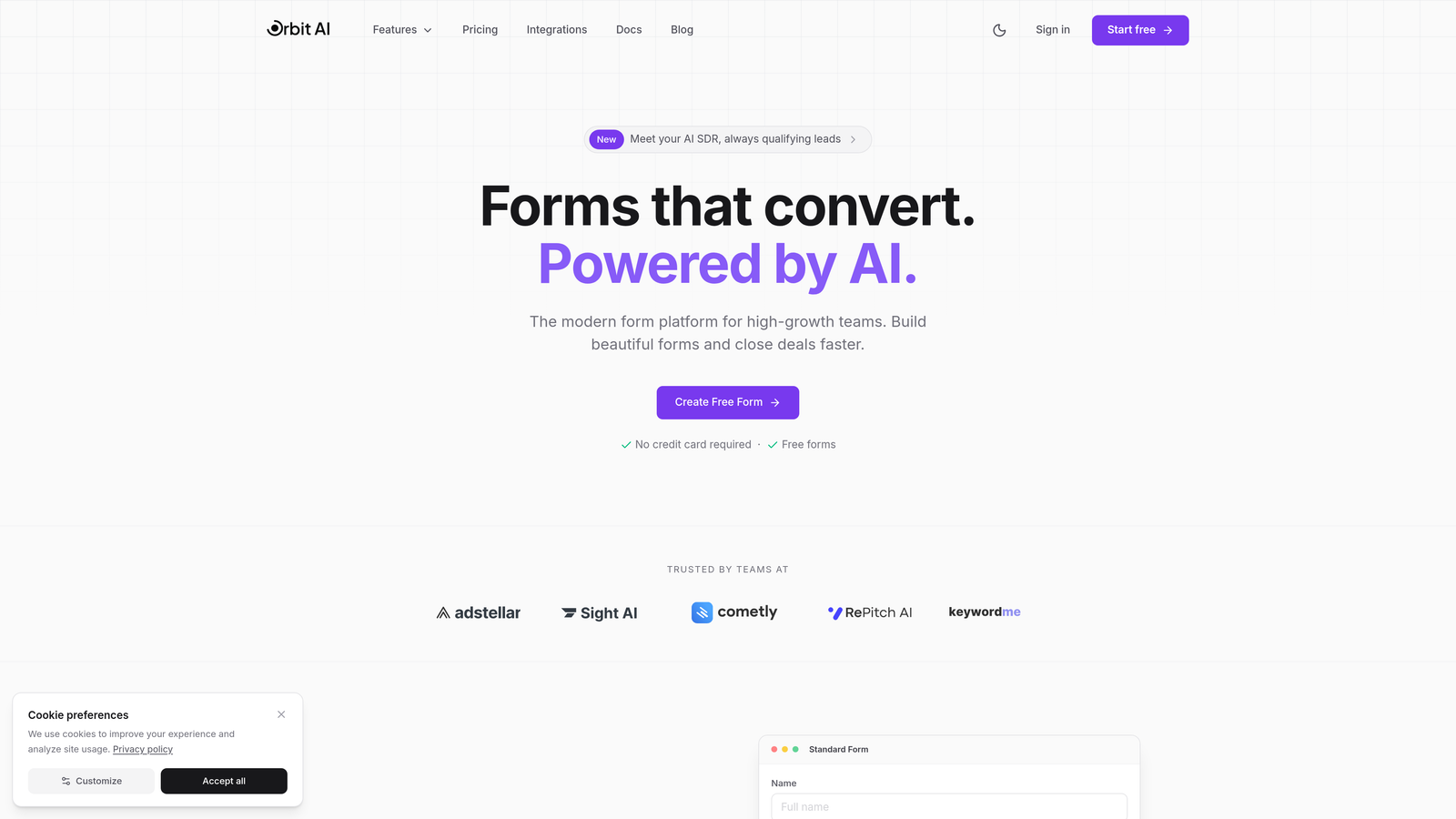
The pieces intake workflows usually bolt on later are already in the box: a meeting scheduler for discovery calls, email sequences for follow-up, workflow automation, and around 30 CRM integrations (Salesforce, HubSpot, Pipedrive, and Zoho among them). Conditional logic, analytics, and conversion-focused templates round it out.
It's aimed squarely at lead-driven service businesses, not regulated industries — if you need HIPAA compliance for patient intake, look further down this list. There's no free plan, and pricing is quoted on a short demo.
2. Typeform
Best for: Long intake questionnaires where brand impression matters
Typeform shows one question at a time, which sounds like a gimmick until you watch what it does to completion on a 20-field intake form. Breaking the wall of fields into a conversation makes long questionnaires feel manageable, and logic jumps spare people the questions that don't apply to them.
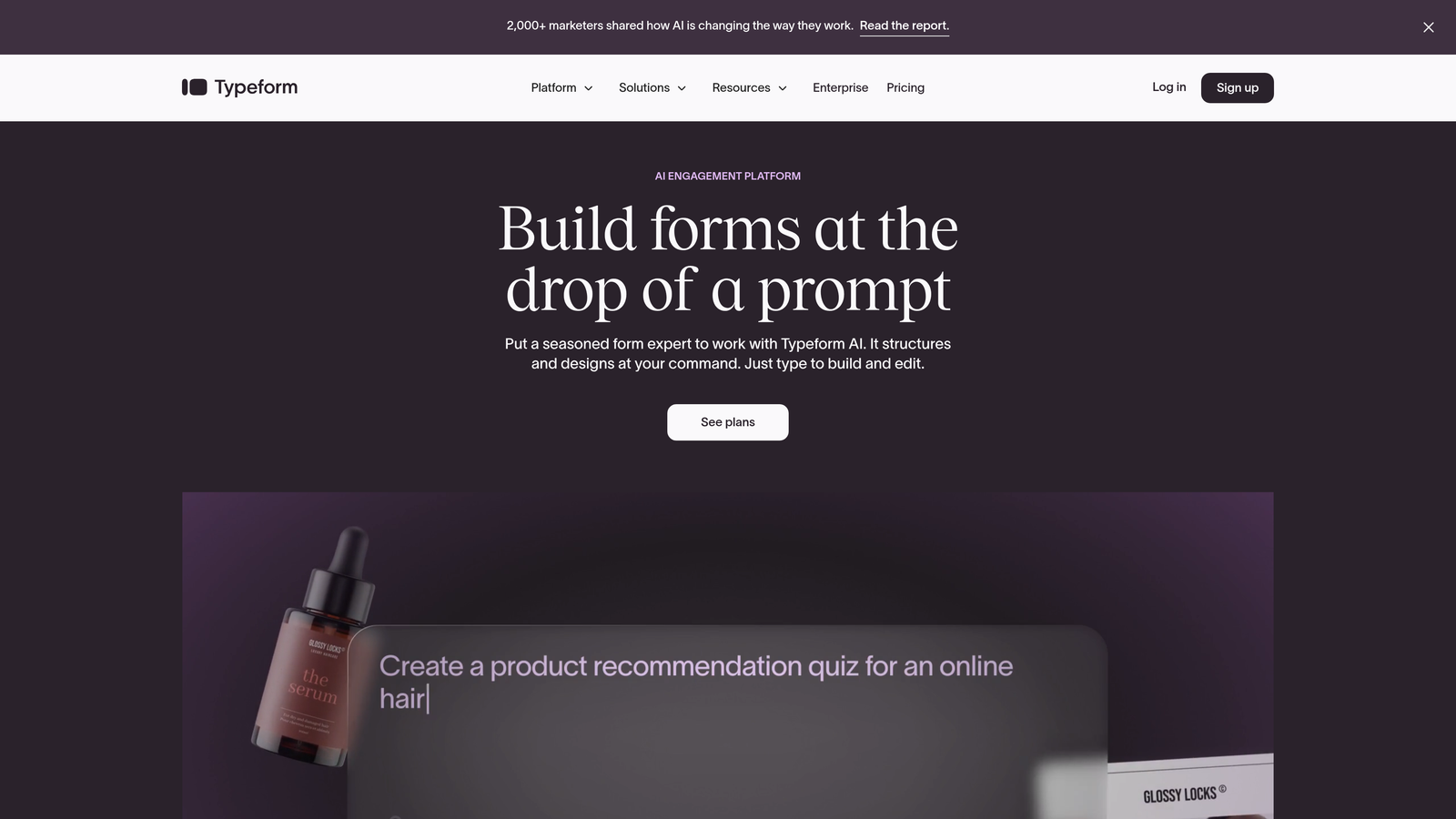
Brand customization is the other reason to choose it: your colors, your fonts, embedded video, nothing that screams "third-party form tool." The trade-off is that Typeform is a form tool and only a form tool — contracts, invoices, and pipeline tracking all live somewhere else. Free tier with Typeform branding; paid plans start at $25/month.
3. JotForm
Best for: HIPAA-compliant patient intake, and anyone who'd rather adapt a template than start blank
JotForm's library of 10,000+ templates means the dental intake form, legal consultation questionnaire, or therapy questionnaire you need probably already exists and just needs your logo. For healthcare providers it offers HIPAA-compliant forms with proper encryption and data handling — a common default for medical and therapy intake.
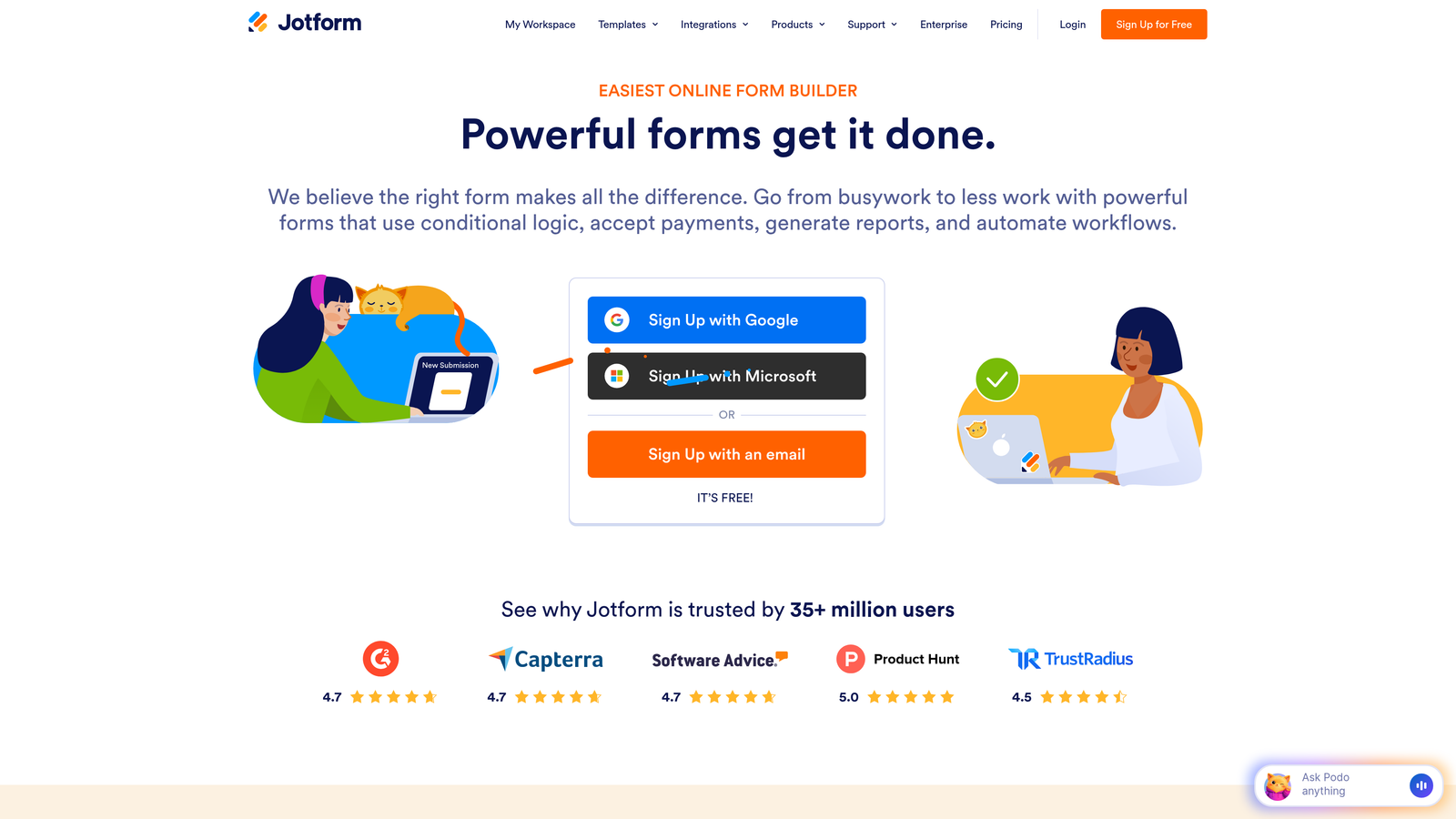
It also handles e-signatures for consent forms, payment collection during intake, and — genuinely useful at a front desk — an offline mobile app that syncs tablet submissions once a connection returns. Free tier with limited submissions; paid plans start at $34/month.
4. Clio Grow
Best for: Law firms that want intake and lead management in one legal-specific system
Clio Grow is built around how legal intake actually works: conflict checking, engagement letter workflows, and the case details a firm needs before deciding whether to take a matter. Generic form builders make you reconstruct all of that yourself. Clio ships it.
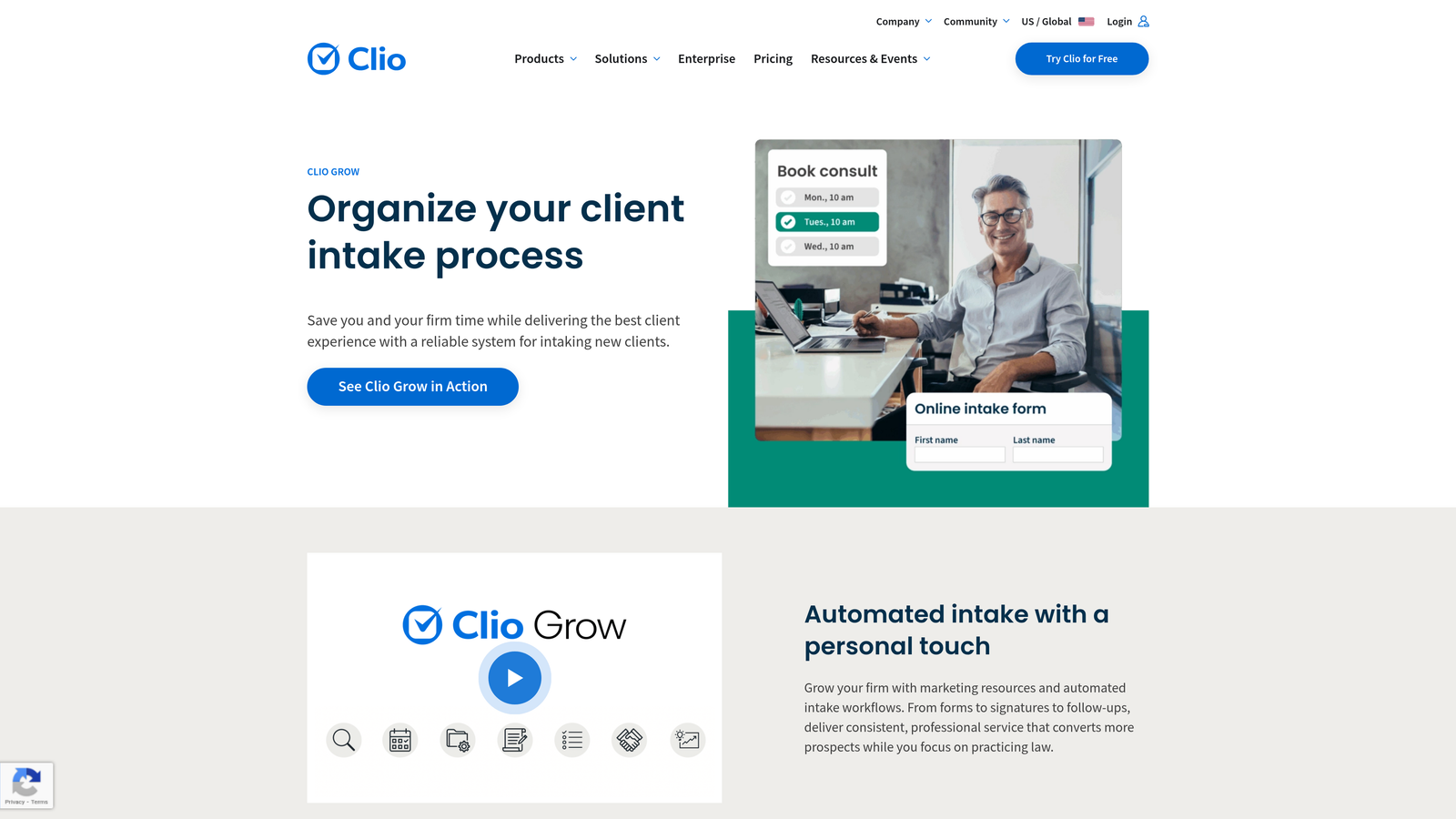
Because it doubles as a legal CRM, every prospect moves through a pipeline with automated follow-ups and e-signature on retainers, and it connects directly to Clio Manage if that's your practice management system. Plans start at $49 per user per month — justified for firms, overkill for everyone else. There's more on this category in our guide to legal client intake software.
5. Dubsado
Best for: Creatives who want one submission to trigger the contract, the invoice, and the project
Dubsado treats intake as step one of a client journey. A submitted questionnaire can fire off contract generation, an invoice, project setup, and scheduler access with no manual touch — exactly what photographers, wedding planners, and coaches running the same onboarding sequence every time need.
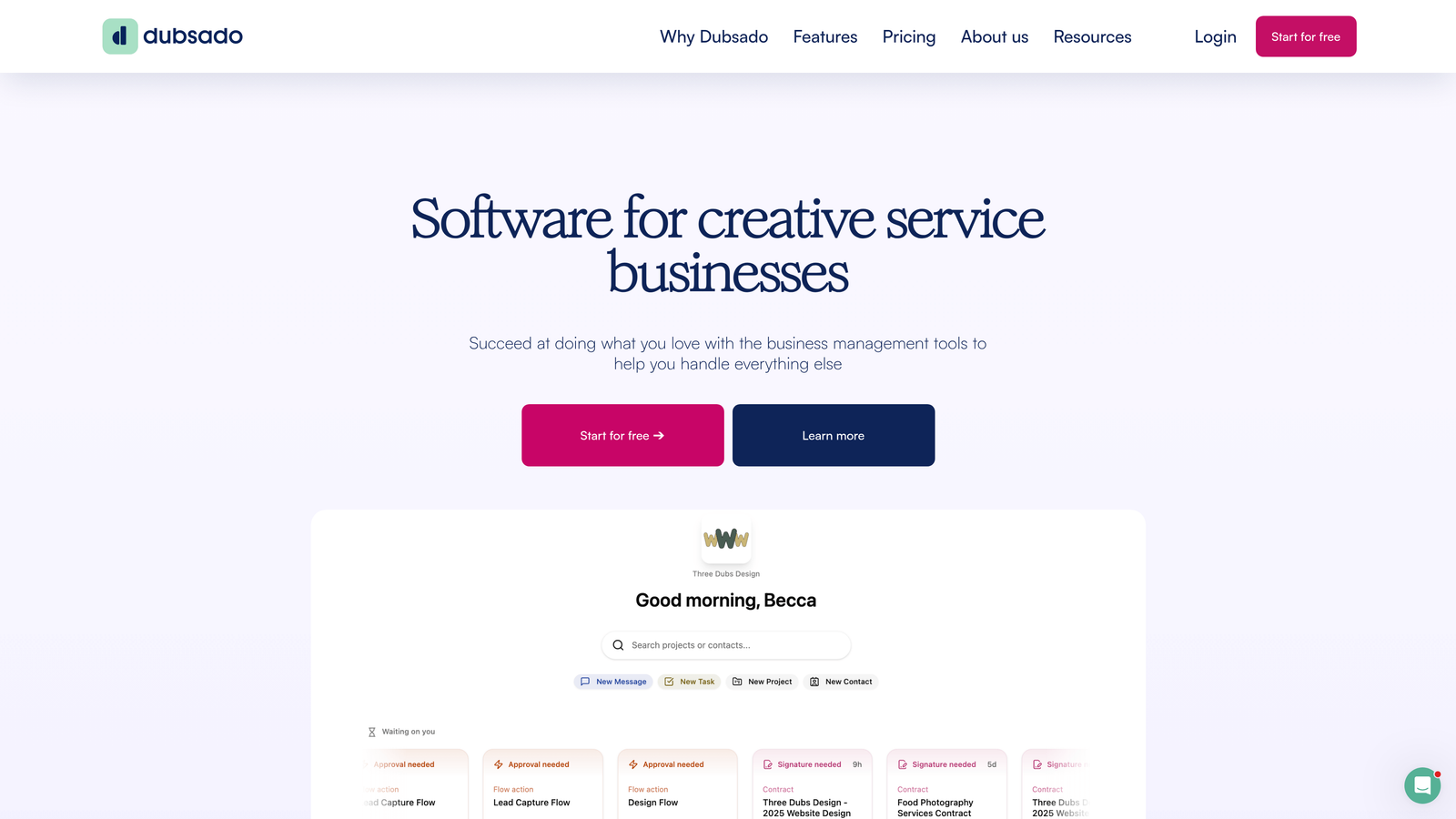
Fair warning: that flexibility comes with setup work. Budget real time to configure your workflows before the automation pays off. Plans start at $20/month billed annually, with core features included.
6. HoneyBook
Best for: Independents who want intake, contract, and payment in a single client-facing file
HoneyBook's smart files bundle your questionnaire, service agreement, and invoice into one mobile-friendly package, so a client never bounces between systems to hire you. The pipeline dashboard shows where every inquiry stands, and automated reminders cover the follow-ups you'd otherwise drop while juggling dozens of prospects from your phone.
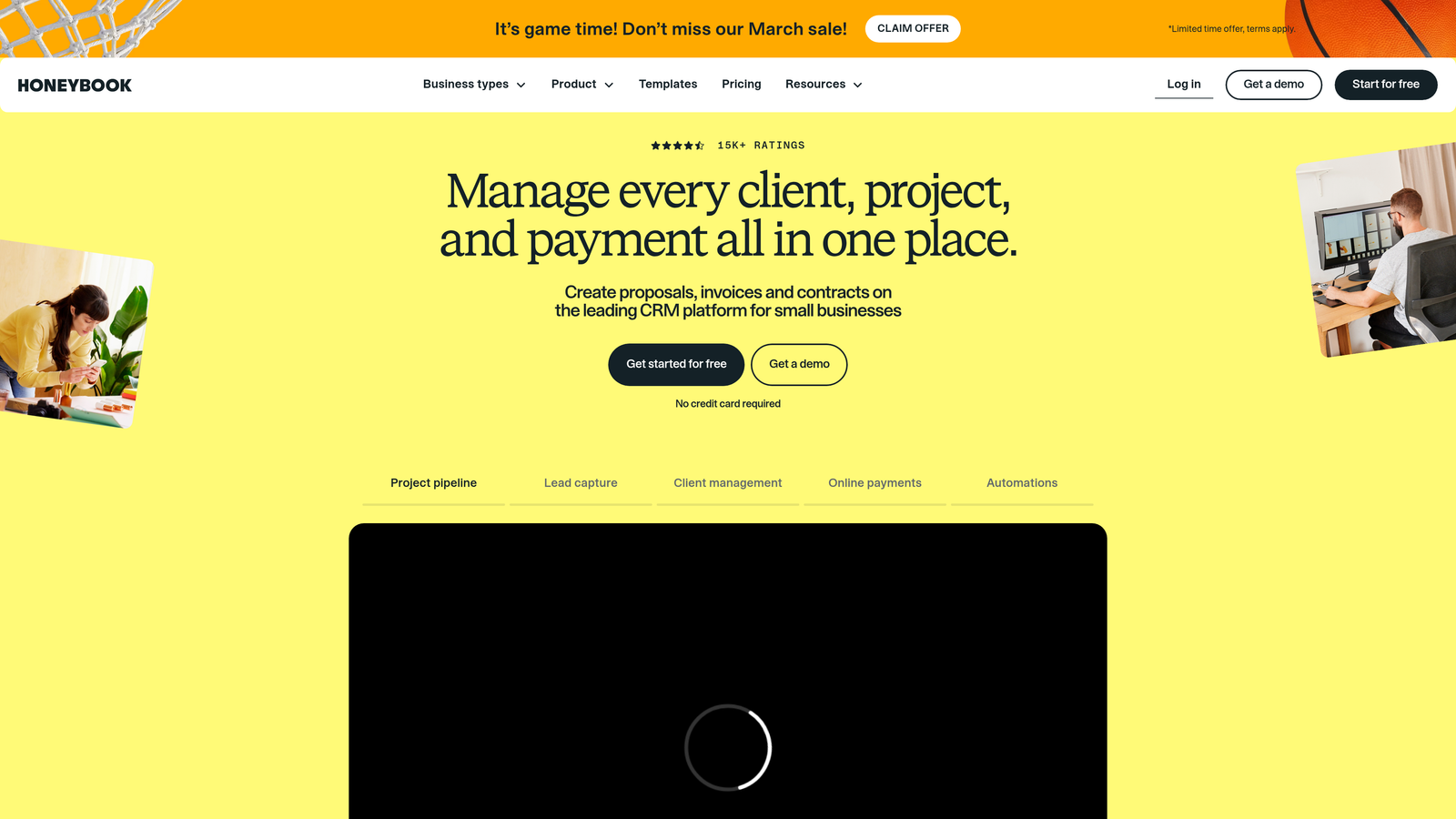
Client data and payments sync to QuickBooks, which matters more than it sounds in April. The Starter plan is $19/month; Essentials, with heavier automation, is $79/month.
7. Formstack
Best for: Enterprises with compliance requirements and genuinely complex intake logic
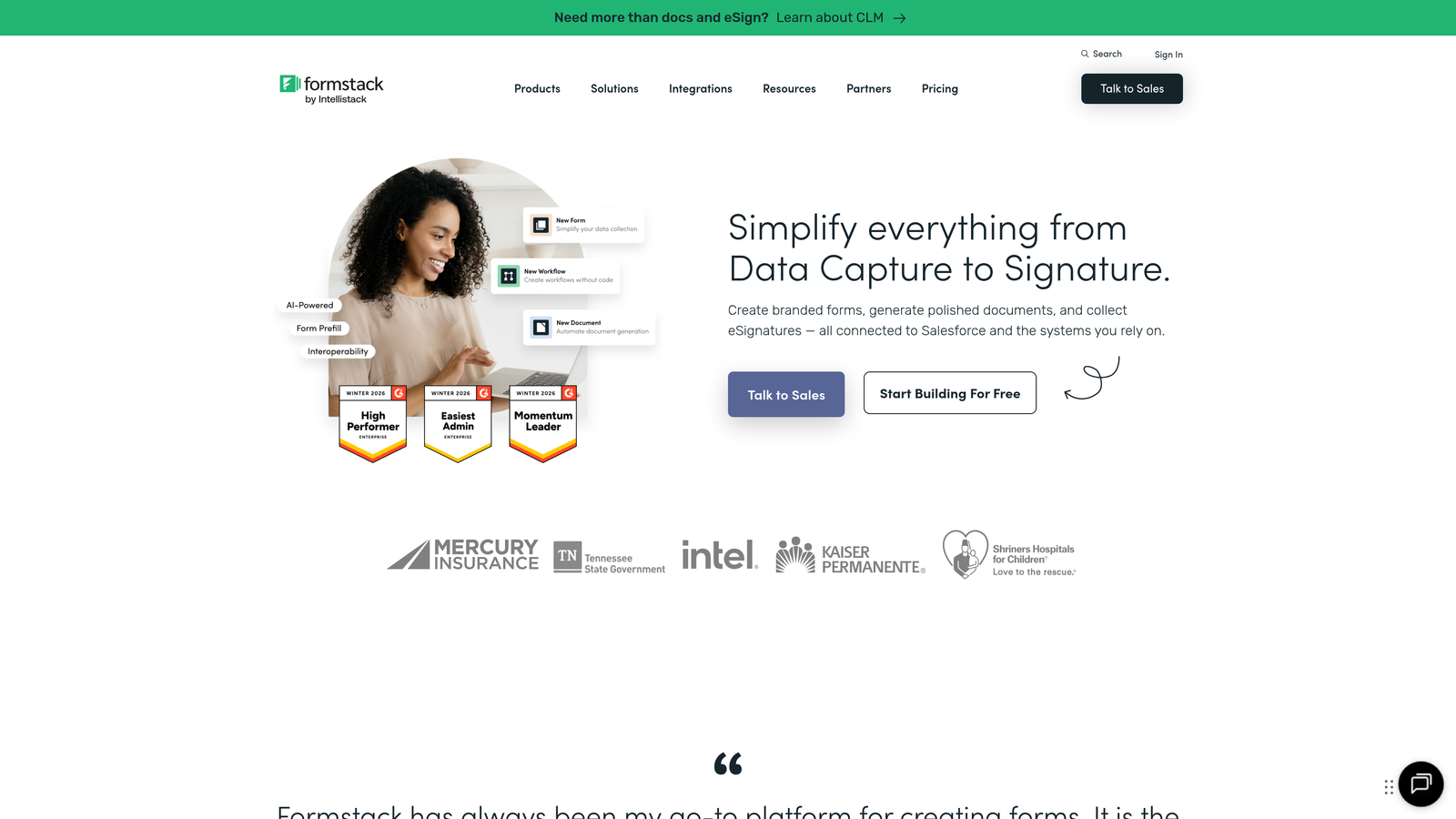
Formstack handles the intake processes that break simpler tools: dozens of branching paths, calculated fields, auto-generated documents populated from form data, and e-signatures with full audit trails. HIPAA and GDPR compliance options plus data residency controls satisfy enterprise IT, and the Salesforce-native integration treats forms as Salesforce objects rather than an external feed.
You pay for the muscle: the Forms plan starts at $83/month, with custom enterprise pricing above that. If your intake fits on one page, this is the wrong tool.
8. Cognito Forms
Best for: Intake that needs math — estimates, deposits, variable fees
Cognito Forms' calculation engine lets an intake form quote a project estimate or deposit amount from the client's own selections, before they submit. Repeating sections handle the "add another location / team member / family member" cases that force other builders into ugly workarounds or multiple forms.
Payments run through Stripe, Square, or PayPal inside the form, and submissions can trigger emails and integrations based on field values. There's a free tier, and paid plans start at $15/month — one of the better values on this list.
9. Google Forms
Best for: Simple intake on a zero budget, inside Google Workspace
Google Forms is free, has no submission limits, and drops every response into a Google Sheet your team already knows how to use. For basic contact-and-project-details intake, that's genuinely all some businesses need.
Know when you've outgrown it: minimal branding, thin conditional logic, no qualification or follow-up automation, and a spreadsheet as your routing system. Fine as a starting point or a stopgap while you evaluate paid options — a liability once intake volume becomes real.
How to choose client intake form software
Match the tool to your actual failure mode. Drowning in unqualified inquiries: Orbit CRM. Practicing law: Clio Grow — don't fight it with generic tools. Handling health information: JotForm or Formstack, because there is no workaround for HIPAA. Solo creative: Dubsado or HoneyBook, since the contract and invoice are the point, not the form.
Weigh integrations before aesthetics. A beautiful form that dumps submissions into a silo creates data-entry work forever; a plain one wired into your CRM quietly onboards clients while you do billable work. And remember the intake form is the first work product a client sees from you — a coherent, intelligent form sets expectations a clunky PDF never will.
If lead qualification is your bottleneck, book a demo of Orbit and put an AI agent between your intake form and your calendar.
Frequently Asked Questions
What is client intake form software?
Client intake form software builds online forms that collect a new client's information at the start of an engagement — contact details, project scope, budget, consents — and routes that data into your CRM, contracts, or scheduling tools automatically. It replaces emailed PDFs and manual re-typing with a structured, trackable process.
What should a client intake form include?
Contact information, what the client needs, timeline, budget range, how they found you, and any industry-specific fields such as case details for law firms or health history for care providers. Keep it as short as qualification allows; every extra field costs completions.
Is Google Forms good enough for client intake?
For simple, low-volume intake, yes — it's free and pushes responses straight into Google Sheets. It falls short once you need branding, lead qualification, e-signatures, HIPAA compliance, or automated follow-up, which is exactly where paid intake software earns its subscription.
Do client intake forms need to be HIPAA compliant?
Only if you're collecting protected health information as a covered entity or business associate — medical, dental, and therapy practices typically are. In that case, use a builder that offers HIPAA compliance with a signed Business Associate Agreement, such as JotForm or Formstack.