If your team is building workflows that go beyond a basic contact form, you need a form builder that plays nicely with your tech stack via API. Whether you're pushing lead data into a CRM, triggering automations, syncing responses with a data warehouse, or building custom integrations, the API layer is what separates a powerful form platform from a pretty dead-end widget.
This list covers the best custom form builders with robust API capabilities in 2026. We evaluated each tool on API flexibility, developer documentation quality, webhook support, authentication options, and how well the overall platform serves high-growth teams focused on lead generation and conversion. We've included Orbit CRM at the top because it's our product — but every tool on this list earns its place on merit.
1. Orbit CRM
Best for: High-growth SaaS and B2B teams who need AI-enriched lead data delivered via API
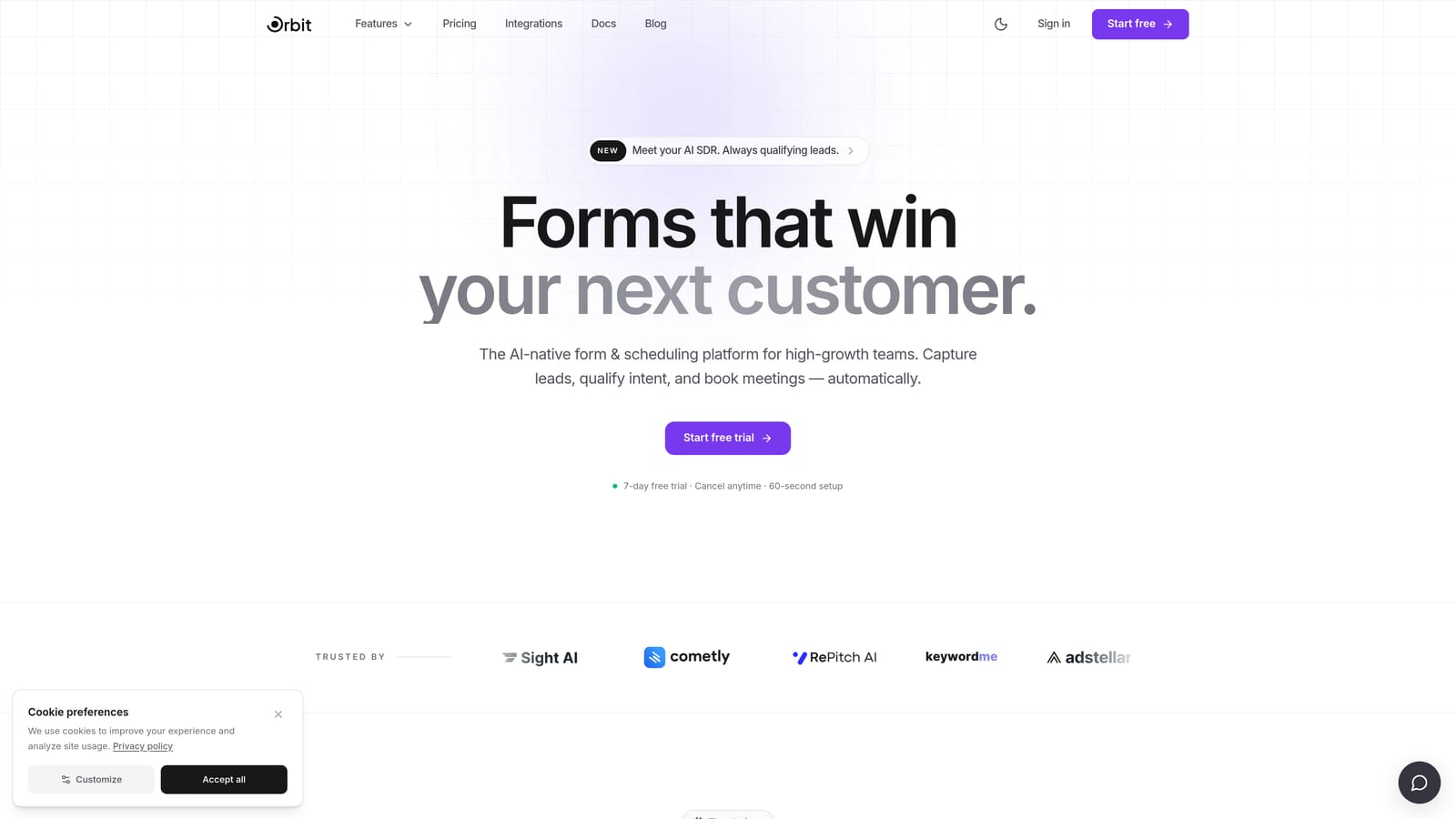
Orbit CRM is an AI-powered form builder with lead qualification built into the form layer, designed to give high-growth teams more than raw submission data.
Where This Tool Shines
Most form builders with APIs deliver exactly what you'd expect: raw field values from a submission. Orbit CRM takes a different approach. Its API doesn't just expose form responses — it surfaces AI-enriched lead data, including qualification scores and intent signals, before that data ever reaches your CRM. For revenue teams who care about pipeline quality, not just volume, that's a meaningful distinction.
The platform is built with conversion optimization at its core. Conditional logic, dynamic fields, and a modern design system mean your forms aren't just functional endpoints — they're experiences designed to convert. The REST API then makes it straightforward to route that high-quality data wherever your stack needs it.
Key Features
AI Lead Qualification: Scores and segments leads directly within the form layer, so enriched data flows into your stack from the start.
REST API: Covers form management, submission retrieval, and access to AI-enriched lead data with clean, developer-friendly endpoints.
Webhook Support: Real-time data push to downstream tools, so your automations trigger the moment a form is submitted.
Conditional Logic and Dynamic Fields: Build conversion-optimized form experiences that adapt based on respondent input.
SaaS and B2B Focus: The entire platform is oriented around pipeline quality, making it a natural fit for teams running demand generation or product-led growth motions.
Best For
Orbit CRM is the right choice for SaaS companies, B2B marketing teams, and growth-focused operators who want their form layer to do more than collect data. If lead qualification and CRM data quality are priorities, the AI enrichment layer adds genuine value that no other tool on this list provides.
Pricing
There's no free plan; pricing is quoted on a short demo.
2. Typeform
Best for: Teams wanting a polished conversational form experience backed by a mature, well-documented API
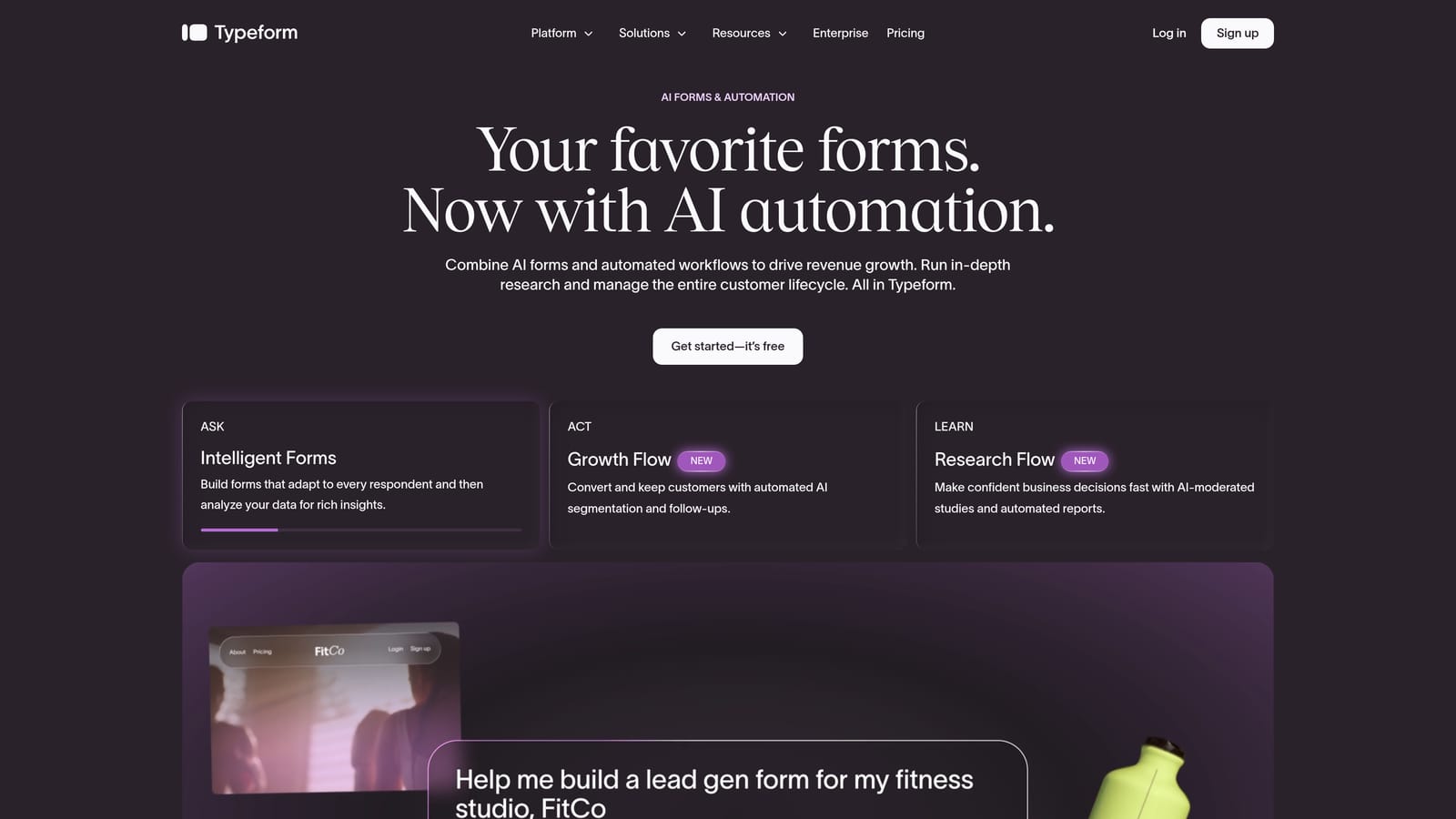
Typeform is a conversational form builder with one of the most mature REST APIs in the category, covering form creation, response retrieval, and real-time webhooks.
Where This Tool Shines
Typeform's API has been around long enough to be genuinely well-documented and battle-tested. Developers working with it will find clear endpoint references, solid authentication options, and a webhook system that fires reliably on new submissions. The API reflects the product's overall maturity — there aren't many rough edges.
The conversational, one-question-at-a-time UX is what Typeform is best known for, and it tends to improve completion rates for longer or more sensitive forms. If you're building lead generation flows where user experience directly affects data quality, that UX advantage complements the API capabilities well.
Key Features
REST API Coverage: Endpoints for form creation, response retrieval, webhooks, and theme management give developers broad control.
Real-Time Webhooks: New submission events trigger webhook delivery immediately, supporting event-driven integration architectures.
OAuth2 and API Key Auth: Flexible authentication options make it suitable for both internal tools and third-party application development.
Native Integration Ecosystem: A large library of native integrations complements direct API access for teams that prefer a no-code path.
Conversational UX: The one-question-at-a-time format is designed to reduce form abandonment and improve completion quality.
Best For
Typeform works well for marketing and product teams that want a premium form experience with reliable API access. It's a strong choice when form UX and developer flexibility both matter, particularly for survey-style or multi-step lead capture flows.
Pricing
A free tier is available. Paid plans start at approximately $25/month — verify current pricing at typeform.com.
3. Jotform
Best for: Teams that need one of the broadest API surface areas in the form builder category
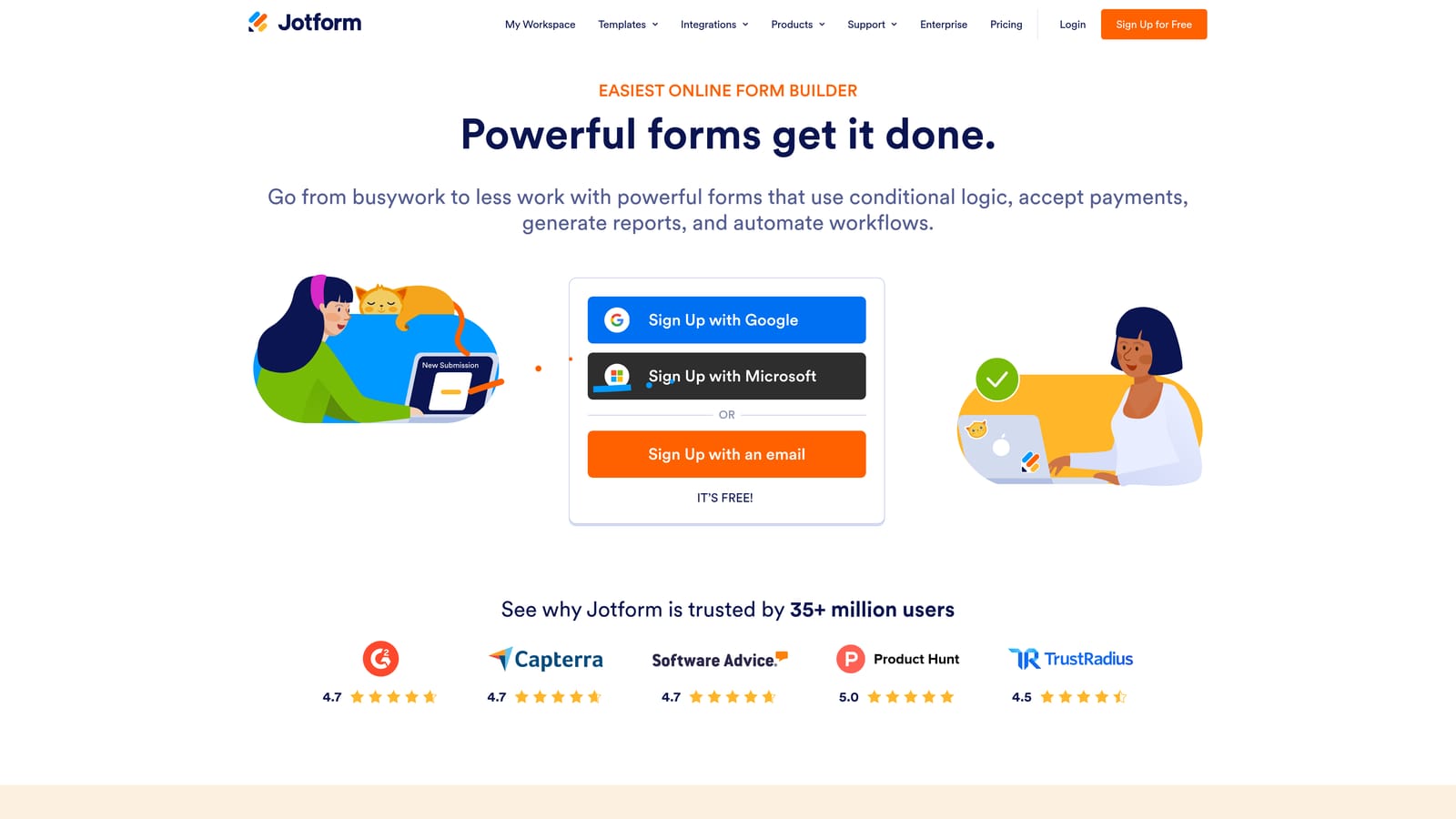
Jotform is a feature-rich form builder with one of the most comprehensive REST APIs available, covering forms, submissions, reports, and user management.
Where This Tool Shines
Where many form builder APIs focus narrowly on submission retrieval, Jotform's API goes considerably further. You can manage forms programmatically, handle submission workflows, organize folders, and even manage user accounts — all via REST endpoints. For teams building internal tools or complex multi-form workflows, that breadth is genuinely useful.
Jotform also brings an enormous template library to the table, which accelerates deployment when you need to spin up new form types quickly. The combination of rapid template-based setup and deep API access makes it a practical choice for teams that want both speed and flexibility.
Key Features
Broad REST API: Covers form CRUD operations, submission management, folder organization, reports, and user account management.
API Key Authentication: Straightforward authentication model with clear, publicly available documentation that's well-regarded in developer communities.
Template Library: Over 10,000 templates available for rapid form deployment across a wide range of use cases.
Advanced Field Types via API: Conditional logic, payment fields, and file uploads are all accessible and manageable through the API.
Third-Party Integration Ecosystem: A strong native integration library sits alongside the API for teams with mixed technical capabilities.
Best For
Jotform is a strong pick for development teams building complex internal workflows, agencies managing multiple client form environments, or any organization that needs deep programmatic control over form and submission management.
Pricing
A free tier is available. Paid plans vary by features and submission volume — verify current pricing at jotform.com.
4. Formstack
Best for: Enterprise teams in regulated industries needing OAuth2-secured API access with compliance-grade data handling
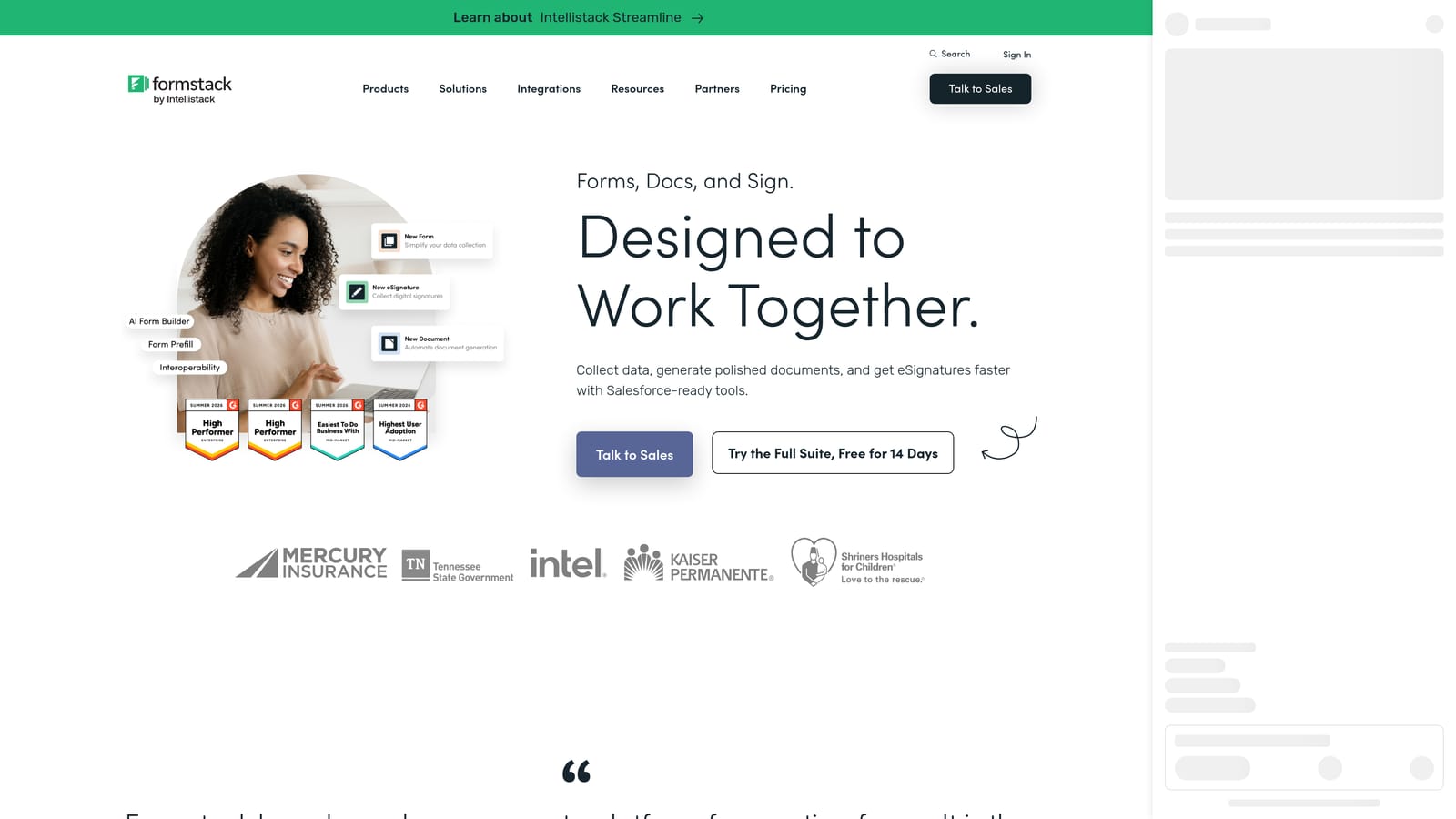
Formstack is an enterprise-grade form builder with a REST API, OAuth2 authentication, and compliance features built for complex organizational data workflows.
Where This Tool Shines
Formstack is positioned squarely at the enterprise end of the market, and its API reflects that orientation. OAuth2 support makes it suitable for secure enterprise application integrations, and HIPAA-compliant data handling options open it up to healthcare, legal, and financial services teams that have strict data governance requirements.
Beyond the API itself, Formstack brings approval workflows, data routing, and document generation capabilities that go well beyond what most form builders offer. For organizations with multi-step internal processes — think procurement approvals or patient intake workflows — that broader platform depth is a meaningful advantage.
Key Features
REST API with OAuth2: Secure, standards-based authentication suited for enterprise integration scenarios and third-party application development.
HIPAA Compliance: Data handling options that meet healthcare and other regulated industry requirements, backed by appropriate security controls.
Enterprise Tool Integrations: Native connections to Salesforce, DocuSign, and other enterprise platforms, accessible via API for custom integration scenarios.
Approval Workflows: Multi-step approval and data routing capabilities built for complex organizational structures.
Document Generation and E-Signature: Extends the platform beyond form collection into document workflows, all connected through the same API layer.
Best For
Formstack is the right fit for enterprise IT teams, compliance-sensitive organizations, and businesses that need forms to sit within broader document and approval workflows. It's overkill for lean startups but well-suited for mid-market and enterprise environments.
Pricing
Formstack uses enterprise-tier pricing that reflects its positioning — verify current plans at formstack.com.
5. Paperform
Best for: Design-conscious teams that want integration flexibility without deep API engineering overhead
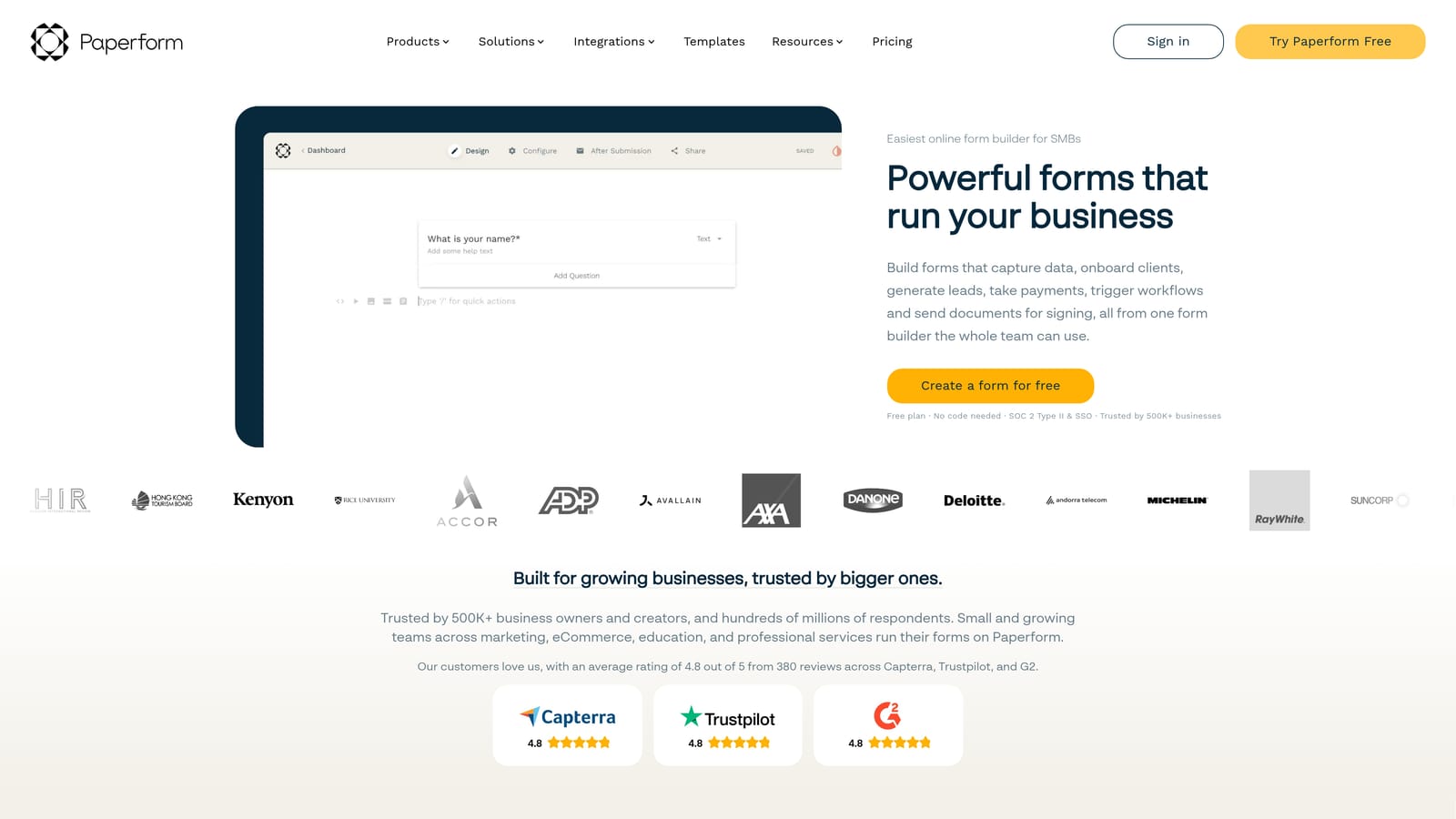
Paperform is a design-forward form builder with developer API access and strong webhook support, suited for teams that prioritize visual quality alongside integration capability.
Where This Tool Shines
Paperform occupies an interesting middle ground: it's more design-flexible than most form builders, yet it doesn't require CSS knowledge to produce visually polished results. For teams where brand experience matters as much as data collection, that combination is genuinely useful. The API and webhook layer then handles the integration side without requiring a dedicated engineering effort.
The platform's rich field types — including calculations, payment collection, and scheduling — make it versatile for use cases that go beyond simple lead capture. Webhook support is solid, and the availability of Zapier and Make integrations means non-technical team members can build workflows alongside developers using the API directly.
Key Features
Developer API: Covers form and submission management for teams that need programmatic access to their data.
Webhook Support: Real-time integration triggers fire on new submissions, enabling event-driven workflow automation.
Rich Field Types: Calculations, payment fields, and scheduling capabilities extend forms well beyond basic data collection.
Visual Customization: Highly flexible design options that don't require CSS expertise, keeping brand-consistent forms accessible to non-developers.
No-Code Integration Options: Zapier and Make (formerly Integromat) integrations provide workflow building paths that complement the API.
Best For
Paperform works well for small to mid-size teams that want attractive, functional forms with enough API and webhook capability to connect their tools, without committing to a heavy developer integration project.
Pricing
Paperform is a paid-only platform — verify current plan pricing at paperform.co.
6. Tally
Best for: Developers and early-stage teams that want a webhook-first, free-tier-friendly form builder with clean API access
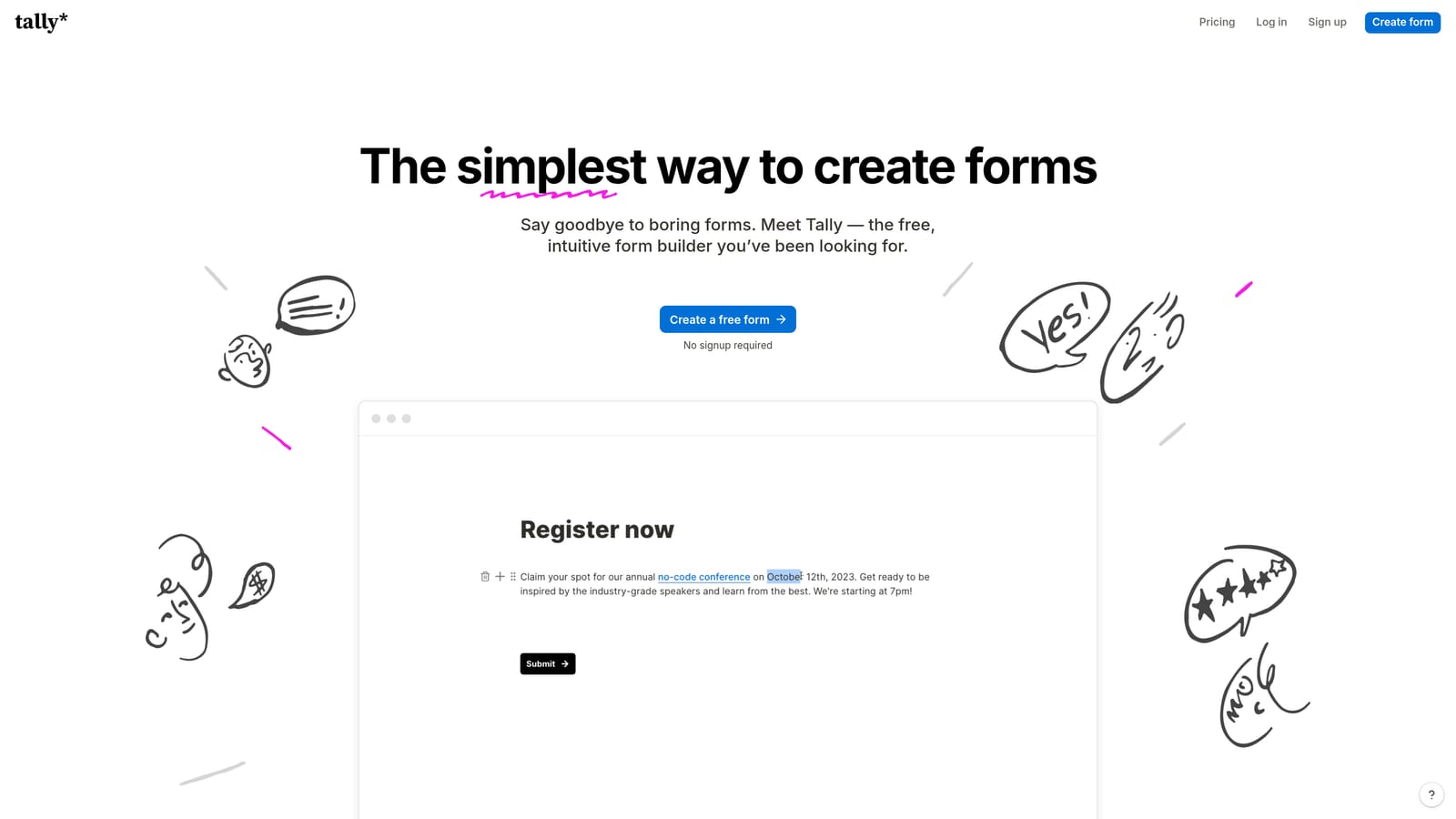
Tally is a lightweight, Notion-inspired form builder with REST API access and webhook-first integrations, offering a generous free tier that's made it popular with indie developers and early-stage startups.
Where This Tool Shines
Tally's biggest differentiator is its free tier. Unlike most form builders that gate API access or webhook functionality behind paid plans, Tally's free offering is genuinely capable for basic use. That makes it a natural starting point for developers prototyping integrations or early-stage teams that need functional forms before budget is available for premium tooling.
The Notion-inspired UI is minimal and fast to work with — you can build a form in minutes without wading through a complex interface. The API is functional and the webhook support is solid for event-driven integrations, though it's worth noting that the overall API depth is less extensive than what you'd find with Jotform or Typeform at the higher end of the market.
Key Features
REST API: Provides access to form and submission data for programmatic integration workflows.
Webhook Support: Real-time event-driven integration triggers on new submissions, supporting modern automation architectures.
Generous Free Tier: No submission limits on basic use, making it accessible for developers and early-stage teams without upfront cost.
Minimal UI: Distraction-free, Notion-inspired form building that's fast to use and easy to learn.
Flexible Embedding: Clean iframe and popup embed options make it straightforward to deploy forms across different surfaces.
Best For
Tally is an excellent fit for solo developers, early-stage startups, and technically capable teams that want a no-fuss form builder with real API and webhook access without paying for it from day one. As integration complexity grows, teams often graduate to more feature-rich platforms.
Pricing
A capable free tier is available with no submission limits on basic use. Tally Pro is the paid upgrade — verify current pricing at tally.so.
Which Tool Is Right for Your Stack?
Each tool on this list has a genuine reason to exist, and the right choice depends on where your team sits on the spectrum between early-stage simplicity and enterprise complexity.
If you're a high-growth SaaS or B2B team focused on pipeline quality, Orbit CRM is the standout choice. No other tool on this list delivers AI-enriched lead qualification through the API layer itself — that's a meaningful advantage when your goal is better leads, not just more data. For teams that want a polished conversational experience with a mature, well-documented API, Typeform is the natural runner-up. If raw API breadth is the priority, Jotform covers more endpoints than almost anyone else in the category.
Enterprise teams in regulated industries should look closely at Formstack, particularly if HIPAA compliance or Salesforce integration is on the requirements list. Teams that prioritize beautiful form design with reasonable integration capability will find Paperform hits a useful middle ground. And if you're an early-stage team or developer who needs real API access without the price tag, Tally is the most generous free-tier option available.
The API layer is only as valuable as the data it delivers. If your forms are the first touchpoint in your revenue funnel, it's worth making sure that layer is doing more than passing raw field values downstream.
Book a demo and see how AI-powered lead qualification can improve the quality of data flowing through your stack from the very first form submission.