You've narrowed it down to Drift and Intercom for your lead capture needs. Both platforms promise conversational engagement, intelligent routing, and seamless CRM integration. Both claim to boost conversion rates and accelerate your sales cycle.
But here's the challenge: choosing the wrong platform doesn't just mean wasted budget. It means months of implementation time, frustrated sales teams adapting to workflows that don't match their process, and potentially lower conversion rates than what you're getting right now.
The truth is, there's no universal winner between Drift and Intercom. These platforms have evolved to serve different business models, sales motions, and growth stages. Drift has positioned itself as the enterprise ABM powerhouse, while Intercom has built a comprehensive customer platform particularly strong for product-led growth companies.
Rather than declaring one platform superior, this guide walks you through seven strategic evaluation approaches that reveal which solution aligns with your specific context. We'll help you avoid expensive mistakes, identify hidden costs, and make a decision that supports your growth trajectory for years to come.
1. Map Your Lead Capture Workflow First
The Challenge It Solves
Most teams approach platform selection backward. They compare feature lists, watch demo videos, and get excited about capabilities they'll never use. Meanwhile, the features they actually need daily get buried in a submenu three clicks deep.
This backwards approach leads to buyer's remorse. You're six months into a contract, paying for enterprise features your team ignores, while struggling with basic workflows that should be effortless. The platform looked perfect in the demo, but it doesn't match how your team actually works.
The Strategy Explained
Before you compare a single feature between Drift and Intercom, document your current lead capture workflow in granular detail. Map every touchpoint where prospects engage with your business, from initial website visit through qualified handoff to sales.
Identify where conversations happen now. Are prospects reaching out through live chat on product pages? Filling out contact forms after reading case studies? Engaging with chatbots on pricing pages? Each interaction point reveals requirements your platform must handle.
Pay special attention to handoff moments. How do leads move from marketing to sales? What qualification happens before that handoff? What information must be captured? These transition points often expose the biggest gaps between what platforms promise and what your lead capture strategy actually needs.
Implementation Steps
1. Create a visual map of every lead capture touchpoint on your website, noting the visitor intent at each location (research vs. ready to buy vs. support question).
2. Document your current qualification criteria and identify which questions must be answered before a lead reaches sales, including both explicit questions and behavioral signals.
3. List every system that needs lead data (CRM, marketing automation, sales engagement tools, analytics) and map how information flows between them today.
4. Interview your sales team about their ideal lead handoff process, asking specifically about what information helps them close deals faster and what data they currently waste time chasing down.
Pro Tips
Shadow your sales team for a day to see how they actually use lead data versus how they say they use it. The gap between stated needs and actual behavior often reveals your true requirements. Also, map workflows for your worst-case scenarios, not just the happy path. How does each platform handle edge cases like international leads, partnership inquiries, or support questions that come through lead capture channels?
2. Evaluate Bot Intelligence for Your Visitor Complexity
The Challenge It Solves
Not all conversational AI is created equal, and the sophistication you need depends entirely on your buyer journey complexity. If you're selling a straightforward product to a clear audience, you need simple, reliable routing. If you're navigating enterprise sales with multiple stakeholders and complex use cases, you need nuanced qualification.
The mismatch between bot intelligence and buyer complexity creates friction. Oversimplified bots frustrate sophisticated buyers with irrelevant questions. Overly complex bots confuse simple buyers who just want quick answers. Either scenario kills conversion rates.
The Strategy Explained
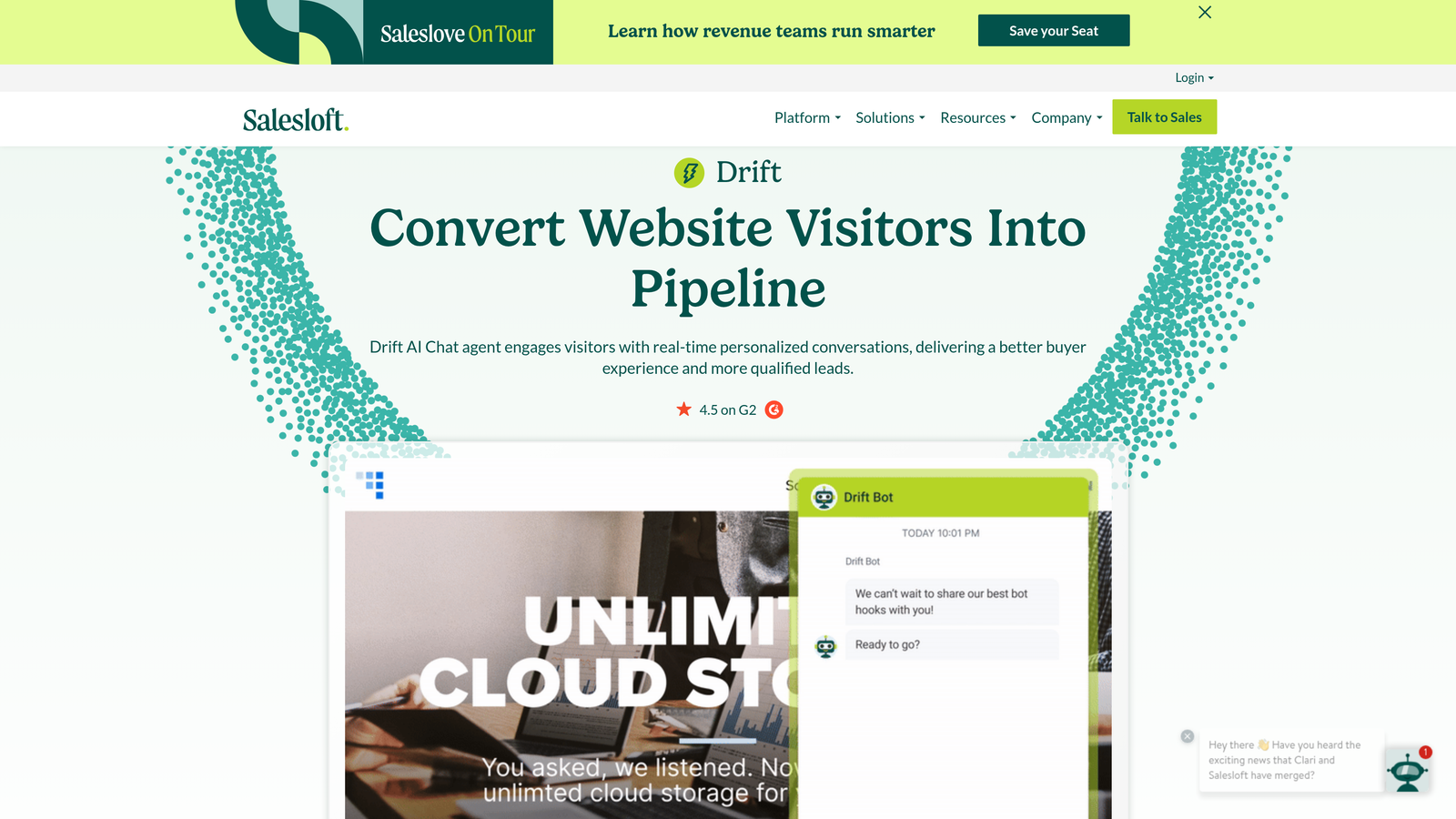
Drift has built its reputation on account-based marketing capabilities, with bot intelligence designed to recognize target accounts, route to specific sales reps, and handle complex qualification for enterprise deals. Their bots excel at identifying high-value prospects and creating VIP experiences for accounts you're actively pursuing.
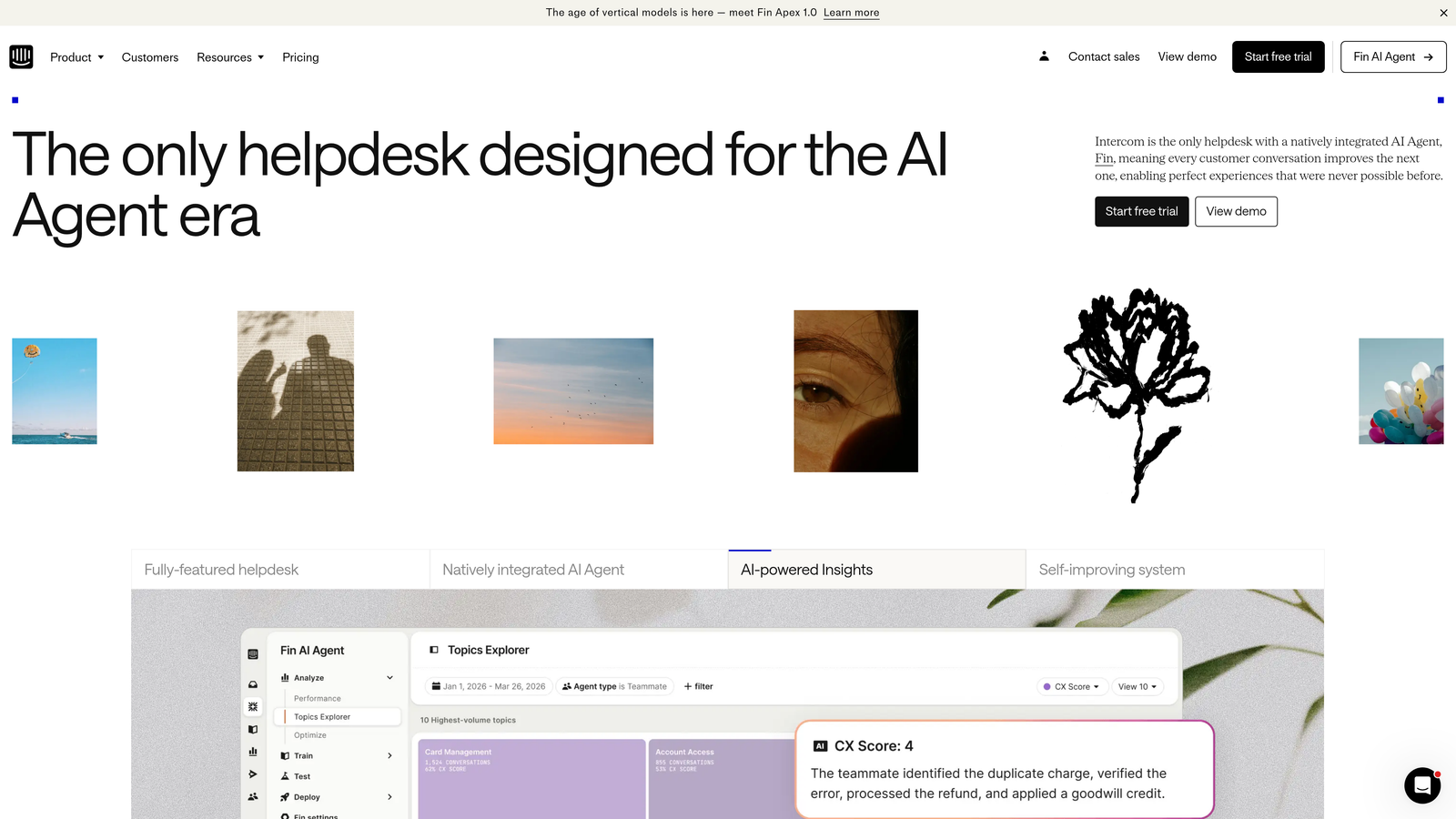
Intercom's bot intelligence has evolved from customer support roots, making it particularly strong at understanding user context within your product and routing based on usage patterns. This makes it powerful for product-led growth models where lead quality correlates with product engagement rather than firmographic data.
The key question isn't which bot is "smarter" in absolute terms. It's which intelligence model matches your qualification criteria. Do you qualify leads based on company size, industry, and title? Or based on feature usage, activation milestones, and product engagement?
Implementation Steps
1. List your top five qualification criteria in priority order, distinguishing between firmographic data (company attributes) and behavioral data (actions taken).
2. Request demo accounts from both platforms and build a simple qualification bot using your actual criteria, testing how naturally each platform handles your specific logic.
3. Evaluate how each platform handles ambiguity when prospects don't fit clean categories, testing edge cases like consultants, agencies, or prospects researching for clients.
Pro Tips
Test both platforms with your actual website copy and brand voice, not generic templates. Bot intelligence often relies on natural language processing that performs differently with industry jargon versus plain language. If your buyers use technical terminology, ensure the bot can understand and respond appropriately. Also, evaluate how each platform learns over time. Some conversational AI improves with usage, while others require manual optimization. Understanding the chatbot vs form trade-offs helps you set realistic expectations for either approach.
3. Compare Integration Ecosystems Against Your Stack
The Challenge It Solves
A conversational platform doesn't live in isolation. It needs to push qualified leads to your CRM, trigger email sequences in your marketing automation platform, log activities in your sales engagement tool, and feed data to your analytics stack. Integration friction creates data silos, manual work, and leads that fall through cracks.
Many teams discover integration limitations only after signing contracts. The native integration exists, but it doesn't sync the specific fields you need. Or it syncs data, but with a delay that breaks your sales follow-up timing. Or it connects to your CRM but not your other critical tools, forcing you into complex middleware solutions.
The Strategy Explained
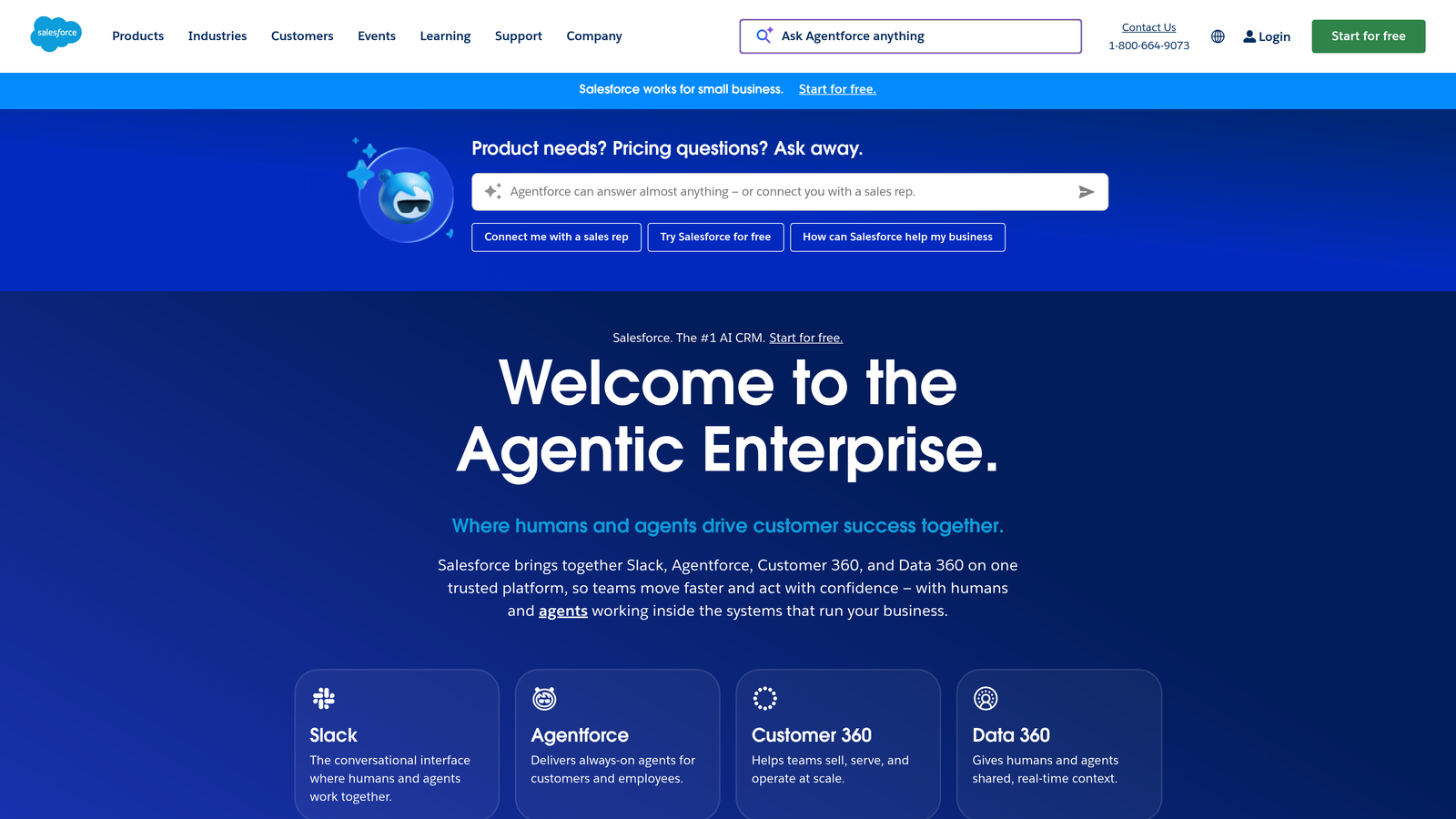
Both Drift and Intercom offer native integrations with major CRMs like Salesforce and HubSpot, but the depth and reliability of these integrations vary significantly. Drift's Salesforce integration is particularly robust, reflecting their enterprise focus, while Intercom's integrations often emphasize product data and user context.
Beyond native integrations, consider your middleware needs. Both platforms connect to Zapier and similar tools, but relying heavily on middleware introduces failure points, delays, and ongoing maintenance. Native integrations typically provide real-time sync, better error handling, and more reliable data flow.
Think beyond just moving data. Consider workflow automation across platforms. Can the conversational tool trigger specific sequences in your marketing automation platform? Can it create tasks in your sales engagement tool? Can it update custom objects in your CRM? These workflow integrations often matter more than basic data sync.
Implementation Steps
1. Audit your current tech stack and identify every tool that needs to receive or send data to your conversational platform, including CRM, marketing automation, analytics, sales engagement, and customer success tools.
2. For each critical tool, verify whether native integration exists and review integration documentation to confirm it supports your specific use cases, not just basic contact sync.
3. Request integration demos that show actual data flow for your specific scenarios, including edge cases like updating existing contacts, handling duplicates, and syncing custom fields.
4. Calculate the total cost of integration including middleware subscriptions, developer time for custom integrations, and ongoing maintenance for any non-native connections.
Pro Tips
Talk to current customers who use the same tech stack you do. Platform documentation often oversimplifies integration complexity, while real users can share the gotchas they discovered during implementation. Also, test integration speed with real-time scenarios. If your sales team promises five-minute response times, a 15-minute sync delay breaks that promise regardless of how "integrated" the platforms claim to be.
4. Analyze Pricing Models Through a Growth Lens
The Challenge It Solves
Conversational platforms often appear affordable at your current scale, then become prohibitively expensive as you grow. The pricing model that works for 1,000 monthly visitors might break your budget at 10,000 visitors. The seat-based pricing that seems reasonable for a five-person sales team becomes unsustainable when you scale to twenty reps.
This pricing trap forces growing companies into painful migrations. You've invested months in setup, trained your team, built custom workflows, and integrated with your entire stack. Then scaling costs force you to either accept budget overruns or restart the entire selection process with a different platform.
The Strategy Explained
Drift typically uses seat-based pricing with enterprise-focused tiers, charging per user who needs access to the platform. This model provides predictable costs as you scale traffic, but can become expensive as your sales and marketing teams grow. The cost scales with team size, not lead volume.
Intercom has moved toward an active contact model, where you pay based on the number of people you're engaging with through the platform. This can scale unpredictably if your traffic grows faster than expected, but it may be more efficient for small teams handling high volumes.
The critical exercise is projecting costs at 2x and 5x your current scale. If you're capturing 500 leads monthly now, what happens when you're at 1,000 or 2,500? If you have five sales reps today, what happens when you have ten or twenty-five? Run these scenarios through each platform's pricing calculator. Many high-growth companies discover that pricing models that work initially become unsustainable at scale.
Implementation Steps
1. Document your current metrics including monthly website visitors, leads captured, sales team size, and marketing team members who need platform access.
2. Create growth projections for 12, 24, and 36 months based on your business plan, estimating visitor growth, lead volume increases, and team expansion.
3. Request detailed pricing from both vendors for your current state and each growth milestone, including any volume discounts or enterprise pricing that might apply.
4. Calculate total cost of ownership including platform fees, integration costs, implementation services, and ongoing maintenance or optimization needs.
Pro Tips
Negotiate multi-year contracts with growth allowances built in. Many vendors will lock in pricing tiers if you commit to longer terms, protecting you from price increases as you scale. Also, understand exactly what triggers pricing increases. Is it total contacts in your database or active monthly contacts? Is it named users or concurrent users? These details dramatically impact your actual costs as you grow.
5. Test Lead Qualification for Your Sales Motion
The Challenge It Solves
Your sales motion determines what "qualified" means for your business. Enterprise sales teams running account-based strategies need to identify target accounts, route to specific reps, and prioritize based on deal size. Product-led growth teams need to identify activation signals, usage patterns, and expansion opportunities within existing accounts.
Using a platform optimized for the wrong sales motion creates misalignment. ABM-focused features feel like overkill when you're running product-led growth. Product usage qualification falls flat when you're selling to enterprises who haven't touched your product yet. The qualification logic needs to match how you actually sell.
The Strategy Explained
Drift has built extensive ABM capabilities, including target account identification, account-based routing, and VIP experiences for high-value prospects. Their platform excels at recognizing when someone from a target account visits your site and creating personalized experiences based on account attributes rather than individual behavior.
Intercom's strength lies in product usage qualification, with deep visibility into how prospects interact with your product. If your qualification criteria include "activated at least two features" or "invited team members," Intercom's product-context awareness provides natural advantages.
The decision point is whether you're qualifying based on who prospects are (firmographics, title, company) or what they've done (product usage, content engagement, feature adoption). Most businesses use some combination, but one typically dominates your qualification logic. Understanding B2B sales team requirements helps clarify which approach fits your motion.
Implementation Steps
1. Define your ideal customer profile using specific, measurable criteria, distinguishing between attributes you can identify before product usage and signals that require product engagement.
2. Map your qualification stages from initial interest through sales-ready, identifying what information or behavior triggers each stage transition.
3. Build qualification workflows in both platforms using trial accounts, testing how naturally each handles your specific criteria and stage transitions.
Pro Tips
Test qualification accuracy with historical data if possible. Run past leads through each platform's qualification logic to see which would have correctly identified your best customers versus false positives. Also, consider qualification speed. Some platforms require multiple conversation turns to gather qualification data, while others can identify qualified leads from first visit based on enrichment data. Speed matters when prospects are ready to buy now.
6. Assess Implementation Complexity and Time-to-Value
The Challenge It Solves
Implementation timelines directly impact ROI. A platform that takes six months to fully deploy means six months of delayed results, continued reliance on inferior solutions, and extended period before you recoup your investment. Implementation complexity also reveals hidden costs in developer time, consultant fees, and internal resources pulled from other priorities.
Many teams underestimate implementation scope. The sales demo makes setup look simple: install a code snippet, connect your CRM, build a few bots. Reality involves data migration, workflow redesign, team training, integration debugging, and iterative optimization before you're actually capturing better leads than your previous approach.
The Strategy Explained
Drift's enterprise focus means robust features but often complex implementation, particularly for advanced ABM capabilities and sophisticated routing logic. Expect to invest significant time in account list uploads, routing rule configuration, and sales team training. The platform rewards this investment with powerful capabilities once properly configured.
Intercom's evolution from a simpler messaging tool means more intuitive initial setup for basic use cases, though advanced features still require substantial configuration. The learning curve tends to be gentler for teams without dedicated marketing operations resources.
Time-to-value isn't just about technical implementation. It includes the time required for your team to become proficient, for you to optimize conversation flows based on real data, and for prospects to adapt to your new engagement model. Some teams see immediate lift, while others need months of optimization.
Implementation Steps
1. Request detailed implementation timelines from both vendors, asking specifically about each phase from initial setup through full optimization and team proficiency.
2. Identify internal resources required including developer time for integration work, marketing operations for workflow setup, sales leadership for routing configuration, and team members for training.
3. Create a realistic project plan that accounts for your team's other priorities, understanding that implementation will compete with ongoing responsibilities rather than receiving exclusive focus.
4. Define specific success metrics and timeline expectations, establishing clear milestones for when you expect to see improved conversion rates, faster lead response, or better qualification accuracy.
Pro Tips
Talk to customers who implemented within the last six months rather than long-time users. Recent implementations reflect current platform complexity and vendor support quality. Long-time customers often implemented when platforms were simpler and may not remember the actual challenges. Also, factor in iteration time. Your first bot configuration won't be optimal. Budget time for testing, gathering feedback, and refining based on real prospect interactions.
7. Consider Hybrid Approaches for Flexibility
The Challenge It Solves
Conversational tools excel at immediate engagement and real-time qualification, but they're not the right solution for every lead capture scenario. Some prospects prefer structured forms over chat conversations. Some touchpoints need detailed information gathering that feels awkward in chat format. Some campaigns require specific data fields that conversation flows handle poorly.
Forcing all lead capture through a single channel creates friction. Prospects who want to submit a detailed RFP shouldn't navigate a chatbot. Visitors researching at 2 AM don't want to wait for chat availability. Different buyer preferences and contexts require different engagement methods.
The Strategy Explained
Rather than choosing between Drift or Intercom as your exclusive lead capture solution, consider a hybrid approach that combines conversational engagement with purpose-built forms for different scenarios. Use chat for immediate engagement on high-intent pages like pricing or product features. Use forms for detailed qualification, content downloads, or scenarios requiring structured data collection.
This approach acknowledges that both conversational and form-based capture have distinct strengths. Chat provides immediacy and personalization. Forms provide structure and completeness. The best lead capture strategy leverages both based on context.
Modern form builders designed for conversion optimization can complement conversational tools by handling scenarios where structured data collection makes more sense. This gives prospects choice in how they engage while ensuring you capture high-quality leads across all touchpoints.
Implementation Steps
1. Audit your current lead capture touchpoints and categorize them by visitor intent, distinguishing between immediate-need scenarios (pricing questions, demo requests) and research scenarios (content downloads, detailed RFPs).
2. Map which touchpoints benefit most from conversational engagement versus structured forms, considering factors like data complexity, visitor urgency, and qualification requirements.
3. Evaluate form builders that integrate with your chosen conversational platform, ensuring lead data flows seamlessly regardless of capture method.
4. Test hybrid approaches with A/B tests that offer prospects choice between chat and form submission, measuring conversion rates and lead quality for each method.
Pro Tips
Don't assume chat always outperforms forms. Many high-growth teams find that conversion rates vary dramatically by page context and visitor intent. Homepage visitors might prefer chat for quick questions, while case study readers might prefer forms for detailed follow-up. Let data guide channel selection rather than assuming one method universally wins. Also, ensure consistent branding and user experience across both channels so transitions feel seamless rather than disjointed. Reviewing form best practices helps maintain quality across all touchpoints.
Putting Your Evaluation Into Action
You now have a strategic framework for choosing between Drift and Intercom that goes beyond feature checklists and marketing promises. The right platform for your business depends on your specific sales motion, growth trajectory, tech stack, and team resources.
Here's your prioritized implementation roadmap: Start by mapping your current workflow and qualification criteria. This foundation reveals your true requirements and prevents expensive feature mismatch. Next, run pricing projections at scale to avoid growth-related surprises. Then test actual implementation with trial accounts, building your real qualification flows rather than generic templates.
Consider a pilot approach before full commitment. Deploy your chosen platform on high-intent pages first, measure results against your current approach, and expand only when you've proven improved conversion rates and lead quality. This de-risks your investment and provides real data for optimization.
Remember that conversational tools work best as part of a comprehensive lead capture strategy, not as a replacement for all other methods. Different touchpoints, visitor intents, and buyer preferences require different engagement approaches. The most successful teams combine conversational engagement with conversion-optimized forms tailored to specific scenarios.
Transform your lead generation with AI-powered forms that qualify prospects automatically while delivering the modern, conversion-optimized experience your high-growth team needs. Book a demo and see how intelligent form design can elevate your conversion strategy alongside your conversational tools.