Developers and product teams searching for form builder API pricing often find themselves drowning in confusing tier structures, hidden fees, and unclear submission limits. You're not just comparing monthly costs—you're evaluating API rate limits, white-labeling fees, compliance certifications, and the hidden costs that emerge when you scale from 100 to 10,000 monthly submissions.
This guide cuts through the noise with a direct comparison of 9 form builder APIs, examining what you actually pay for at each tier. We evaluated platforms based on transparent pricing, API documentation quality, developer experience, and value at different usage levels. Whether you're a startup testing product-market fit or an enterprise team managing thousands of daily submissions, you'll find clear breakdowns of costs, capabilities, and scaling thresholds.
Here are the top form builder APIs with pricing compared for 2026.
1. Orbit CRM
Best for: High-growth teams needing AI-powered lead qualification built into their forms
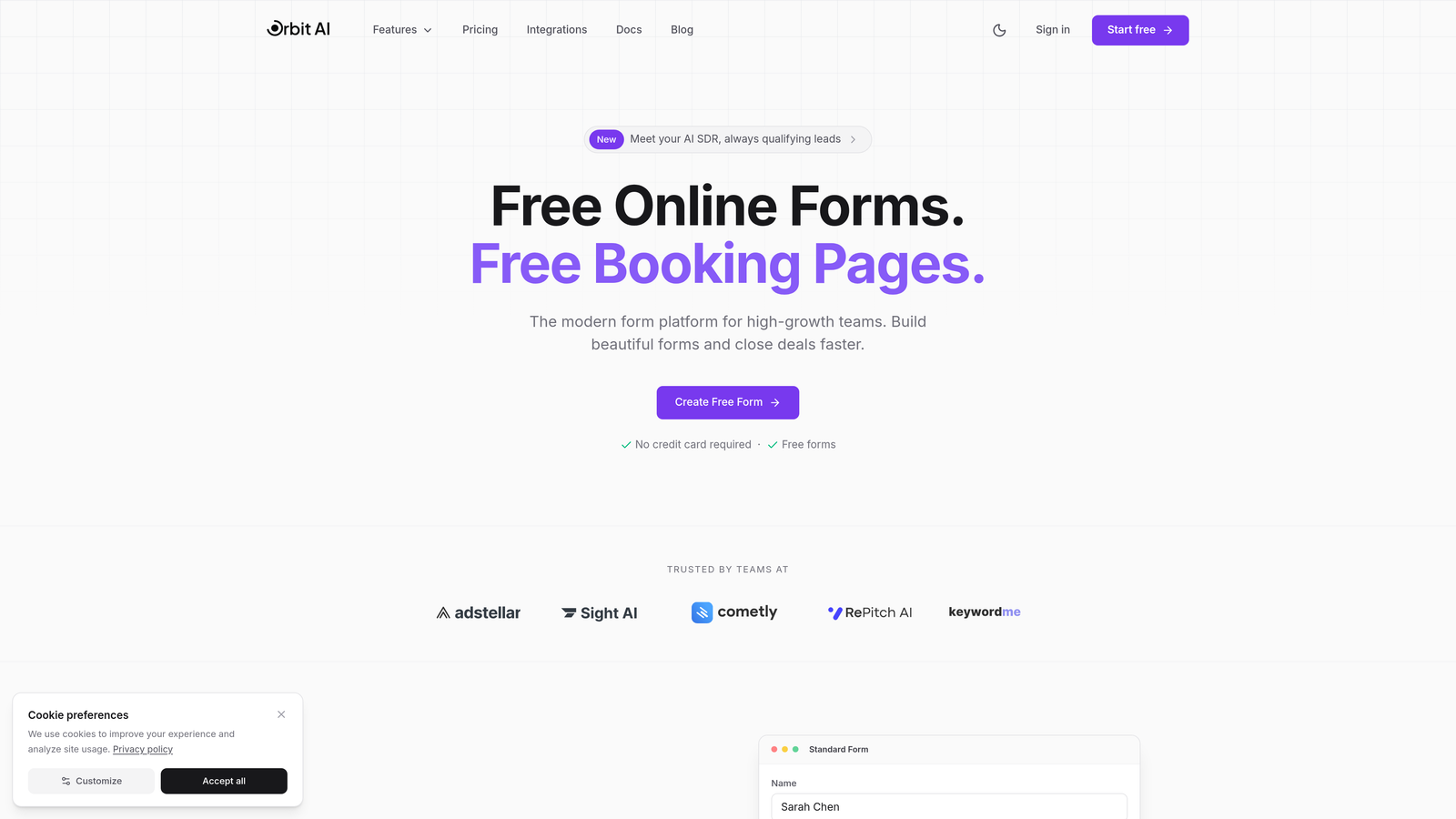
Orbit CRM combines modern form design with intelligent lead qualification capabilities, automatically scoring and routing prospects based on their responses.
Where This Tool Shines
What sets Orbit CRM apart is its AI-powered lead qualification engine that analyzes form responses in real-time to identify high-intent prospects. This isn't just another form builder—it's a conversion optimization platform that understands which leads are worth immediate follow-up.
The platform excels at bridging the gap between beautiful form design and actual business outcomes. While most form builders stop at data collection, Orbit CRM continues working after submission, automatically routing qualified leads to sales teams and triggering personalized follow-up sequences based on prospect behavior and responses.
Key Features
AI-Powered Lead Qualification: Automatically scores and prioritizes leads based on form responses and behavioral signals.
Conversion-Optimized Templates: Pre-built form designs tested for maximum completion rates across industries.
Workflow Automation: Trigger sequences and actions based on lead quality scores and form submission data.
Native CRM Integrations: Direct connections to major CRM and marketing platforms without middleware.
API Access: Programmatic form creation, submission management, and lead data retrieval.
Best For
Orbit CRM is ideal for SaaS companies, B2B businesses, and high-growth teams where lead quality matters more than lead quantity. If you're spending significant time manually qualifying inbound leads or struggling with low conversion rates from existing forms, the AI qualification layer delivers immediate value.
Pricing
Visit useorbitcrm.ai/pricing for current tier details and API access information. Plans scale based on submission volume and AI qualification features, with API access available across multiple tiers.
2. Typeform
Best for: Teams prioritizing user experience with conversational, one-question-at-a-time forms
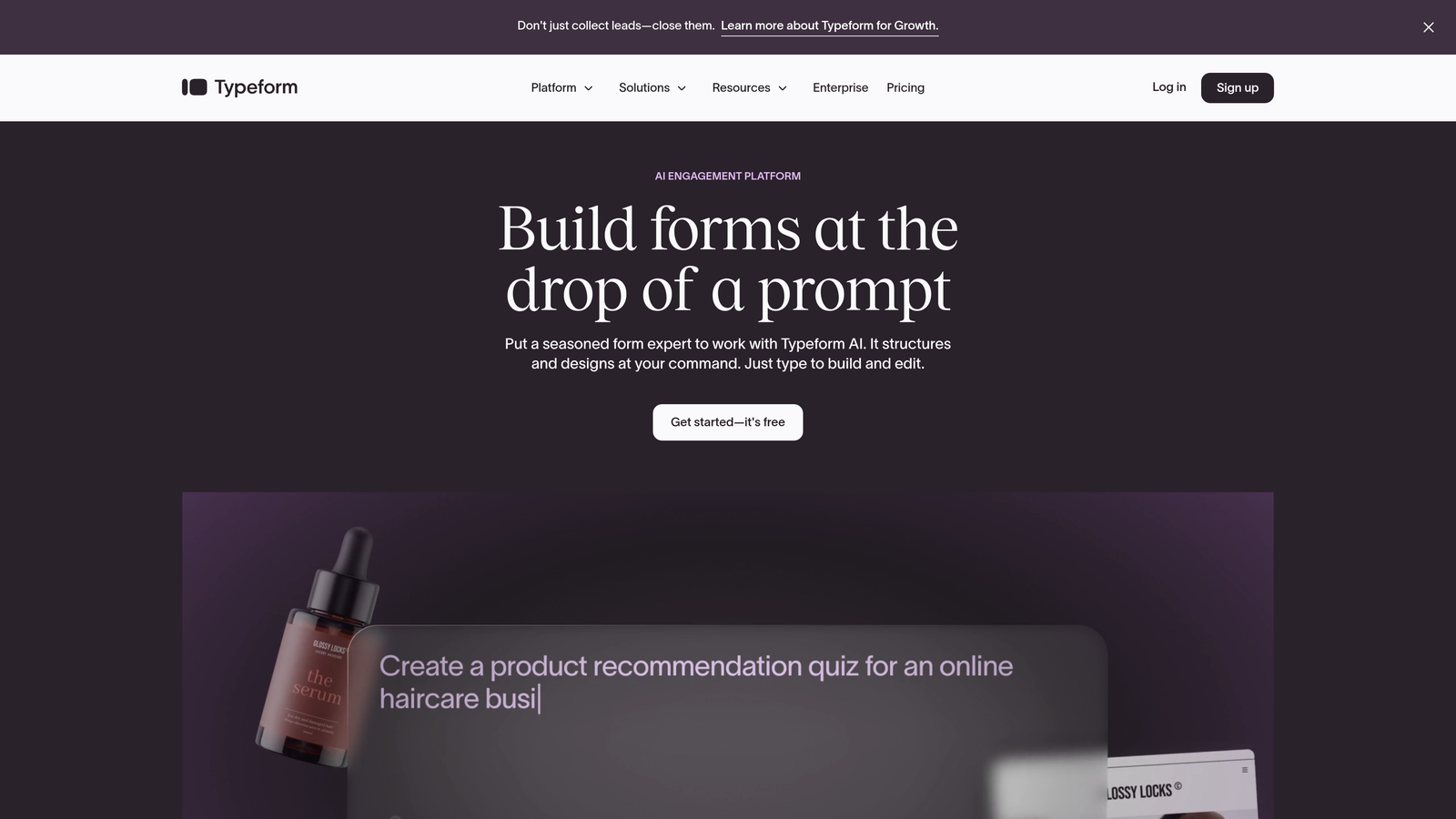
Typeform pioneered the conversational form interface, offering comprehensive API capabilities for form management and response retrieval.
Where This Tool Shines
Typeform's signature one-question-at-a-time approach creates engaging experiences that feel more like conversations than traditional forms. This design pattern consistently delivers higher completion rates, especially for longer forms that would overwhelm users if presented all at once.
The platform's API documentation is exceptionally well-maintained, with clear examples for common use cases. Developers appreciate the separate endpoints for form creation, response retrieval, and webhook management, making it straightforward to build custom integrations without wrestling with poorly documented endpoints.
Key Features
Responses API: Programmatic access to submission data with filtering and pagination support.
Real-Time Webhooks: Instant notifications when forms are submitted, enabling immediate follow-up workflows.
Create API: Dynamically generate forms based on user data or application state.
Logic Jumps: Branch form paths based on previous answers for personalized experiences.
Calculator Fields: Built-in computation capabilities for pricing quotes and assessments.
Best For
Typeform works best for marketing teams, customer research projects, and applications where user experience directly impacts completion rates. The conversational interface particularly shines for surveys, lead generation forms, and onboarding flows where you're asking for substantial information.
Pricing
Basic plans start around $25/month with limited responses. Plus and Business tiers unlock higher submission limits and full API access, with pricing scaling based on monthly response volume. API rate limits increase with higher tiers.
3. JotForm
Best for: Teams needing extensive templates and generous free tier API access
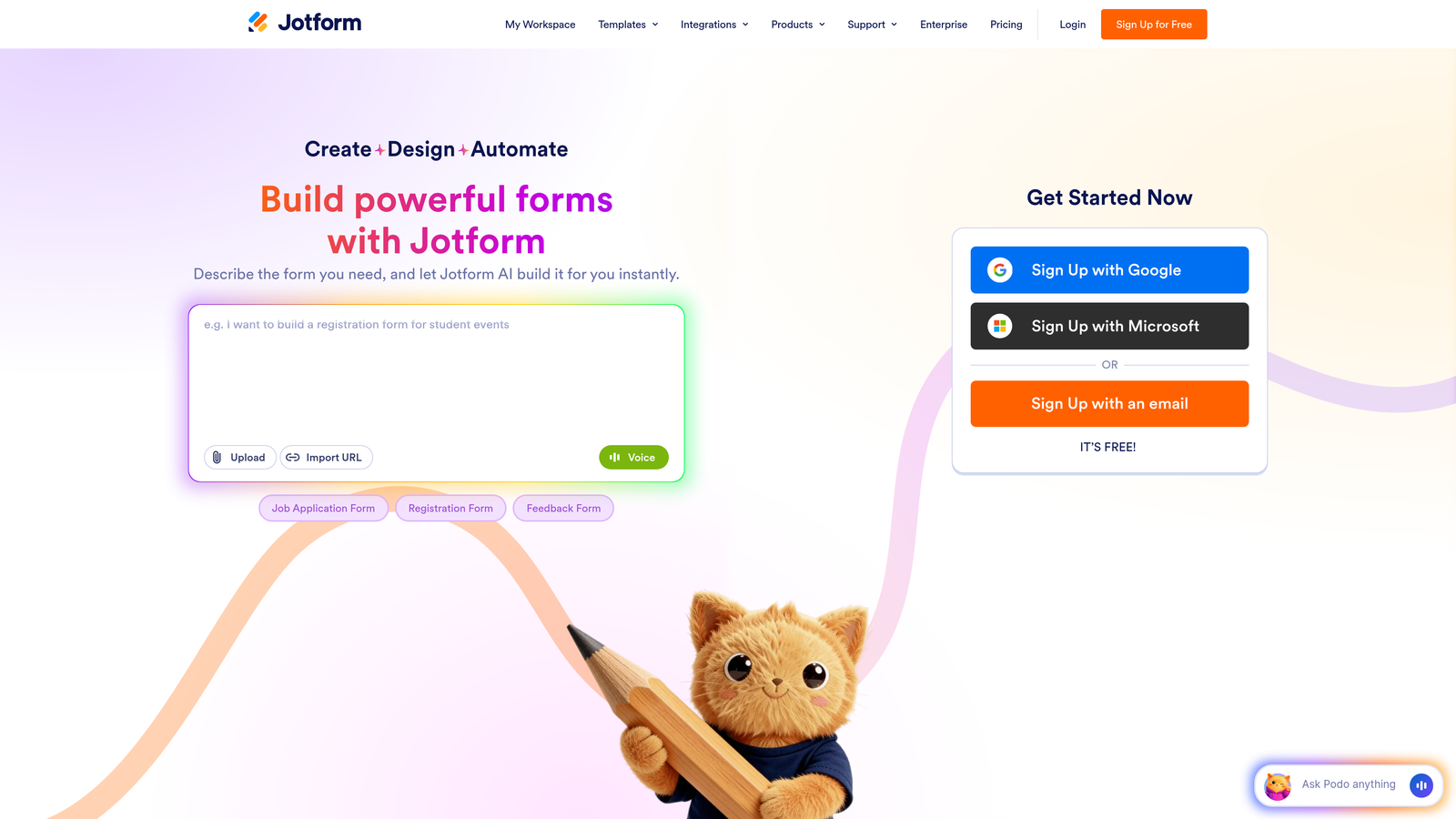
JotForm offers one of the most feature-rich free tiers in the market, with API access included even on the no-cost plan.
Where This Tool Shines
JotForm's massive template library—over 10,000 pre-built forms—means you rarely start from scratch. Whether you need a contact form, event registration, payment collection, or complex multi-page application, there's likely a template that gets you 80% of the way there.
The platform's free tier is genuinely usable for small projects and development testing, including API access that many competitors lock behind paid plans. This makes JotForm an excellent choice for validating ideas before committing to monthly costs, or for agencies managing multiple small client projects.
Key Features
REST API: Full programmatic access to forms, submissions, and user data across all plan tiers.
Generous Free Tier: API access included with no credit card required for getting started.
10,000+ Templates: Pre-built forms for virtually every use case and industry.
Payment Integrations: Native connections to 30+ payment processors including Stripe, PayPal, and Square.
Widgets and Add-ons: Extensive marketplace of form enhancements and integrations.
Best For
JotForm is ideal for agencies managing multiple client projects, small businesses with varied form needs, and developers who want to test API capabilities before committing to paid plans. The template library makes it particularly valuable when you need forms for diverse use cases.
Pricing
Free tier includes 100 monthly submissions with API access. Paid plans start around $34/month with increased submission limits, more forms, and higher storage. Enterprise plans remove submission caps entirely and add priority support.
4. Formstack
Best for: Enterprise teams requiring HIPAA compliance and advanced workflow automation
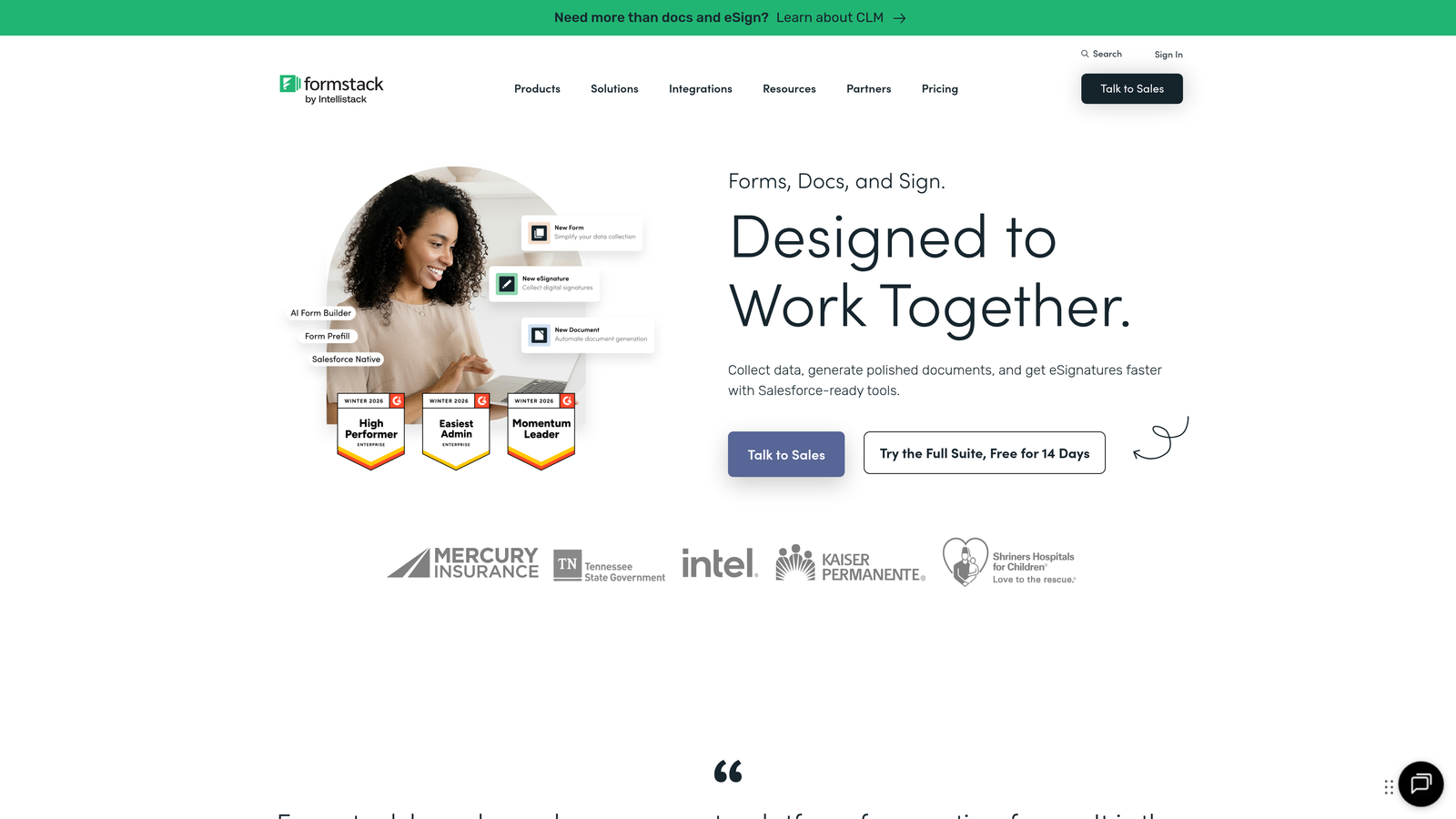
Formstack positions itself squarely in the enterprise space, offering compliance certifications and robust automation capabilities alongside comprehensive API access.
Where This Tool Shines
Formstack's compliance certifications—including HIPAA, GDPR, and SOC 2—make it the go-to choice for healthcare, finance, and other regulated industries. These aren't just marketing claims; the platform provides Business Associate Agreements and maintains the infrastructure required for handling protected health information.
The workflow automation engine goes beyond simple email notifications, enabling complex conditional routing, document generation, and multi-step approval processes. Combined with the API, this allows teams to build sophisticated form-to-action pipelines without custom development.
Key Features
HIPAA Compliance: BAA available with encryption and audit logging for protected health information.
Advanced Conditional Logic: Complex branching and field visibility rules based on multiple conditions.
Document Generation: Automatically create PDFs and documents from form submission data.
Salesforce Native App: Deep integration with Salesforce objects and workflows.
API Access: RESTful API for form management, submission retrieval, and workflow triggers.
Best For
Formstack is built for healthcare organizations, financial services firms, and enterprise teams in regulated industries. If you need to collect sensitive information with documented compliance, or if you're managing complex approval workflows, the platform delivers the necessary infrastructure.
Pricing
Plans start around $50/month for basic features. HIPAA compliance, advanced automation, and higher API rate limits require Business or Enterprise tiers with custom pricing. Expect to pay premium rates for compliance certifications.
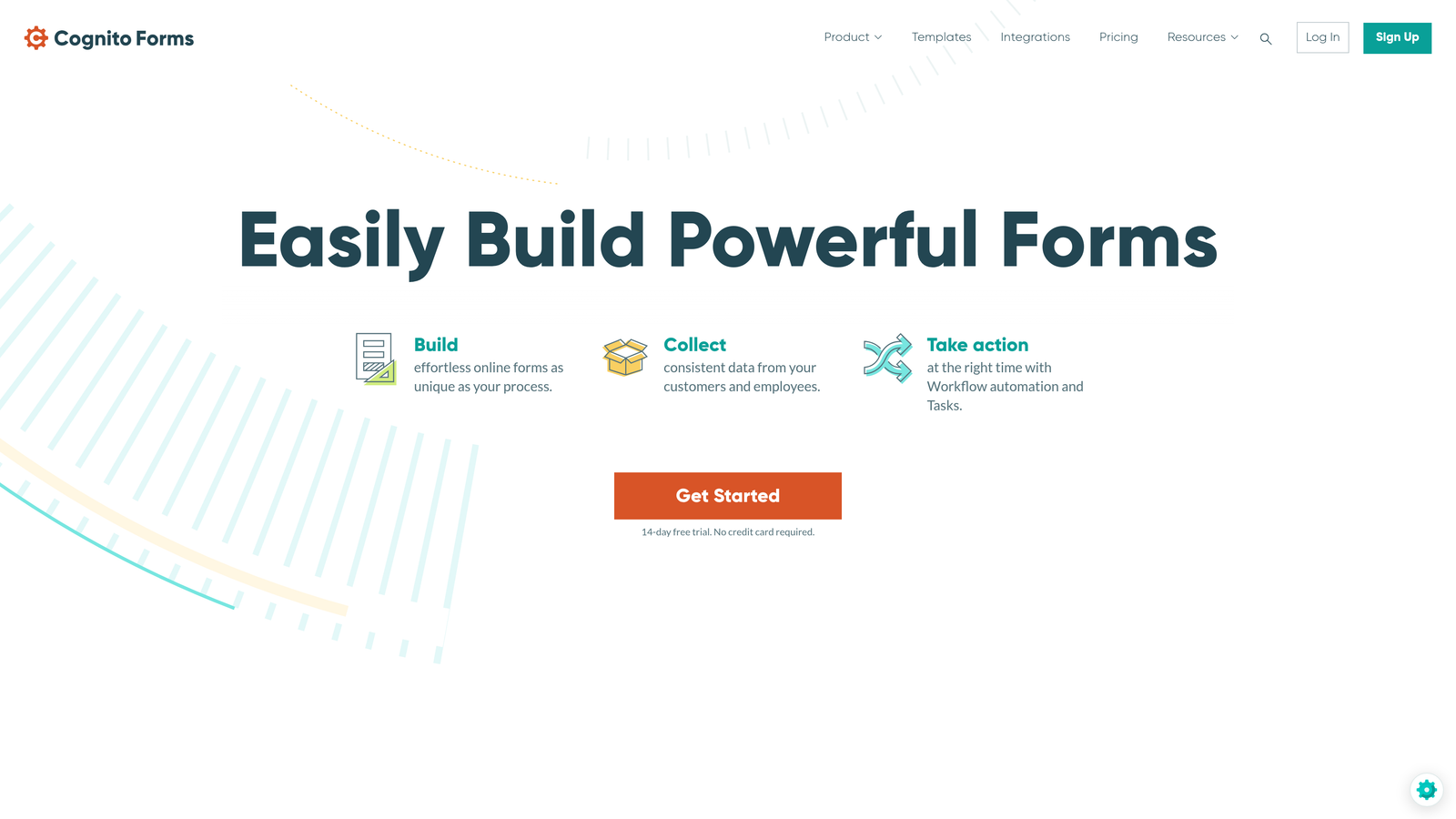
5. Cognito Forms
Best for: Teams needing predictable pricing without per-submission fees on higher tiers
Cognito Forms stands out with its developer-friendly approach and pricing model that eliminates submission caps on Pro and Team plans.
Where This Tool Shines
The elimination of submission fees on higher tiers removes the anxiety of unexpected overages when a form goes viral or you launch a successful campaign. You pay a flat monthly rate and can collect unlimited submissions—a rare pricing model in this space.
Cognito Forms excels at calculation-heavy forms, with built-in support for complex formulas, repeating sections, and dynamic pricing. This makes it particularly strong for order forms, event registrations, and applications where you're calculating totals, discounts, or conditional pricing based on user selections.
Key Features
No Submission Fees: Pro and Team plans include unlimited submissions with no per-response charges.
Native Payment Processing: Direct Stripe and PayPal integration without third-party middleware.
Calculation Fields: Complex formulas and conditional pricing logic built into the form builder.
Repeating Sections: Allow users to add multiple items or family members within a single form.
Entry Management API: Programmatic access to submission data and form configuration.
Best For
Cognito Forms works well for event organizers, membership organizations, and businesses with variable submission volumes. If you're collecting payments through forms or need complex calculations, the combination of unlimited submissions and calculation capabilities delivers strong value.
Pricing
Free tier available with submission limits. Pro plans start around $15/month with unlimited submissions, making it cost-effective for high-volume use cases. Team and Enterprise tiers add collaboration features and increased storage.
6. Paperform
Best for: Creative teams prioritizing design flexibility and document-style form experiences
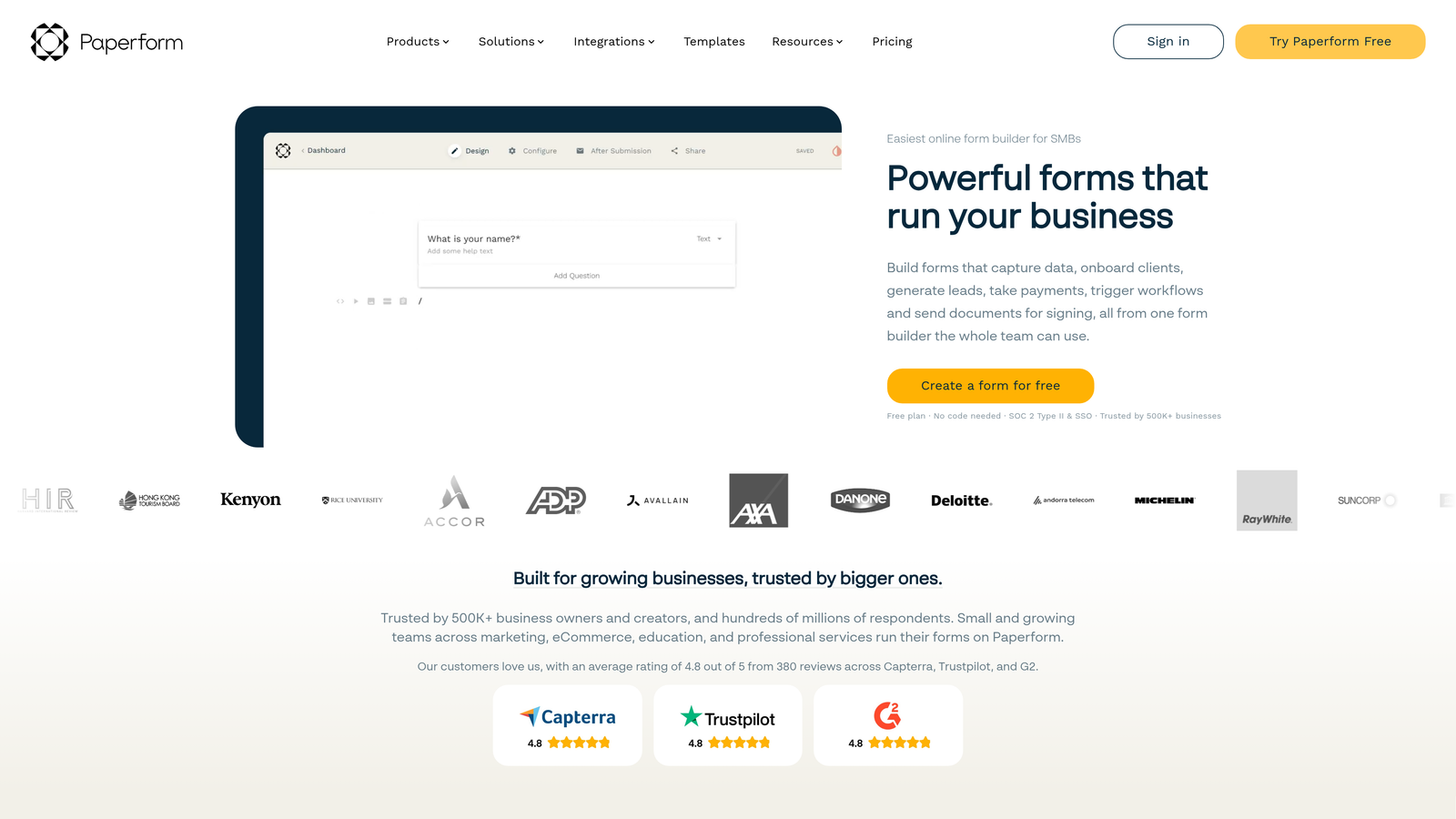
Paperform approaches form building more like document creation, offering extensive design customization and branding capabilities.
Where This Tool Shines
Paperform's document-style editor gives you far more design control than traditional form builders. You can create forms that look like landing pages, with custom layouts, embedded media, and rich text formatting that matches your brand guidelines exactly.
The platform's calculation engine handles complex pricing scenarios, making it popular for quote generators, booking systems, and product configurators where the final price depends on multiple user selections and conditional logic.
Key Features
Document-Style Editor: Rich text formatting and layout control that goes beyond standard form builders.
Advanced Calculations: Complex pricing logic and conditional formulas for quotes and estimates.
Custom Branding: Complete white-labeling with custom domains, CSS, and brand assets.
Direct Integrations: Native connections to major platforms plus Zapier for extended automation.
API Access: Programmatic form creation and submission management on higher tiers.
Best For
Paperform is ideal for agencies, consultants, and businesses where form design needs to match strict brand guidelines. The platform particularly shines for customer-facing forms where visual presentation impacts trust and conversion rates.
Pricing
Essentials plans start around $24/month with basic features. Pro and Agency tiers unlock advanced calculations, custom branding, and API access. Pricing scales based on the number of forms and monthly submission volume.
7. Tally
Best for: Startups and solo developers needing unlimited forms on a generous free tier
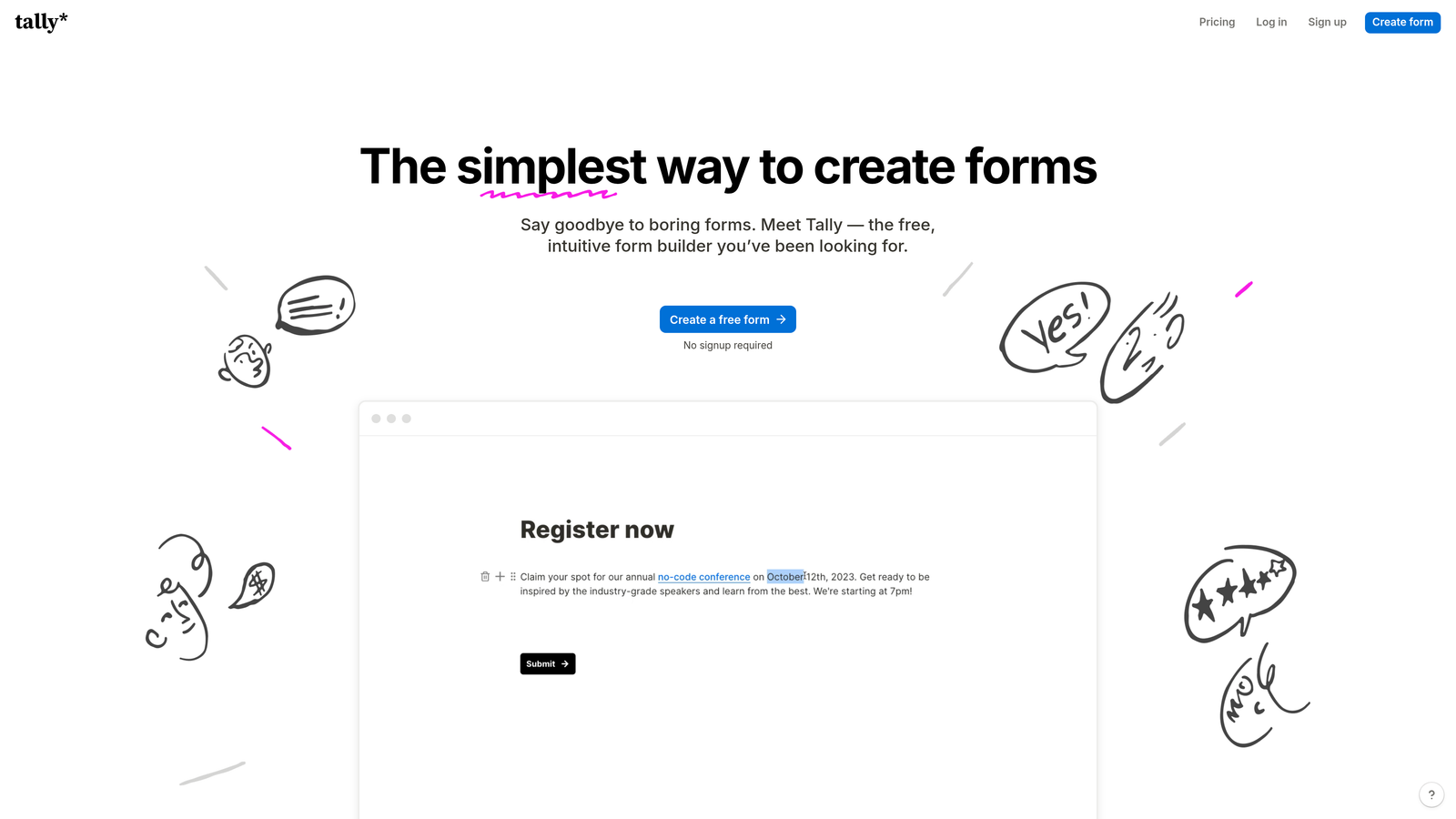
Tally offers one of the most generous free tiers in the market, with unlimited forms and API access at no cost.
Where This Tool Shines
Tally's Notion-style block editor feels immediately familiar to anyone who's used modern document tools. You build forms by adding blocks—text, questions, images, dividers—and arranging them in a clean, distraction-free interface.
The free tier is genuinely functional for small businesses and side projects, not a limited trial designed to force upgrades. Unlimited forms with webhook access means you can build complete product experiences without monthly costs, making it perfect for bootstrapped startups validating ideas.
Key Features
Unlimited Free Forms: No artificial limits on form creation even on the free tier.
Notion-Style Editor: Block-based interface that's intuitive for non-technical users.
Webhooks and Integrations: Real-time submission notifications and connections to automation tools.
File Uploads: Accept document and image submissions without third-party storage.
Payment Collection: Stripe integration for accepting payments through forms.
Best For
Tally is perfect for bootstrapped startups, solo developers, and small teams who need functional forms without monthly costs. The generous free tier makes it ideal for testing product ideas, collecting early customer feedback, or managing internal processes.
Pricing
Generous free tier with unlimited forms and basic features. Pro plans start around $29/month, adding custom branding, advanced logic, and higher submission limits. The free tier remains viable for many small-scale use cases indefinitely.
8. Fillout
Best for: Teams using Airtable or Notion who need native database integration
Fillout differentiates itself with direct integrations to Airtable, Notion, and other databases, eliminating the need for middleware like Zapier.
Where This Tool Shines
Fillout's native Airtable and Notion integrations mean form submissions write directly to your database without intermediate steps. This reduces latency, eliminates points of failure, and simplifies your tech stack—no need to maintain Zapier workflows or custom API integrations.
The platform also excels at scheduling and calendar forms, with built-in availability management and booking confirmations. Combined with the database integrations, this makes it powerful for appointment scheduling, event registration, and resource booking where you need to track availability in real-time.
Key Features
Native Database Integration: Direct sync with Airtable, Notion, and Google Sheets without middleware.
Scheduling Forms: Built-in calendar and availability management for booking appointments.
Conditional Logic: Show or hide fields based on previous answers and complex conditions.
Quiz Mode: Score responses and provide immediate feedback for assessments and tests.
API Access: Programmatic form creation and submission management for custom integrations.
Best For
Fillout is ideal for teams already using Airtable or Notion as their primary database. If you're managing bookings, appointments, or any workflow where form data needs to flow directly into your existing database, the native integrations save significant development time.
Pricing
Free tier available with basic features and limited submissions. Paid plans start around $15/month, unlocking native integrations, increased submission limits, and advanced features. Pricing is competitive compared to the cost of maintaining Zapier workflows.
9. FormAssembly
Best for: Large enterprises with deep Salesforce integration and strict compliance requirements
FormAssembly targets enterprise organizations, particularly those heavily invested in the Salesforce ecosystem.
Where This Tool Shines
FormAssembly's native Salesforce integration goes far beyond simple data sync. You can prefill forms with Salesforce data, create or update multiple objects from a single submission, and trigger complex Salesforce workflows directly from form actions—all without custom Apex code.
The platform's compliance certifications—HIPAA, GDPR, SOC 2, and more—combined with enterprise security features like SSO and advanced user permissions make it suitable for large organizations in regulated industries. These aren't afterthoughts; they're core platform capabilities with dedicated support.
Key Features
Native Salesforce Integration: Deep object mapping, prefill capabilities, and workflow triggers without middleware.
Compliance Certifications: HIPAA, GDPR, and SOC 2 compliance with Business Associate Agreements.
Data Routing: Complex conditional logic for routing submissions to different Salesforce objects or external systems.
Enterprise SSO: SAML-based single sign-on integration with corporate identity providers.
API Access: Comprehensive REST API for form management, submission retrieval, and connector configuration.
Best For
FormAssembly is built for large enterprises, particularly those using Salesforce as their primary CRM. If you're managing complex data collection workflows across multiple departments, need documented compliance, or require enterprise security features, the platform delivers the necessary infrastructure.
Pricing
Professional plans start around $99/month with basic features. Enterprise pricing is custom and scales based on submission volume, compliance requirements, and support needs. Expect significant costs for HIPAA compliance and dedicated support.
Making the Right Choice
The right form builder API depends entirely on your specific volume, integration requirements, and budget constraints. For startups testing product-market fit, Tally's unlimited free forms provide exceptional value without monthly costs. JotForm's generous free tier with API access also serves small projects well.
High-growth teams focused on lead quality over quantity should consider Orbit CRM, where AI-powered qualification turns form submissions into actionable sales intelligence. The platform's conversion optimization focus delivers value when every qualified lead matters.
Enterprise teams in regulated industries have two strong options. Formstack and FormAssembly both offer HIPAA compliance and SOC 2 certifications, with FormAssembly particularly strong for Salesforce-heavy organizations and Formstack excelling at workflow automation across platforms.
For teams already using Airtable or Notion as their database, Fillout's native integrations eliminate middleware costs and complexity. Cognito Forms delivers strong value for high-volume use cases with its unlimited submission pricing on Pro tiers.
When evaluating pricing, look beyond the monthly subscription cost. Consider submission volume caps, API rate limits, white-labeling fees, and the cost of compliance certifications if you're in a regulated industry. Many platforms charge significantly more once you exceed their base tier limits.
The smartest approach is to start with a free tier or trial, test the API documentation quality, and validate that integrations work as expected before committing to annual contracts. Most platforms allow you to export your data, so switching costs are manageable if your initial choice doesn't scale with your needs.
Book a demo and see how intelligent form design can elevate your conversion strategy. Transform your lead generation with AI-powered forms that qualify prospects automatically while delivering the modern, conversion-optimized experience your high-growth team needs.