Customer onboarding is where first impressions become lasting relationships, and the form builder you choose plays a bigger role than most teams realize. A clunky, generic form signals friction before your product even loads. A smart, well-designed onboarding form sets the tone for everything that follows: personalized setup flows, faster time-to-value, and higher activation rates.
This guide covers the best form builders purpose-built (or well-suited) for customer onboarding in 2026. Whether you need AI-powered lead qualification, conversational multi-step flows, or deep CRM integrations, there's a tool here for your stack. We evaluated each on ease of use, onboarding-specific features, integration depth, and pricing transparency. If you're also thinking about how your forms affect downstream lead quality, our guide on how to improve lead quality is worth a read alongside this one.
1. Orbit AI
Best for: High-growth SaaS teams that need onboarding forms to qualify and route leads automatically.
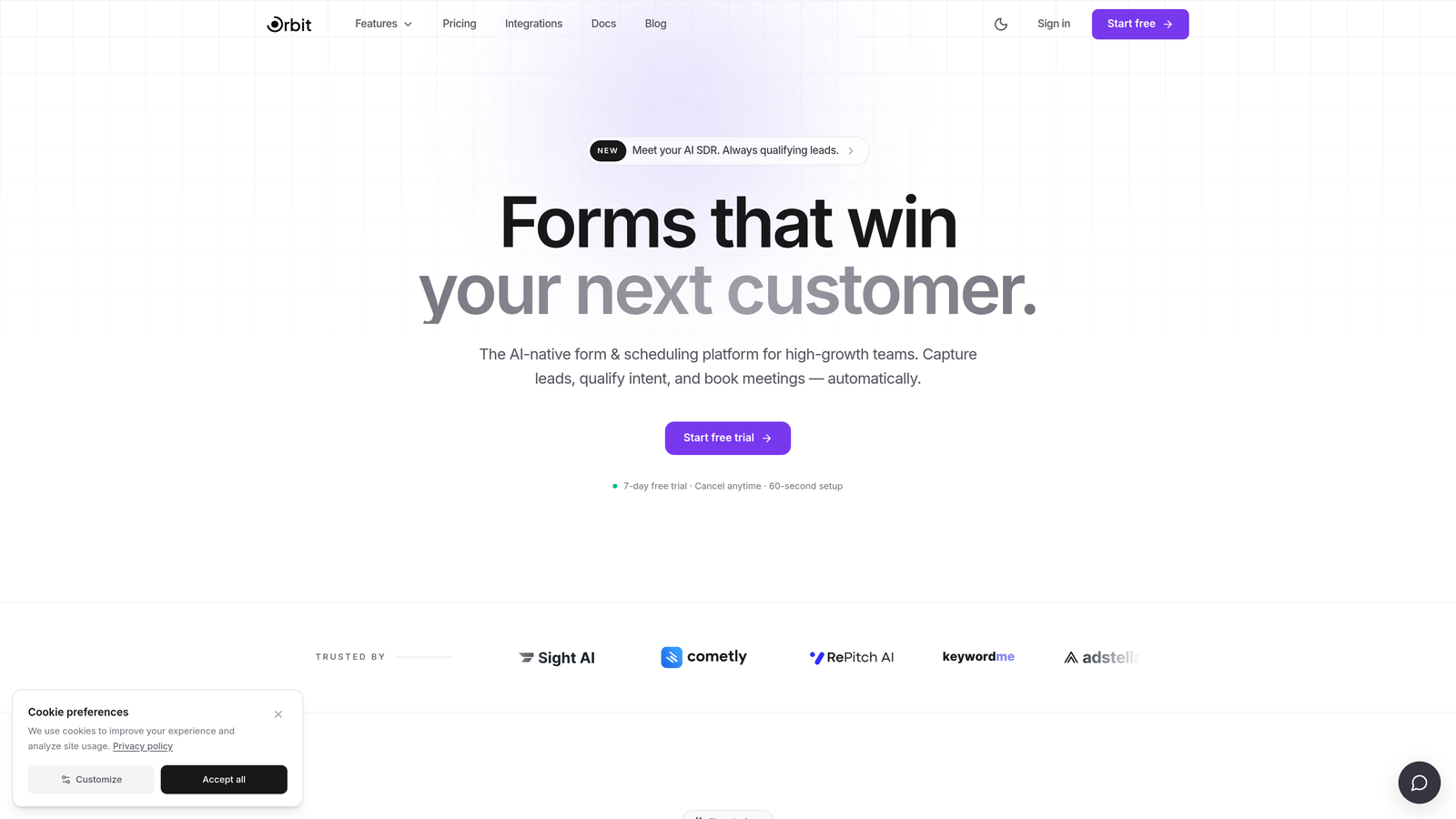
Orbit AI is an AI-powered form builder designed for conversion-focused teams who want lead qualification baked directly into the onboarding experience.
Where This Tool Shines
Most form builders treat qualification as an afterthought, something you bolt on with a Zapier workflow after the submission lands. Orbit AI flips that model. The lead qualification logic lives inside the form flow itself, so you're routing and scoring respondents in real time rather than cleaning up messy data downstream.
For RevOps and growth teams, this is a meaningful difference. When your onboarding form doubles as a qualification layer, your CRM receives cleaner data, your sales team gets better-routed leads, and your activation flows can start with real context about who just signed up.
Key Features
AI-Powered Lead Qualification: Qualification logic runs natively inside the form, scoring and routing respondents without third-party workarounds.
Multi-Step Form Design: Conversion-optimized layouts that break onboarding into digestible steps, reducing drop-off at each stage.
Conditional Logic: Personalized onboarding paths that show only relevant fields based on prior answers, keeping the experience tight and relevant.
CRM Routing and Integration: Native support for passing qualified, structured data directly into your CRM of choice.
Growth-First Design: Built specifically for high-growth and RevOps teams, not adapted from a generic form tool.
Best For
Orbit AI is the right fit for SaaS companies where onboarding forms feed directly into a sales or activation pipeline. If you need your form to do more than collect data, specifically to understand who the user is and route them accordingly, this is built for exactly that use case.
Pricing
Visit orbitforms.ai for current pricing plans. Pricing is not listed here as it may change; always check the source directly.
2. Typeform
Best for: Teams prioritizing a low-friction, conversational onboarding experience with strong visual polish.
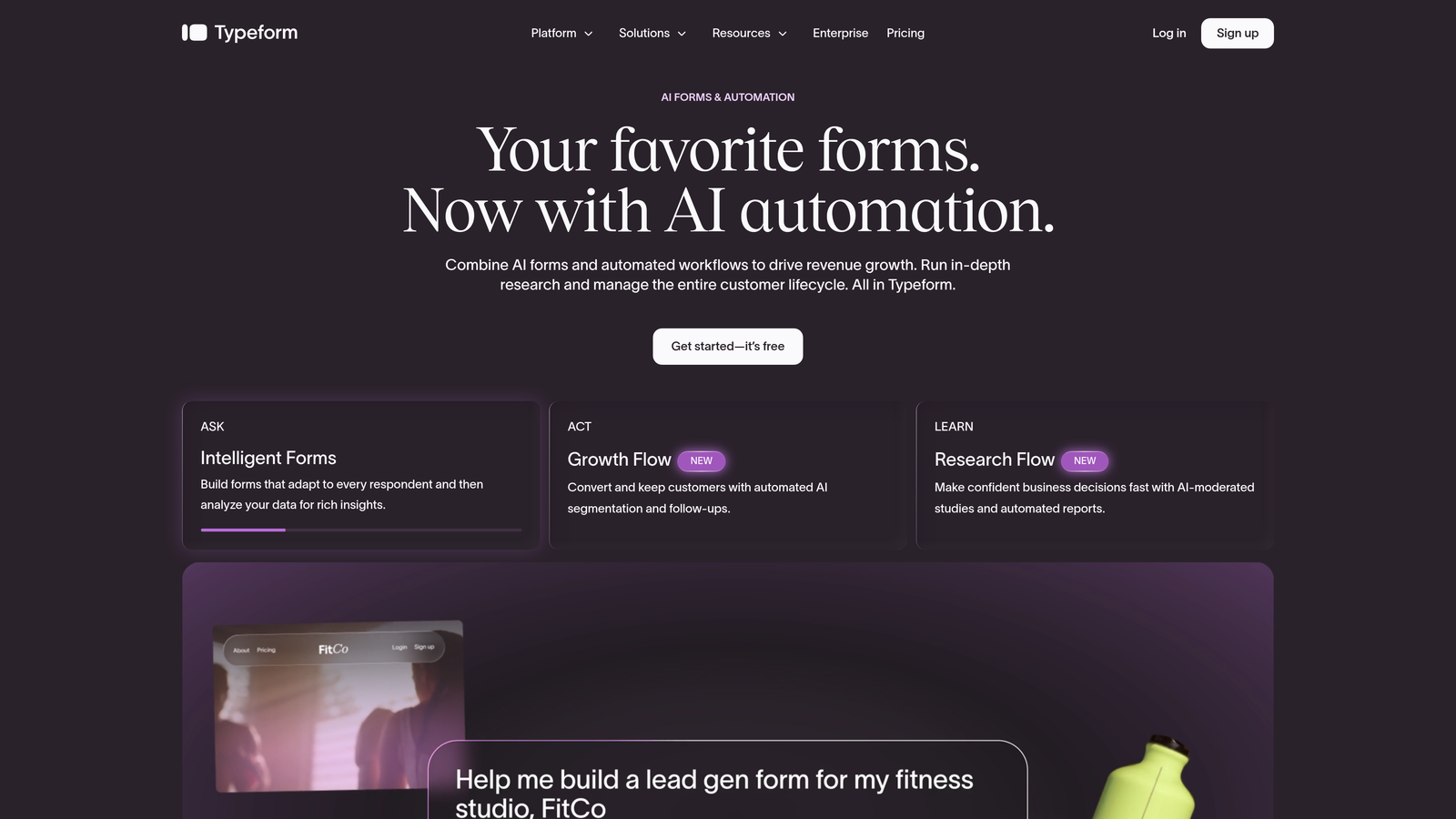
Typeform is a conversational form builder known for its one-question-at-a-time format that reduces perceived friction in onboarding flows.
Where This Tool Shines
Typeform's signature UX, presenting one question at a time rather than a wall of fields, works particularly well for onboarding flows where cognitive load is a real concern. When users feel like they're having a conversation rather than filling out a form, completion rates tend to improve.
The Logic Jumps feature lets you branch the experience based on answers, so a user who selects "Enterprise" gets a different path than someone who picks "Freelancer." It's not as deeply integrated as Orbit AI's qualification layer, but for teams focused primarily on front-end experience, Typeform delivers a polished result with relatively little setup.
Key Features
Conversational One-Question UX: Presents fields sequentially to reduce overwhelm and improve perceived simplicity.
Logic Jumps: Branching paths that tailor the onboarding flow based on respondent answers.
Video Question Support: Embed video alongside questions for richer context or product walkthroughs.
CRM Integrations: Native connections to HubSpot, Salesforce, and Slack, among others.
Free Tier Available: A functional free plan makes it accessible for teams testing onboarding flows before committing.
Best For
Typeform suits B2C SaaS teams, marketing teams, and product teams that prioritize front-end experience over deep backend routing. It's a strong choice when your primary goal is reducing drop-off during onboarding rather than complex lead qualification.
Pricing
Free plan available; paid plans start at approximately $25/month. Verify current pricing at typeform.com as rates change.
3. Jotform
Best for: Teams managing complex onboarding workflows who need extensive templates and no-code logic without developer resources.
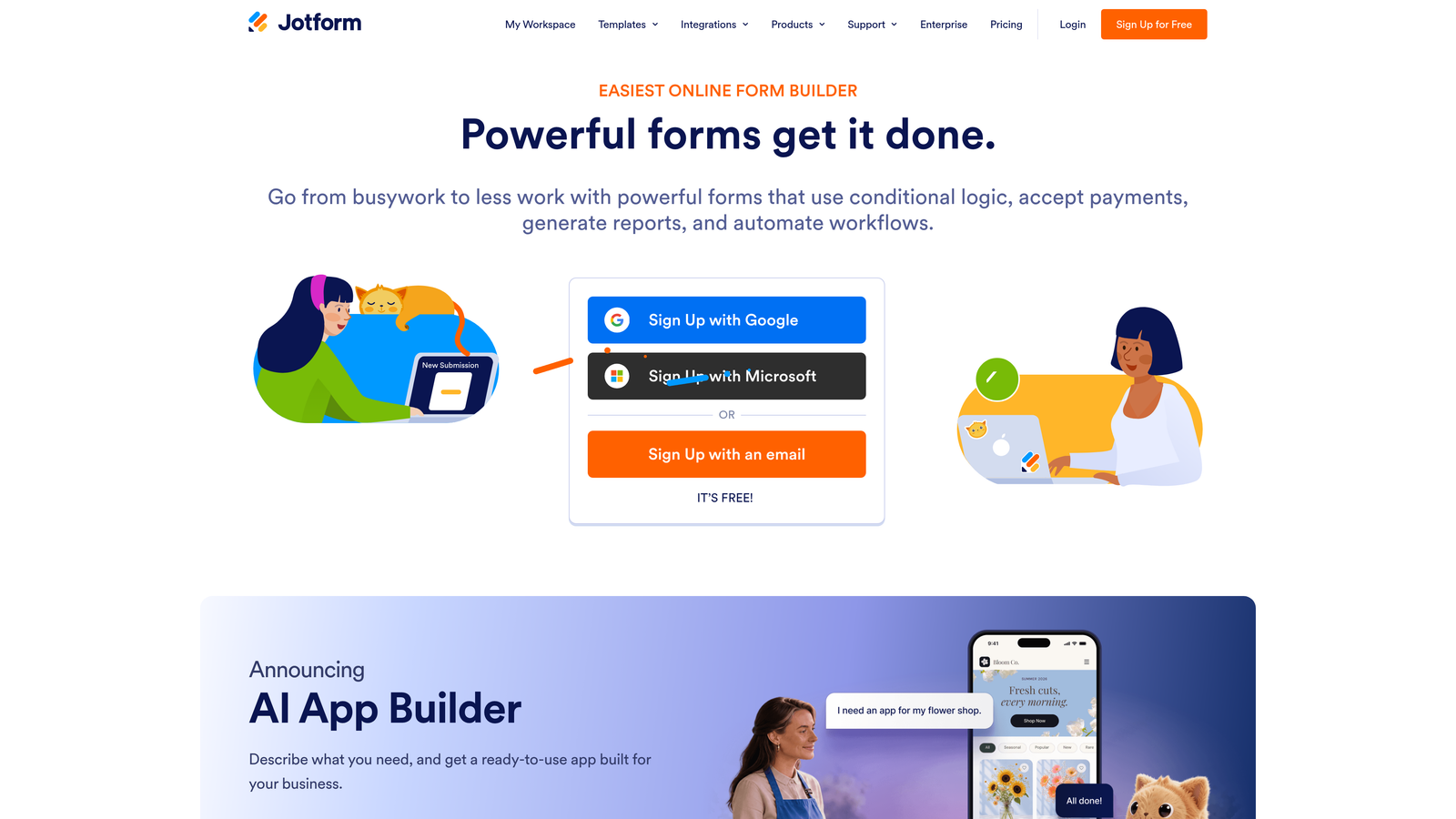
Jotform is a feature-rich no-code form builder with one of the largest template libraries available and robust conditional logic for multi-step onboarding.
Where This Tool Shines
Jotform's depth is its defining strength. With over 10,000 templates, including onboarding-specific options, you can get a working form up quickly and then layer in conditional logic, approval workflows, and payment collection as your needs grow. For operations teams managing onboarding across multiple products or customer segments, that flexibility is genuinely valuable.
Jotform Tables and Jotform Inbox add lightweight data management on top of the form layer, giving smaller teams a quasi-CRM experience without needing to connect external tools immediately. That said, the interface can feel dense compared to newer tools, and the sheer number of options can slow down teams that want to move fast.
Key Features
10,000+ Templates: Includes onboarding-specific form templates to accelerate setup across different use cases.
Advanced Conditional Logic: Multi-branch logic and approval workflows for complex onboarding scenarios.
Jotform Tables: Lightweight data management layer that keeps submission data organized without a separate tool.
Payment Collection: Native integrations with major payment processors for onboarding flows that include billing.
Scalable Free Tier: Generous free plan with paid tiers that scale by submission volume and feature access.
Best For
Jotform is well-suited for SMBs, agencies, and operations teams that need a lot of flexibility without writing code. It's particularly strong when onboarding involves multiple steps, approvals, or payment collection in a single flow.
Pricing
Free plan available; paid plans start at approximately $34/month. Verify current pricing at jotform.com.
4. Paperform
Best for: Teams that want onboarding forms to feel like branded landing pages rather than generic input screens.
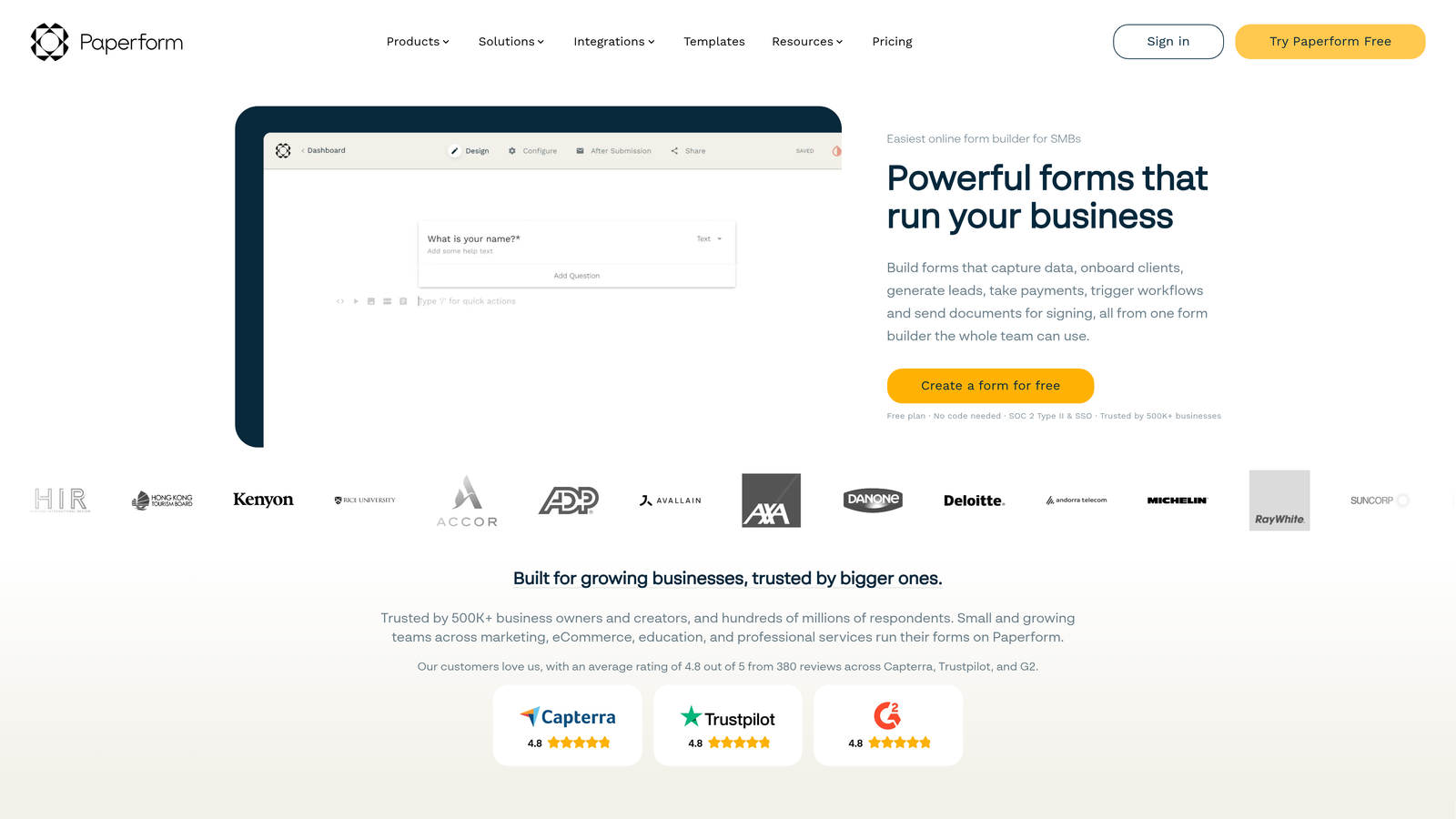
Paperform is a form builder that blends data collection with rich content, letting you embed text, images, and video alongside form fields on a single page.
Where This Tool Shines
Paperform occupies a distinct niche: it's the tool you reach for when context matters as much as the data itself. An onboarding form built in Paperform can include instructional copy, product screenshots, or a welcome video right alongside the fields, so users understand what they're being asked and why. The result feels more like a guided experience than a data entry task.
This approach works particularly well for small businesses, coaches, consultants, and creative agencies where brand presentation during onboarding carries real weight. It's less suited for highly technical or enterprise-scale workflows where backend routing and compliance take priority over aesthetics.
Key Features
Rich Content Blocks: Mix text, images, and video with form fields on a single page for context-rich onboarding experiences.
Conditional Logic and Calculations: Branch form paths and perform calculations based on user responses.
Payment Collection: Built-in support for collecting payments as part of the onboarding flow.
Custom Domain Support: Host forms on your own domain for a fully branded experience.
Clean, Minimal Design: Aesthetic-forward templates that elevate the perceived quality of your onboarding.
Best For
Paperform is a strong fit for small businesses, agencies, and service-based teams where onboarding needs to feel polished and brand-consistent. If your form is also a first impression of your brand's quality, Paperform handles that better than most.
Pricing
No free tier; paid plans start at approximately $24/month. Verify current pricing at paperform.co.
5. Tally
Best for: Lean teams and early-stage startups that need clean, functional onboarding forms without a budget commitment.
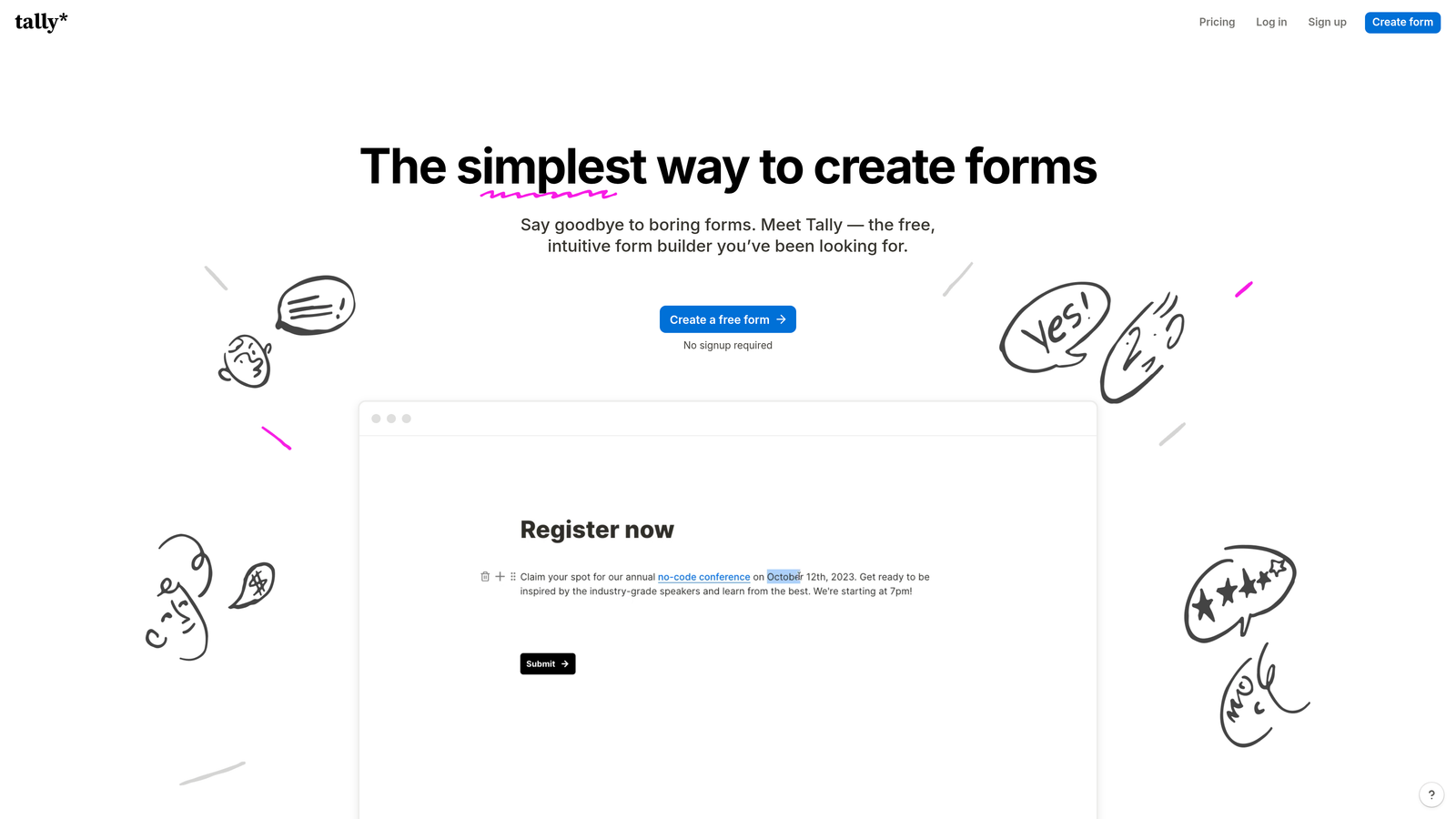
Tally is a free-first form builder with a Notion-inspired block editor offering unlimited forms and submissions on its free plan.
Where This Tool Shines
Tally's free plan is genuinely generous in a space where "free" often means heavily restricted. Unlimited forms and unlimited submissions on the free tier means early-stage startups and indie teams can run real onboarding flows without hitting a paywall every time they scale. The Notion-like editor also makes it fast to build, particularly for teams already comfortable with block-based tools.
The trade-off is depth. Tally handles conditional logic, hidden fields, and basic integrations through Zapier and Make well enough for straightforward onboarding flows. But if you need AI-powered qualification, deep CRM routing, or enterprise compliance, you'll outgrow it quickly. Think of Tally as the right tool for the right stage: excellent for early-phase validation, less suited for scale.
Key Features
Unlimited Free Forms and Submissions: A genuinely differentiated free plan with no submission caps that limit real-world use.
Notion-Inspired Block Editor: Fast, intuitive form building for teams already familiar with block-based interfaces.
Conditional Logic and Hidden Fields: Basic branching and personalization for tailored onboarding paths.
Zapier, Make, and Webhook Integrations: Connect to your existing stack without needing native integrations for every tool.
Tally Pro: Unlocks custom domains, file uploads, and priority support for teams ready to upgrade.
Best For
Tally is ideal for early-stage startups, indie hackers, and internal tool builders who need functional onboarding forms quickly and affordably. It's also a solid choice for teams validating a new product flow before investing in a more robust solution.
Pricing
Free plan available with unlimited forms and submissions; Tally Pro at approximately $29/month. Verify current pricing at tally.so.
6. Formstack
Best for: Enterprise organizations where customer onboarding involves multiple stakeholders, document workflows, and regulatory compliance.
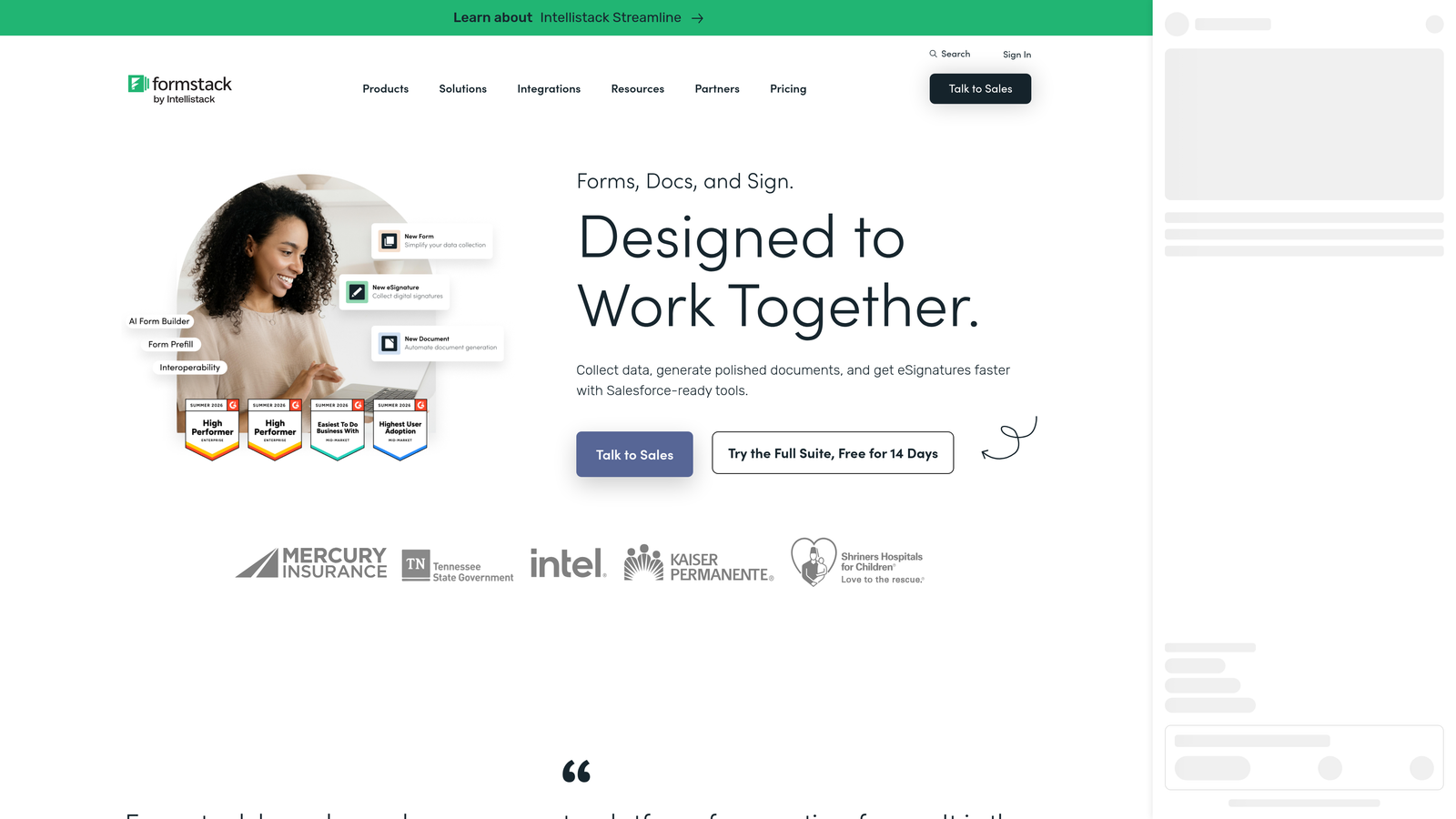
Formstack is an enterprise-grade form and workflow platform that extends beyond data collection into document generation, e-signatures, and multi-step approval routing.
Where This Tool Shines
Formstack is built for the kind of onboarding that involves more than a signup form. Think regulated industries: healthcare organizations onboarding patients, financial services firms onboarding clients, or enterprise SaaS companies where a new customer requires signed agreements, internal approvals, and data handoffs across multiple teams. In those contexts, Formstack's combination of forms, documents, and e-signatures in a single platform eliminates a lot of tool-switching friction.
Its compliance credentials, including HIPAA, SOC 2, and GDPR, are a genuine differentiator for organizations where data handling requirements aren't optional. For small teams or straightforward SaaS onboarding, it's likely overkill. But for enterprise contexts, it fills a gap that lighter tools simply can't.
Key Features
Multi-Step Approval Workflows: Route onboarding submissions through internal approval chains before processing.
Formstack Documents: Generate pre-filled documents automatically from form responses.
Formstack Sign: Collect legally binding e-signatures as part of the onboarding flow.
Compliance Certifications: HIPAA, SOC 2, and GDPR compliance for regulated industries.
Enterprise CRM Integrations: Deep connections to Salesforce and other enterprise systems.
Best For
Formstack is purpose-built for enterprise SaaS, healthcare, financial services, and education organizations where customer onboarding requires document workflows, multi-stakeholder approvals, and strict compliance. If your onboarding process touches legal agreements or regulated data, it belongs in your evaluation.
Pricing
Pricing typically requires a demo or custom quote for enterprise tiers. Verify current options at formstack.com.
Which Tool Is Right for Your Onboarding Stack?
Each tool on this list solves a real problem, but they're not interchangeable. Here's a quick way to think about the decision based on where you are and what you need.
Orbit AI is the standout choice for growth teams that need onboarding forms to do more than collect data. If lead qualification, CRM routing, and conversion optimization are priorities from day one, it's the only tool on this list with those capabilities built natively into the form layer.
Typeform wins on front-end experience. If your primary concern is reducing drop-off through a polished, conversational interface, it's hard to beat for B2C and marketing-led onboarding flows.
Jotform is the right call when your onboarding workflow is genuinely complex: multiple branches, approvals, payment collection, and a need for templates you can adapt quickly without developer help.
Paperform suits teams where brand presentation during onboarding matters as much as the data itself. It's the tool for service businesses and agencies that want their form to feel like a premium experience.
Tally is the honest answer for early-stage teams that need something real and functional without spending money before product-market fit. The free plan is genuinely useful, not artificially limited.
Formstack belongs in enterprise evaluations where onboarding involves documents, e-signatures, multi-stakeholder approvals, and regulatory compliance. It's built for complexity at scale.
If you're a high-growth SaaS team building onboarding flows that need to qualify, route, and convert, the right starting point is a form builder designed with those goals in mind from the ground up. Book a demo with Orbit AI and see how intelligent form design can transform your onboarding from a data collection step into a genuine growth lever.