Every event, webinar, course, or membership starts with one critical moment: the registration. A clunky form loses signups before they even begin. A smart one converts curious visitors into committed attendees.
The right registration form builder does more than collect names and emails. It qualifies leads, integrates seamlessly with your tech stack, and makes the experience feel effortless for your registrants.
We tested dozens of tools to find the ones that actually deliver. Here are the top registration form builders for high-growth teams in 2026.
1. Orbit AI
Best for: High-growth teams that need AI-powered lead qualification built into their registration forms
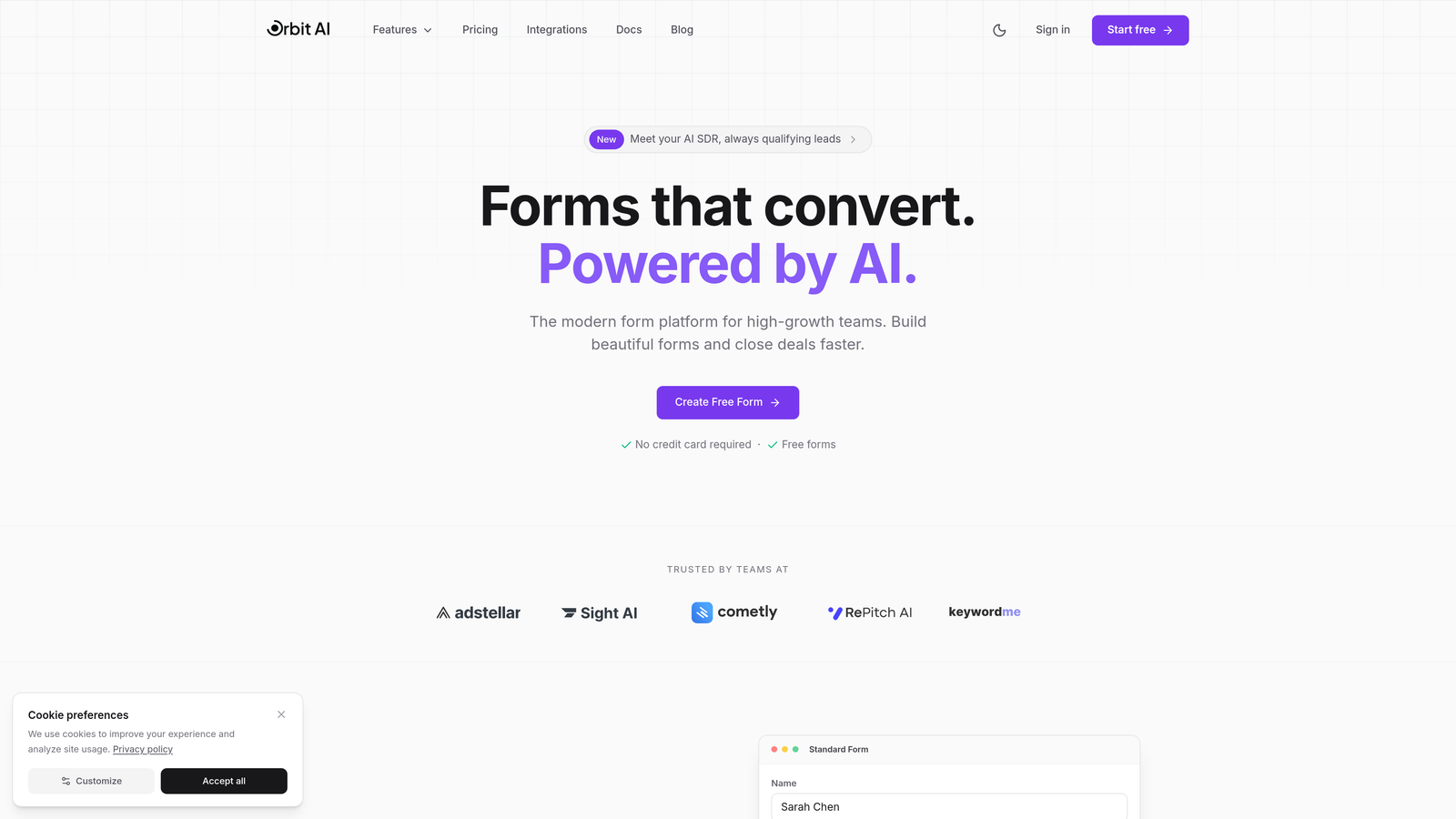
Orbit AI combines beautiful registration forms with intelligent lead qualification, automatically scoring and routing signups based on their responses.
Where This Tool Shines
What sets Orbit AI apart is its AI-powered approach to registration. Instead of just collecting data, it actively qualifies leads as they fill out your form, identifying high-value registrants in real-time.
The conversational form experience creates a more engaging registration flow than traditional forms, leading to higher completion rates. For teams running webinars, events, or courses where lead quality matters as much as volume, this intelligence layer transforms registration from data collection into lead generation.
Key Features
AI-Powered Lead Qualification: Automatically scores and qualifies registrants based on their responses, routing high-value leads to your sales team instantly.
Conversational Form Experience: Creates an engaging, one-question-at-a-time flow that feels natural and increases completion rates.
Deep CRM Integrations: Connects seamlessly with HubSpot, Salesforce, and Pipedrive to sync registration data and trigger automated workflows.
Automated Workflows: Set up intelligent automation that responds to registrations based on lead score, answers, or behavior.
Modern, Mobile-Optimized Design: Forms look great on any device with responsive design that adapts to screen size.
Best For
Orbit AI is ideal for high-growth B2B teams running webinars, events, or courses where lead quality matters. If you need to capture registrations and immediately identify which signups are worth pursuing, this is your tool. Marketing and sales teams that want registration to feed directly into their qualification and follow-up processes will find the most value here.
Pricing
Pricing is quoted on a short demo, and Orbit has no free plan. Book a demo to see it with your own forms.
2. Typeform
Best for: Creating engaging, conversational registration experiences with strong brand customization
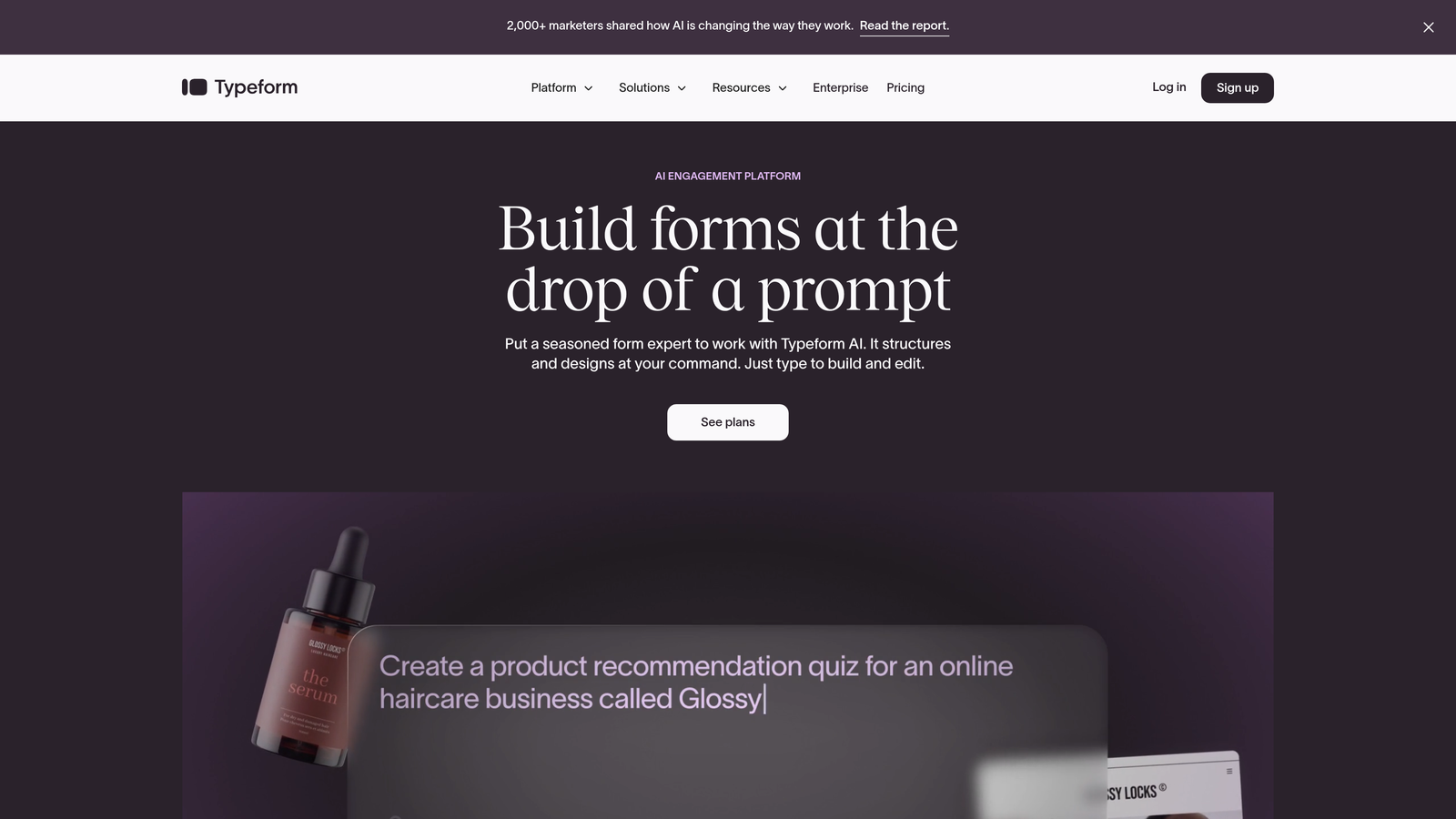
Typeform is known for its sleek, one-question-at-a-time format that transforms registration into an interactive conversation.
Where This Tool Shines
Typeform's signature approach displays one question at a time, creating a focused experience that reduces form abandonment. This works exceptionally well for registrations where you need detailed information but don't want to overwhelm prospects with a long form.
The platform offers extensive design customization, letting you match your registration forms perfectly to your brand. Video and image embedding capabilities make it easy to create visually rich registration experiences that stand out.
Key Features
One-Question-at-a-Time Format: Conversational approach that presents questions sequentially, keeping registrants focused and engaged.
Extensive Brand Customization: Control colors, fonts, backgrounds, and layouts to create registration forms that match your brand perfectly.
Logic Jumps: Create personalized registration flows that adapt based on previous answers, showing relevant questions to each registrant.
Native Integrations: Connects with popular tools like Google Sheets, Mailchimp, Slack, and Zapier for automated workflows.
Rich Media Support: Embed videos, images, and GIFs directly in your registration forms to create engaging experiences.
Best For
Typeform works best for teams that prioritize aesthetics and user experience in their registration process. It's particularly effective for creative agencies, event planners, and brands that want registration forms to feel like part of their marketing experience rather than an administrative step.
Pricing
Free plan available with basic features. Basic plan starts at $25/month, with Plus at $50/month and Business at $83/month for advanced features.
3. Jotform
Best for: Teams needing extensive templates and built-in payment processing for paid registrations
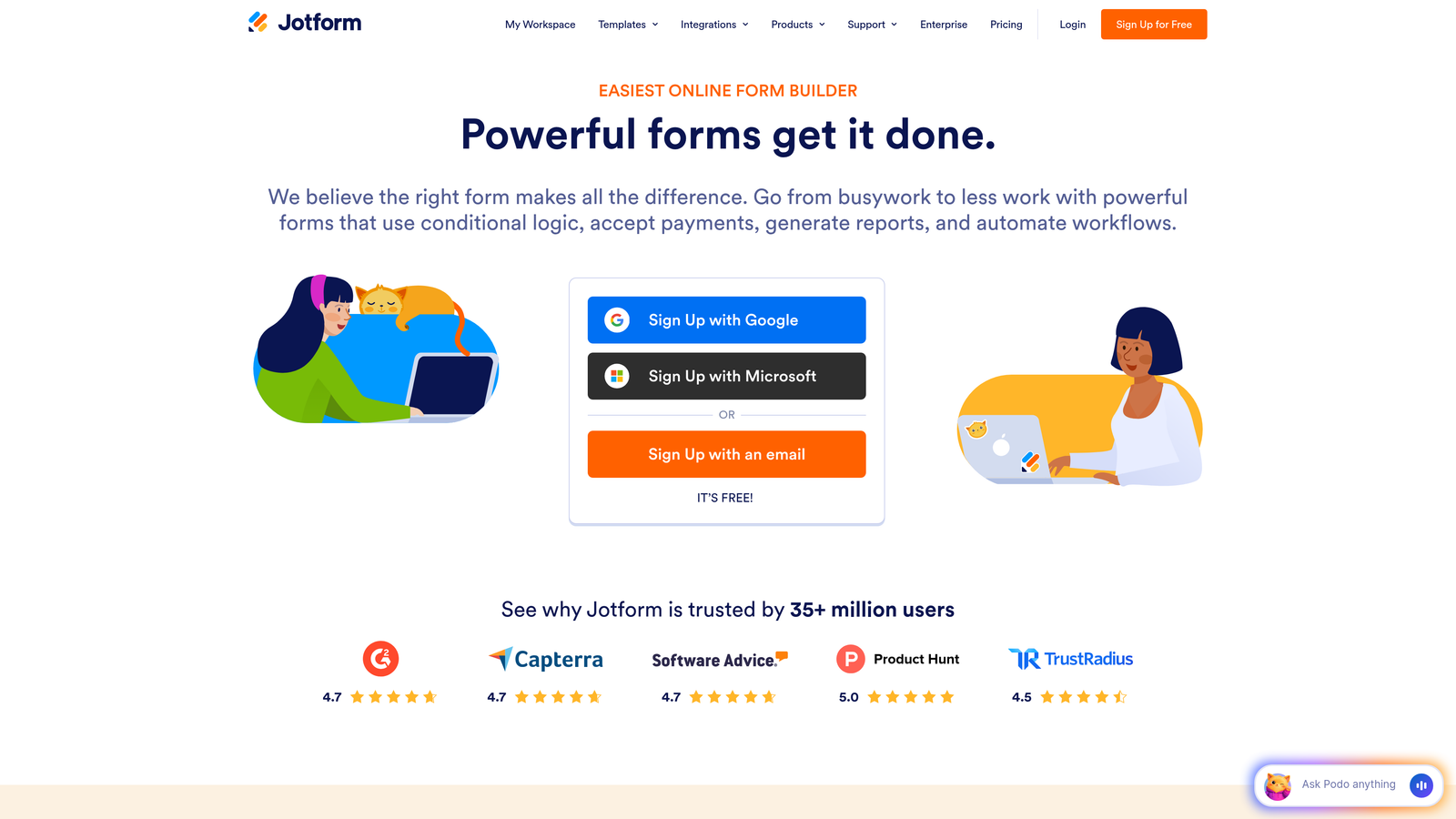
Jotform offers a feature-rich platform with thousands of templates and payment capabilities for complex registration needs.
Where This Tool Shines
With over 10,000 templates, Jotform likely has a pre-built registration form close to what you need. This saves significant time compared to building from scratch, especially for common registration scenarios like event signups or course enrollments.
The built-in payment processing is a standout feature. If you're collecting registration fees, Jotform integrates with multiple payment gateways, handling transactions directly within your form. The generous free tier (5 forms, 100 submissions monthly) makes it accessible for smaller teams testing the waters.
Key Features
10,000+ Templates: Massive template library covering virtually every registration scenario, from conferences to classes to membership signups.
Built-In Payment Processing: Accept payments through Stripe, PayPal, Square, and other gateways directly in your registration forms.
Conditional Logic: Show or hide fields based on previous answers, creating dynamic registration experiences tailored to each user.
PDF Generation: Automatically generate PDF confirmations, tickets, or receipts from registration submissions.
E-Signature Capabilities: Collect digital signatures for registrations requiring agreements or waivers.
Best For
Jotform is ideal for organizations running paid events, courses, or programs where payment collection is part of registration. The extensive template library makes it particularly useful for teams that need to launch registration forms quickly without custom design work.
Pricing
Free tier includes 5 forms and 100 monthly submissions. Starter plan at $34/month, Bronze at $39/month, Silver at $49/month, and Gold at $99/month.
4. Google Forms
Best for: Simple, no-cost registration forms with automatic Google Sheets integration
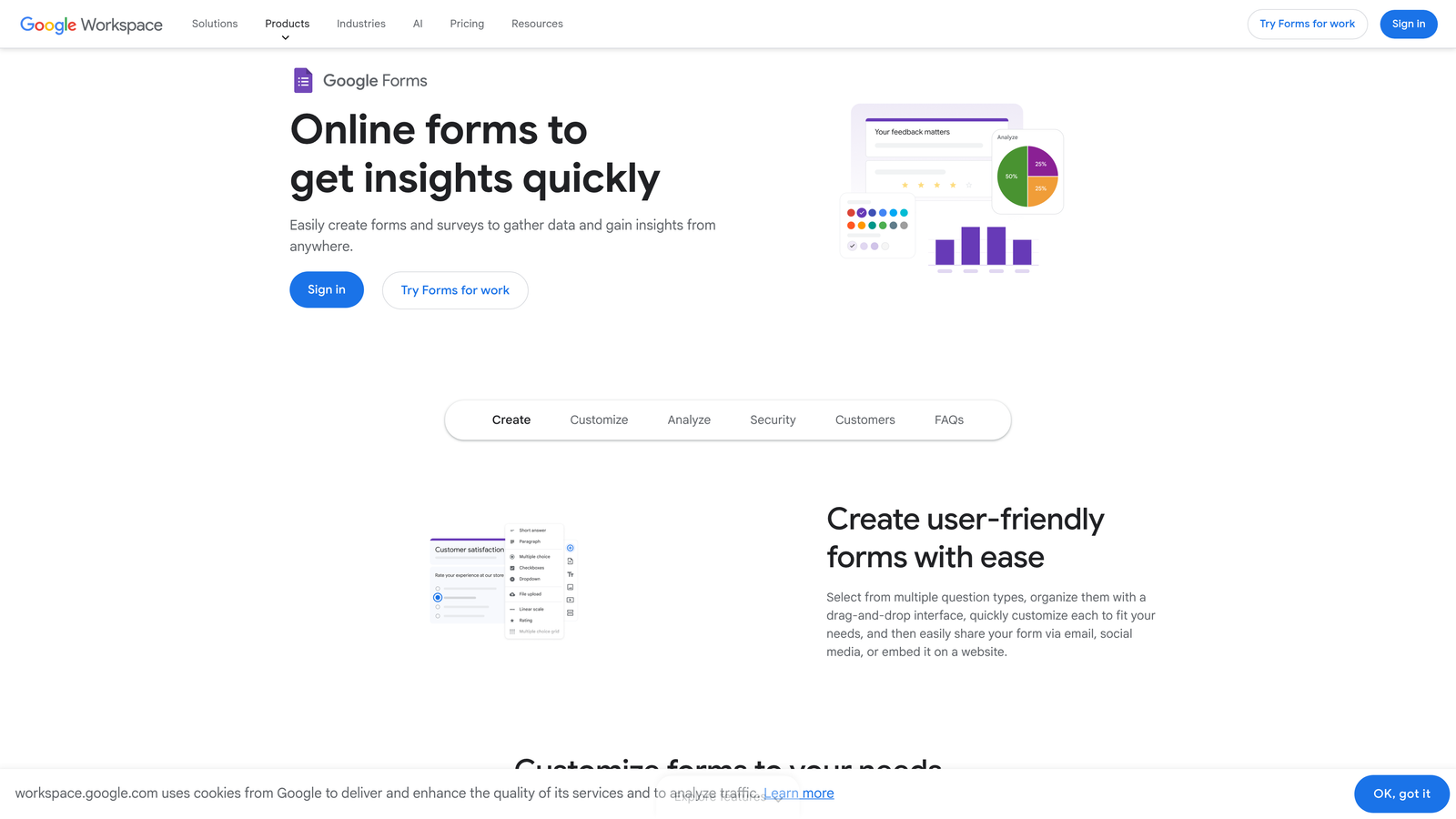
Google Forms provides a straightforward, completely free solution for basic registration needs.
Where This Tool Shines
Google Forms wins on simplicity and cost. It's completely free with unlimited submissions, making it perfect for teams with tight budgets or simple registration requirements. The automatic integration with Google Sheets means every registration flows directly into a spreadsheet for easy management.
Real-time collaboration lets multiple team members work on the same registration form simultaneously, which is invaluable when coordinating across departments. While it lacks advanced features, its reliability and zero cost make it a solid choice for straightforward use cases.
Key Features
Completely Free: No submission limits, no hidden costs, and no premium tiers to worry about.
Automatic Google Sheets Integration: Registration data flows directly into spreadsheets for easy analysis and management.
Real-Time Collaboration: Multiple team members can build and edit registration forms together simultaneously.
Basic Conditional Logic: Show or skip questions based on previous answers to create simple branching flows.
Mobile-Responsive: Forms automatically adapt to any device without additional configuration.
Best For
Google Forms works well for nonprofits, educational institutions, and small teams running internal events or simple external registrations. If you need basic data collection without payment processing or advanced automation, and you're already in the Google Workspace ecosystem, this is your simplest path forward.
Pricing
Completely free with any Google account.
5. Paperform
Best for: Creating registration pages that function as full landing pages with rich media
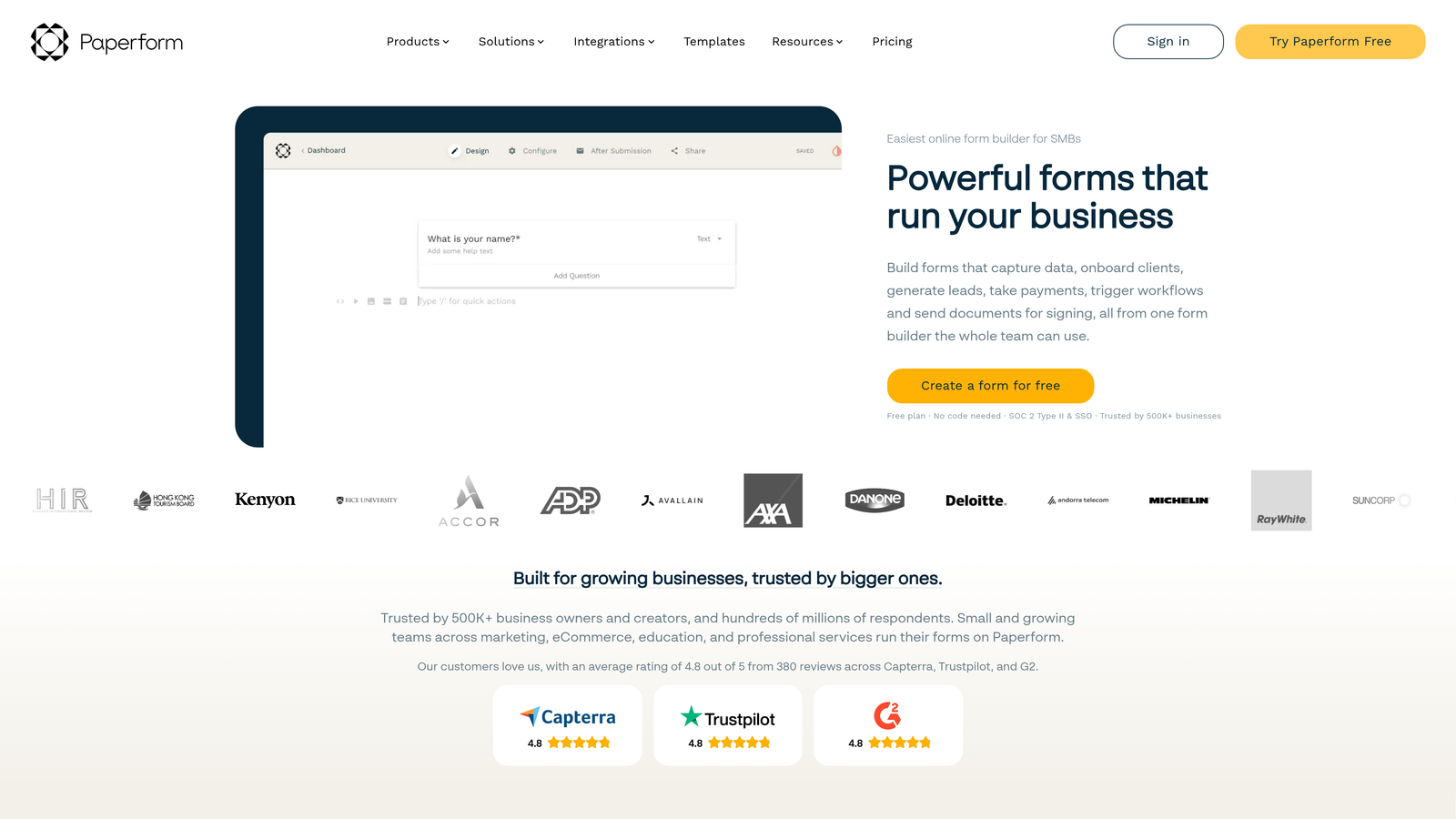
Paperform blurs the line between form and landing page, creating registration experiences with embedded content and payment capabilities.
Where This Tool Shines
Paperform's unique approach treats your registration form as a complete landing page. Instead of a form embedded on a page, the form is the page, with rich text, images, videos, and custom formatting that makes it feel like a designed experience rather than a data collection tool.
This works brilliantly for event registrations where you want to sell the experience while collecting signups. The built-in payment processing through Stripe, PayPal, and Square means you can handle paid registrations without leaving the form environment.
Key Features
Landing Page Functionality: Forms function as standalone pages with custom layouts, making them feel like complete registration destinations.
Rich Media Embedding: Add text blocks, images, videos, and custom HTML to create visually compelling registration experiences.
Built-In Payment Processing: Accept payments through Stripe, PayPal, or Square directly within your registration flow.
Appointment Scheduling: Integrate calendar booking into registrations for events requiring time slot selection.
Custom Success Pages: Design branded confirmation pages or redirect registrants to specific destinations after signup.
Best For
Paperform excels for marketing teams, event planners, and course creators who want registration to feel like part of their marketing experience. If you're selling a premium event or course where the registration page itself needs to convey value and professionalism, this tool delivers.
Pricing
Essentials plan at $24/month, Pro at $49/month, and Agency at $159/month for teams managing multiple clients.
6. Cognito Forms
Best for: Complex registrations requiring calculations, group signups, or multi-step workflows
Cognito Forms handles advanced registration scenarios with powerful calculations and workflow capabilities.
Where This Tool Shines
Cognito Forms excels at complex registration logic. The advanced calculation engine can handle pricing tiers, early bird discounts, group rates, and add-ons automatically. This is invaluable for events with variable pricing based on registration date, attendee type, or selected options.
The repeating sections feature is particularly useful for group registrations. Instead of creating separate forms for each attendee, registrants can add multiple people within a single submission, with each person's information captured in structured, repeatable fields.
Key Features
Advanced Calculations: Build complex pricing logic with conditional calculations based on registration date, attendee type, or selected options.
Repeating Sections: Allow registrants to add multiple attendees or items within a single form submission.
Built-In Payment Processing: Accept payments through Stripe, PayPal, or Square with automatic calculation of totals and fees.
Workflow and Approval Routing: Set up multi-step approval processes for registrations requiring internal review.
Strong Data Management: Export registration data in multiple formats with filtering and reporting capabilities.
Best For
Cognito Forms is ideal for conferences, workshops, or courses with complex registration requirements. If you need to handle group registrations, calculate variable pricing, or route registrations through approval workflows, this tool has the horsepower to handle it.
Pricing
Free tier available with basic features. Pro plan at $15/month and Team plan at $35/month for collaboration features.
7. Formstack
Best for: Enterprise teams in regulated industries requiring HIPAA, GDPR, or PCI compliance
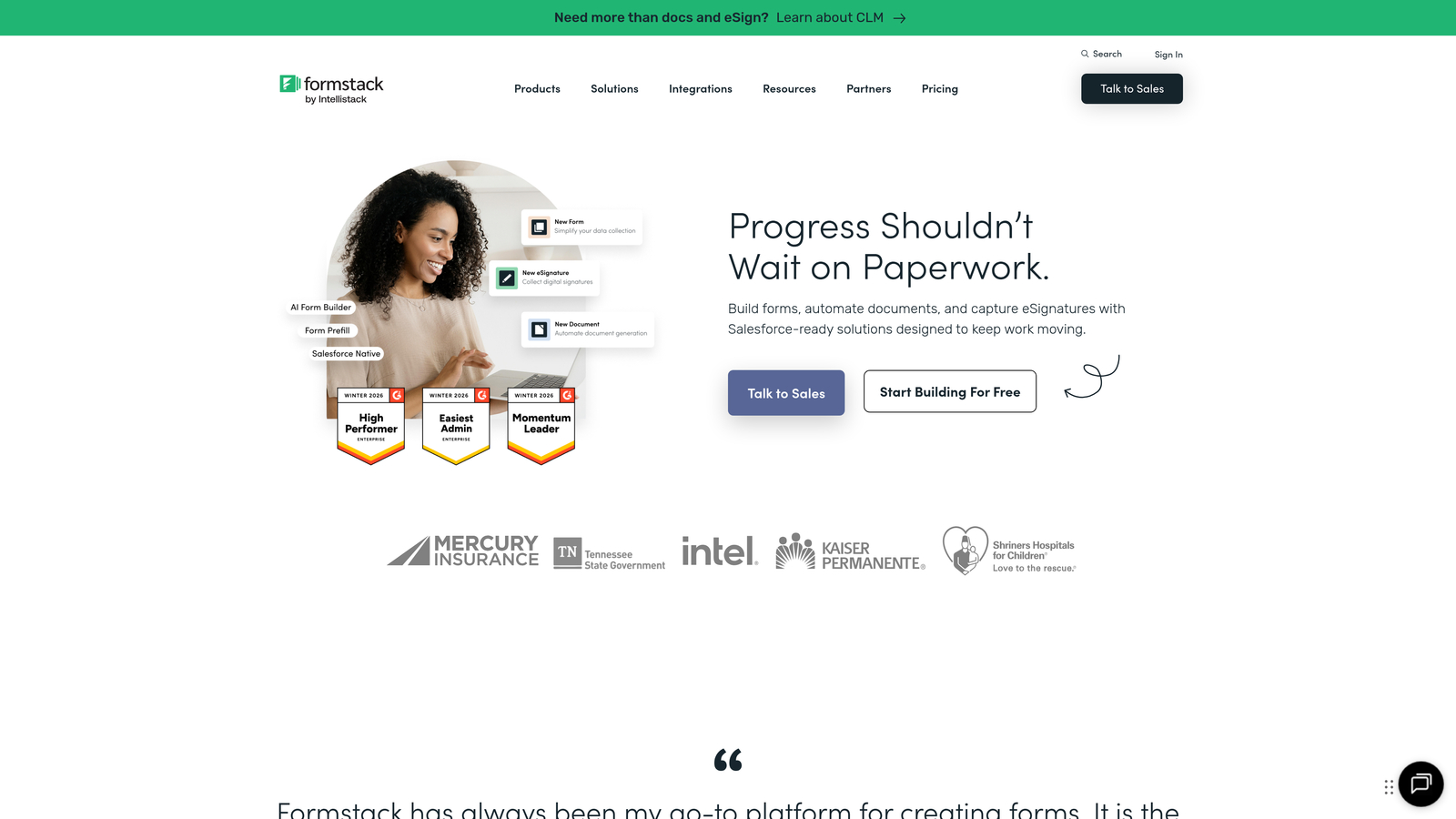
Formstack provides enterprise-grade security and compliance certifications for organizations with strict data requirements.
Where This Tool Shines
Formstack is built for organizations that can't compromise on security or compliance. HIPAA, GDPR, and PCI compliance options mean healthcare providers, financial institutions, and other regulated entities can collect registration data with confidence.
The advanced workflow automation goes beyond simple form submission. You can build multi-step approval processes, route registrations to different teams based on criteria, and integrate deeply with Salesforce for enterprise CRM workflows. Role-based access controls ensure team members only see the registration data they're authorized to access.
Key Features
Compliance Certifications: HIPAA, GDPR, and PCI compliance options for organizations with regulatory requirements.
Advanced Workflow Automation: Build complex approval processes and routing logic for registration handling.
Salesforce-Native Integration: Deep integration with Salesforce for enterprise CRM workflows and data synchronization.
E-Signature and Document Generation: Collect signatures and automatically generate documents from registration data.
Role-Based Access: Control who can view, edit, and access registration data with granular permissions.
Best For
Formstack is designed for enterprise teams, healthcare organizations, financial institutions, and any business in regulated industries where compliance isn't optional. The higher price point reflects the enterprise-grade security and support that comes with it.
Pricing
Starter plan at $50/month, Teams at $83/month, and Enterprise with custom pricing for advanced compliance and support.
8. Wufoo
Best for: Straightforward registration forms with solid reporting and payment integration
Wufoo offers a reliable, no-nonsense form builder with built-in analytics and payment capabilities.
Where This Tool Shines
Wufoo takes a straightforward approach to registration forms. The drag-and-drop builder is intuitive without overwhelming you with options, making it quick to launch registration forms without a steep learning curve.
The built-in reporting and analytics provide immediate insights into your registration data without exporting to external tools. You can track submission trends, analyze responses, and generate reports directly within the platform. Owned by SurveyMonkey, it benefits from stable infrastructure and regular updates.
Key Features
Simple Drag-and-Drop Builder: Intuitive interface that makes creating registration forms quick and straightforward.
Built-In Reporting: Analyze registration data with charts, graphs, and custom reports without external tools.
Payment Integrations: Accept registration fees through Stripe, PayPal, or Authorize.net.
File Upload Capabilities: Allow registrants to upload documents, photos, or other files with their submission.
Embeddable Forms: Embed registration forms on your website or launch as popups for better conversion.
Best For
Wufoo works well for small to medium-sized teams that need reliable registration forms without complexity. If you want something more capable than Google Forms but don't need enterprise features, Wufoo hits a practical middle ground.
Pricing
Free tier available with basic features. Starter at $14.08/month, Professional at $29.08/month, and Advanced at $74.08/month.
9. 123 Form Builder
Best for: Global events requiring multilingual registration forms and international payment support
123 Form Builder excels at multilingual capabilities and international registration scenarios.
Where This Tool Shines
123 Form Builder's standout feature is its multilingual support. If you're running global events or courses with international attendees, you can create registration forms that automatically display in different languages based on the registrant's location or preference.
The advanced conditional logic creates sophisticated registration flows that adapt based on previous answers. Combined with auto-responder emails that can also be multilingual, it provides a complete solution for international registration needs. CAPTCHA and spam protection keep your registration data clean.
Key Features
Multilingual Forms: Create registration forms in multiple languages for global events and international audiences.
Advanced Conditional Logic: Build complex branching flows that show different questions based on previous answers.
Auto-Responder Emails: Send automated confirmation emails to registrants with customizable templates and multilingual support.
Payment Processing: Accept international payments through multiple payment gateways with currency support.
CAPTCHA and Spam Protection: Built-in security features to prevent spam submissions and bot registrations.
Best For
123 Form Builder is ideal for organizations running international events, global training programs, or any registration scenario where language localization matters. If your audience spans multiple countries and languages, this tool removes the friction of creating separate forms for each market.
Pricing
Free tier available with limited features. Gold plan at $24.99/month, Platinum at $44.99/month, and Diamond at $74.99/month for advanced features.
Matching Your Registration Needs to the Right Builder
The right registration form builder depends on what happens after someone clicks "submit."
If you need intelligent lead qualification built into your registration process, Orbit AI delivers AI-powered scoring that identifies high-value signups automatically. For teams where registration quality matters as much as quantity, this intelligence layer transforms data collection into strategic lead generation.
Typeform and Paperform excel when registration experience matters. If your brand demands beautiful, engaging forms that feel like part of your marketing rather than an administrative step, these tools deliver the design flexibility and user experience to match.
For complex scenarios—group registrations, variable pricing, approval workflows—Cognito Forms and Formstack provide the calculation engines and workflow capabilities to handle sophisticated registration logic. Formstack adds enterprise-grade compliance for regulated industries.
Budget-conscious teams can start with Google Forms for simple needs or Wufoo for something more capable without breaking the bank. Jotform's generous free tier and template library offer a middle ground between free tools and premium platforms.
Global organizations should look at 123 Form Builder's multilingual capabilities, which eliminate the complexity of managing separate forms for different markets.
The common thread among top-performing registration forms? They don't just collect data—they create experiences that convert. Whether through AI-powered qualification, conversational interfaces, or seamless payment processing, the best tools understand that registration is the first impression of your event, course, or program.
Transform your lead generation with AI-powered forms that qualify prospects automatically while delivering the modern, conversion-optimized experience your high-growth team needs. Book a demo and see how intelligent form design can elevate your conversion strategy.