Secure online forms protect submitted data in three places: in transit (TLS encryption), at rest (encrypted storage), and in use (access controls that decide who on your team sees what). A secure form builder covers all three and can prove it — through independent certifications like SOC 2, and through compliance options such as HIPAA, GDPR, or PCI DSS where the data you collect demands them.
"Secure" is not one requirement, though. Patient records point you at HIPAA builders with a signed Business Associate Agreement. Card payments demand PCI DSS. EU personal data raises GDPR and data-residency questions. Here are nine form builders, sorted by the compliance problem each one actually solves — because a single breach involving form data costs far more than any subscription on this list.
1. OrbitForms
Best for: B2B teams that need lead qualification and security in the same platform
OrbitForms is a lead-generation form builder that doesn't treat security as an enterprise upsell. Submissions are encrypted in transit and at rest, the platform runs on SOC 2-compliant infrastructure, and role-based access controls keep teammates limited to the data they need — the specifics live on the security page.
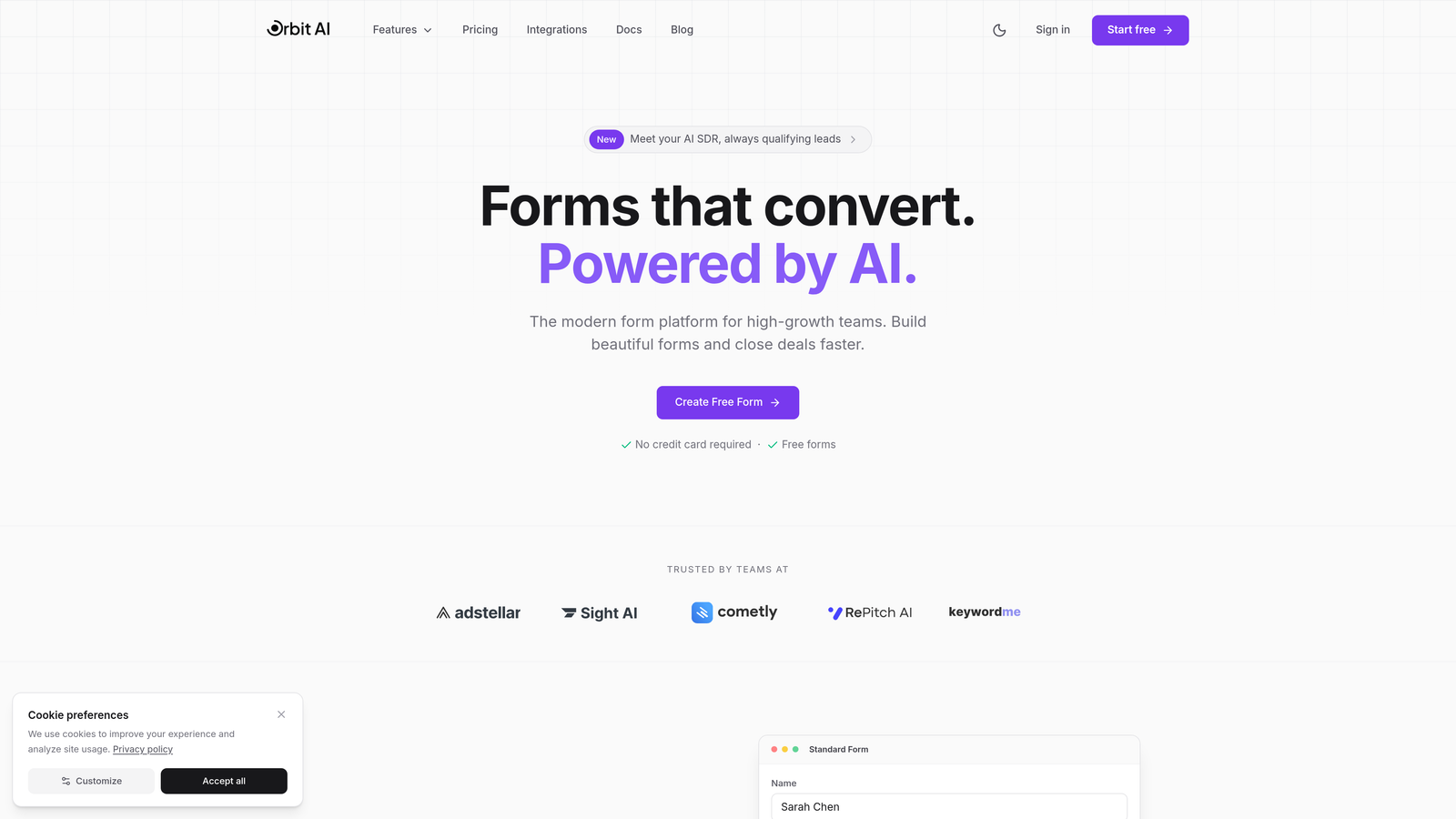
The reason to pick it over the pure-compliance tools below is what happens after submit: AI agents qualify and score leads in real time, and encrypted connections push them into roughly 30 CRMs, Salesforce and HubSpot included. If you're collecting business-sensitive information from prospects — budgets, tech stacks, contract timelines — you get the controls enterprise buyers ask about without giving up conversion-focused forms.
Pricing is quoted on a short demo, with the same security posture on every plan, and there is no free plan. It is not the tool for PHI or card collection; for those, keep reading.
2. Jotform
Best for: Healthcare organizations that need HIPAA compliance without giving up templates
Jotform pairs one of the largest template libraries in the category with serious credentials: 256-bit SSL on all submissions, SOC 2 Type II certification, GDPR and CCPA tooling, and a HIPAA compliance add-on that includes a signed BAA. You can even encrypt specific fields — Social Security numbers, say — beyond the baseline.
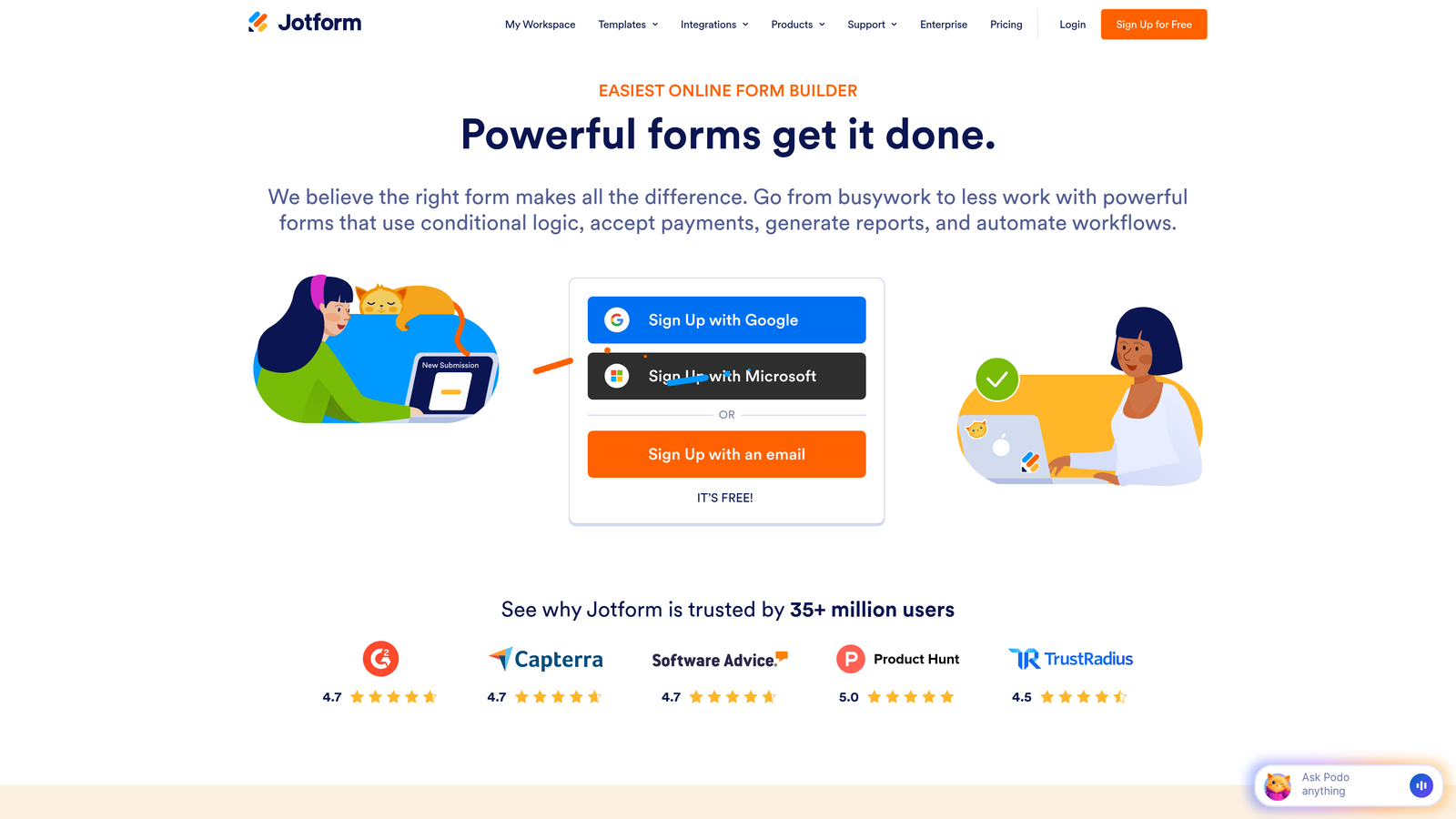
That combination makes it the pragmatic pick for medical practices, therapists, and wellness providers: compliance plus a template that already looks like the intake form you need. HIPAA-compliant plans start at $34/month with an annual commitment; a free tier exists for non-regulated use. If HIPAA is your whole question, our guide to HIPAA-compliant form builders goes deeper.
3. Typeform
Best for: European companies that need GDPR compliance and EU data residency
Typeform built GDPR in as an architectural decision rather than a legal patch, and it shows: EU data residency lets you keep every submission inside European data centers, which settles the data-sovereignty questions many global platforms hand-wave past. TLS 1.2+ encryption, SAML 2.0 single sign-on, and SOC 2 Type II certification cover the rest of the checklist.
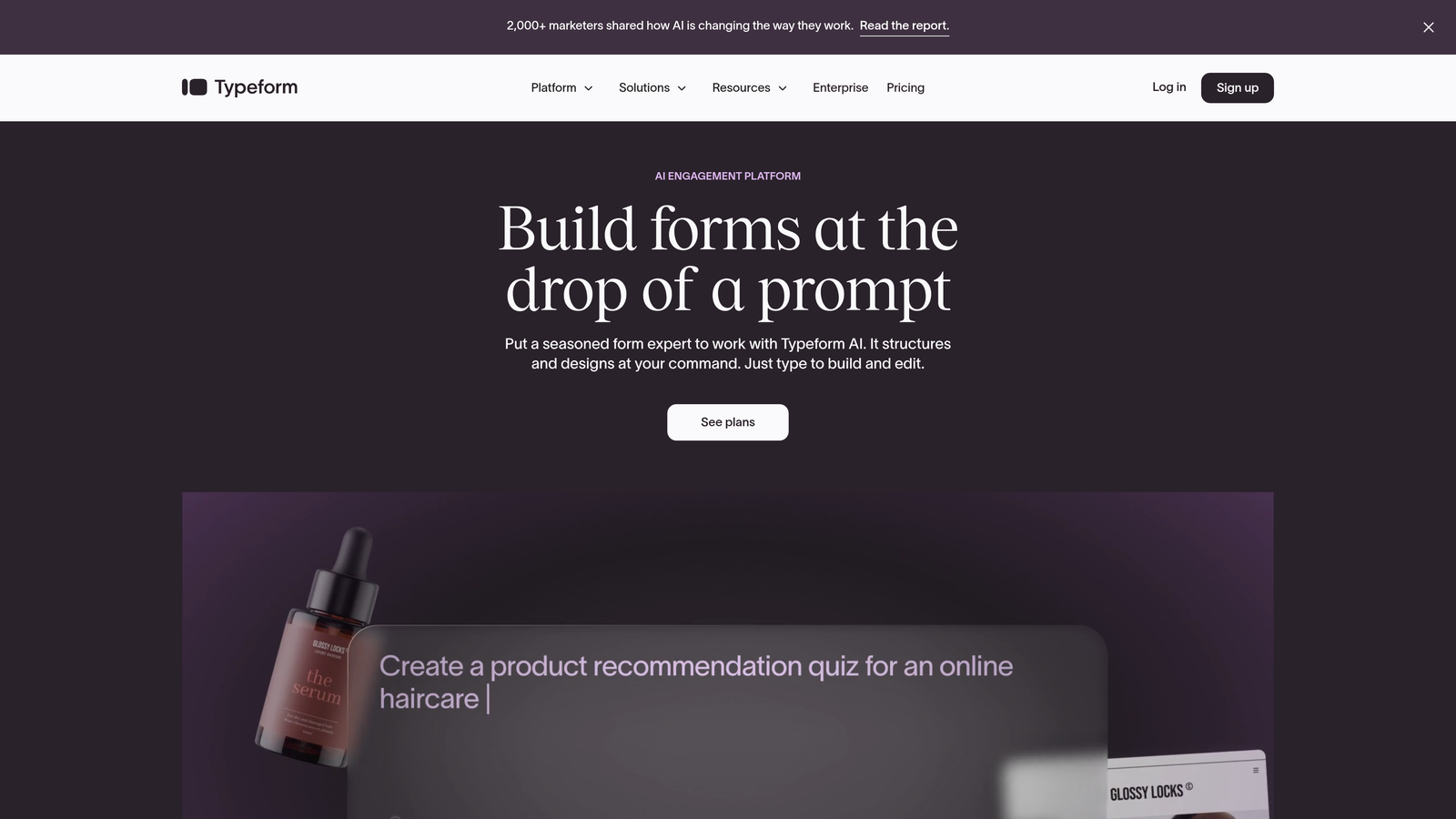
You also get Typeform's signature conversational format, so choosing the compliant option doesn't mean choosing the ugly one. Plans start at $25/month, with the heavier security features sitting in business tiers. For the broader regulatory picture, see GDPR-compliant form builders.
4. Formstack
Best for: Enterprises that must satisfy several regulatory frameworks at once
Formstack is what you buy when the compliance matrix has more than one row: HIPAA, GDPR, and PCI DSS coverage in one platform, SOC 2 Type II certification, and AES 256-bit encryption at rest. Detailed audit trails record who touched which submission and when — the documentation your security team needs for compliance reporting and incident response.
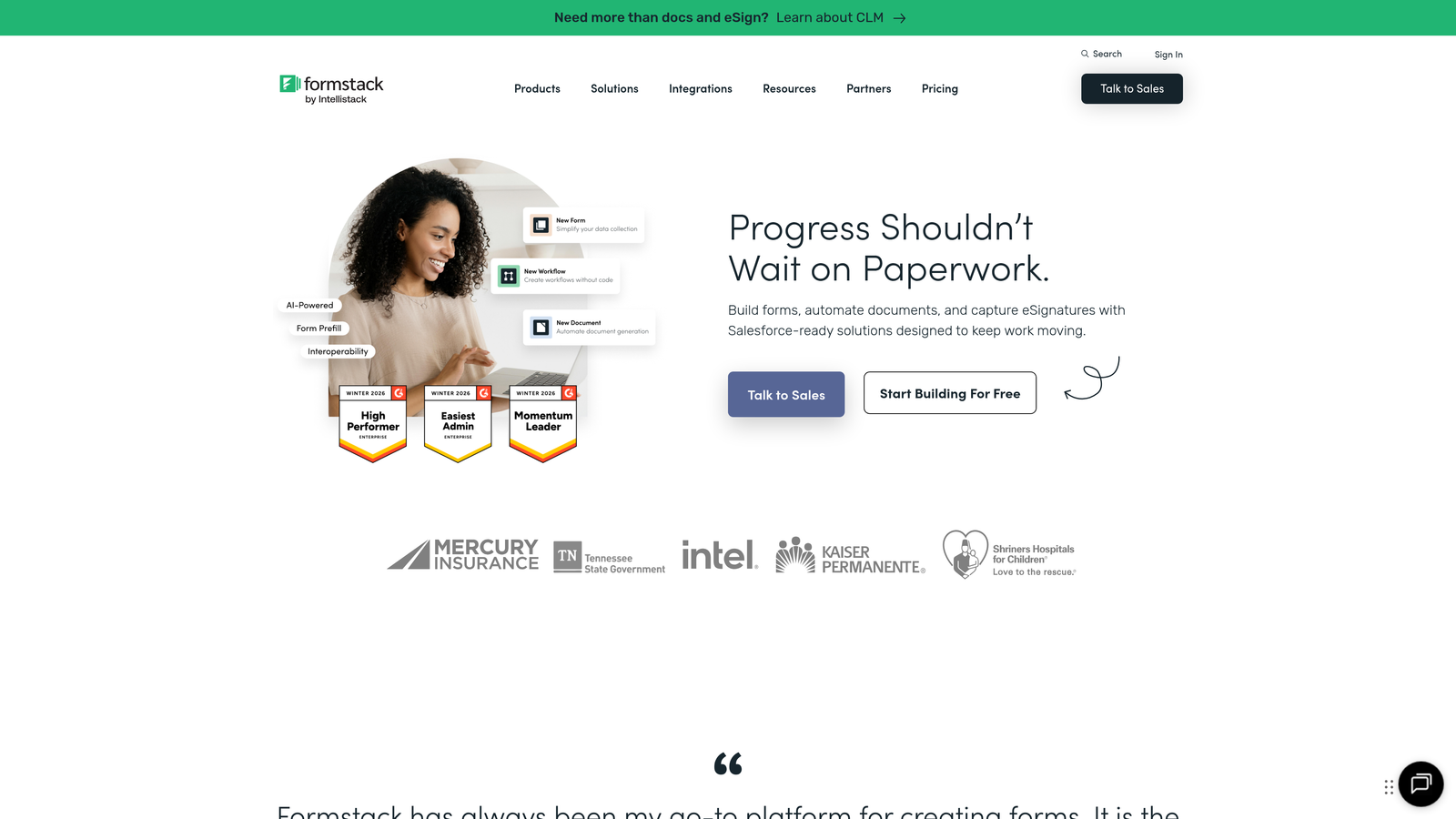
The underrated feature is custom data retention: submissions delete themselves on the schedule you define, so you're never storing sensitive data longer than policy allows. Standard plans start at $83/month; the full compliance suite is custom-priced. Overkill for a contact form, appropriate for a hospital system.
5. Cognito Forms
Best for: Payment collection under PCI DSS Level 1
Cognito Forms solves the specific, painful problem of taking card payments through forms without inheriting a compliance project. Its built-in PCI DSS Level 1 certification — the highest level — means donation forms, event registrations, and membership payments work without exposing card data to your own systems. Payment data is encrypted both in transit and at rest, HIPAA compliance is available for medical payment scenarios, and GDPR controls cover European customers.
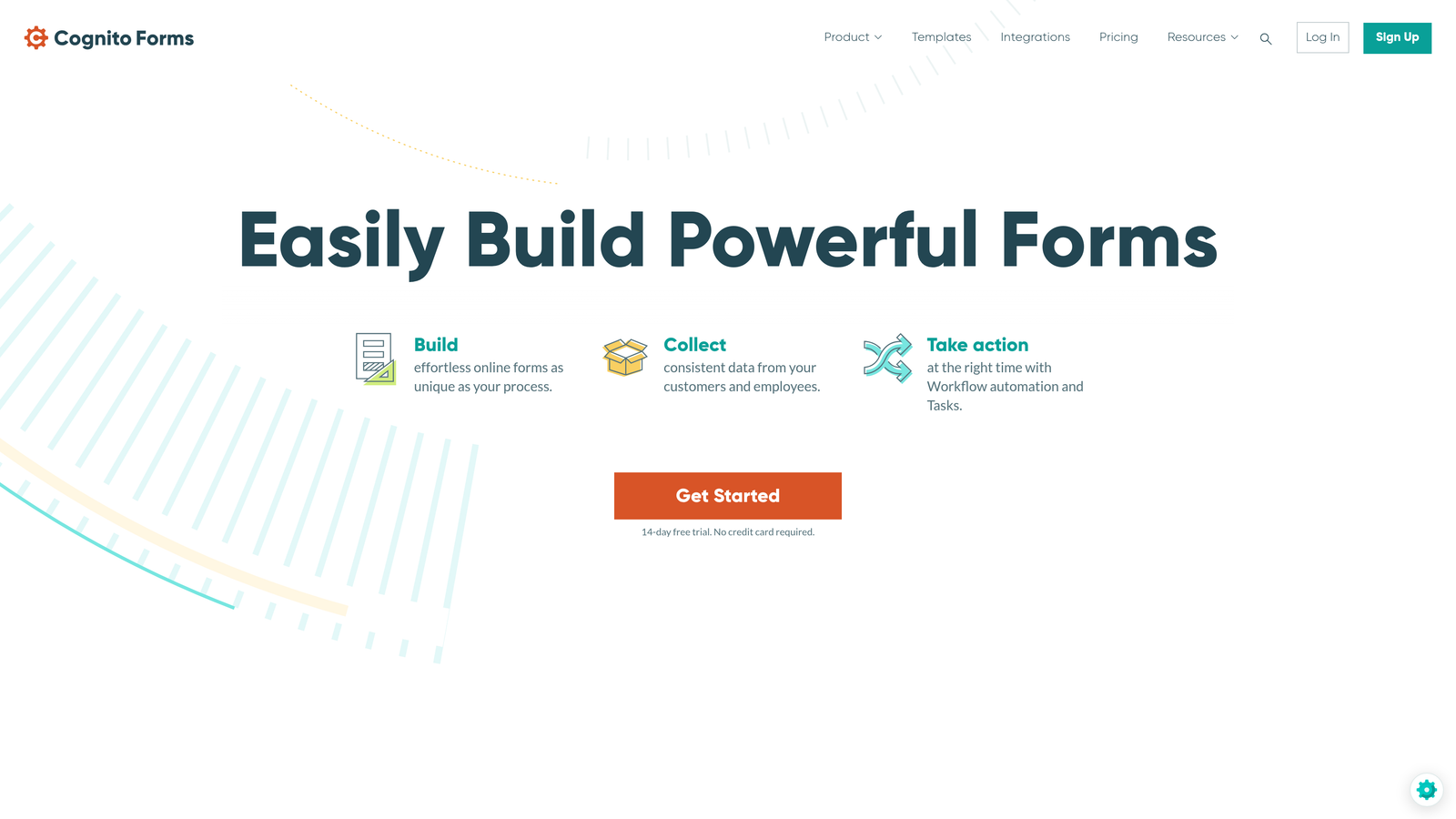
At $15/month for Pro plans (a free tier covers basic forms), it's the cheapest way on this list to do payments properly. Nonprofits in particular should look here first.
6. 123FormBuilder
Best for: Government agencies and contractors on a FedRAMP path
123FormBuilder is one of the few form builders with a FedRAMP-ready deployment story, which puts it on the shortlist for federal agencies and contractors who can't touch standard commercial SaaS. Custom security policies let an organization define exactly how data is handled, retained, and accessed, backed by multi-factor authentication and granular permissions.
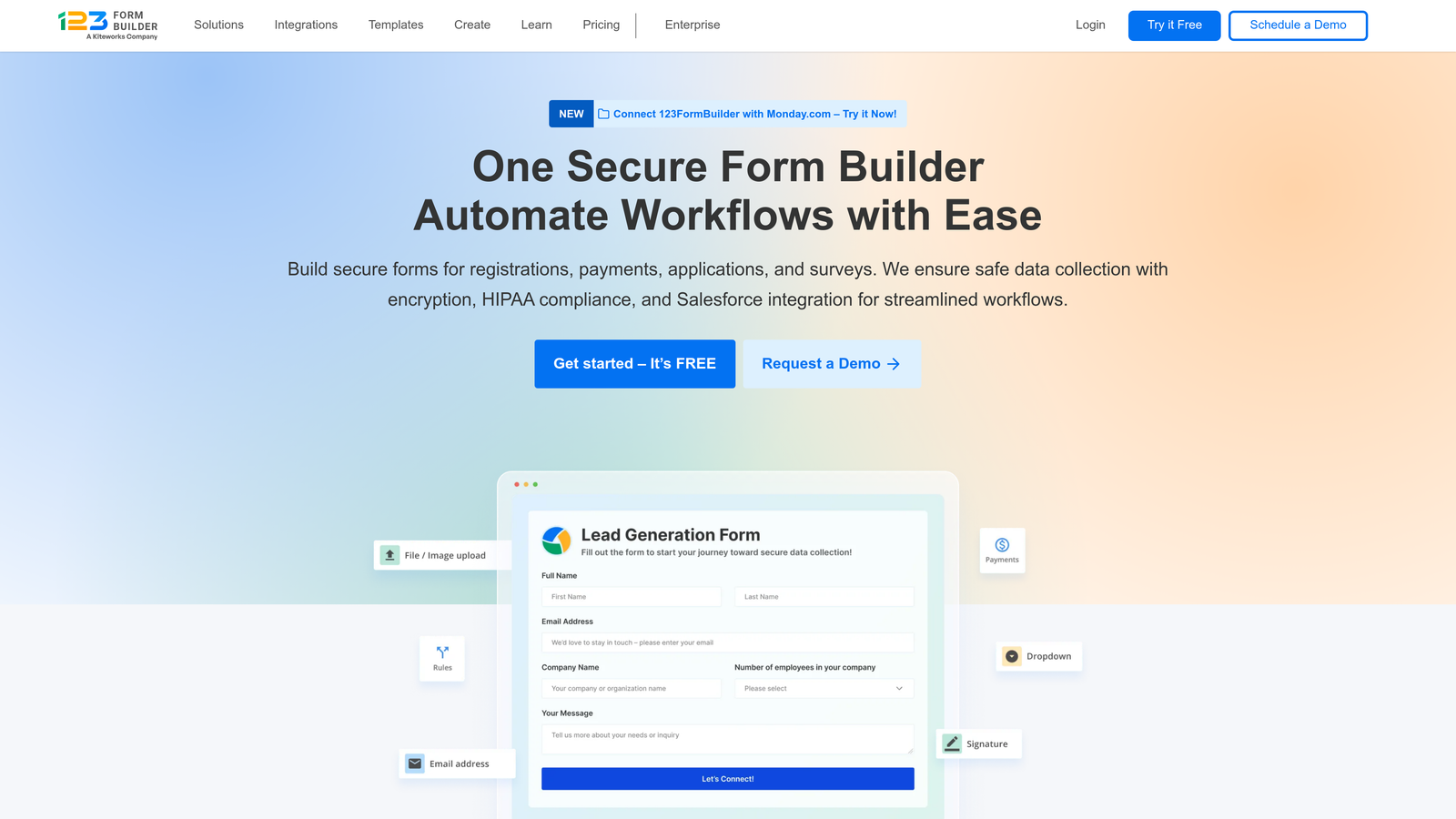
It also carries HIPAA and GDPR compliance and 256-bit SSL, so it isn't government-only. Standard plans start at $24.99/month; government-grade deployments are priced on request. Skip it if you don't have public-sector requirements — the mainstream tools above are more polished for commercial work.
7. Wufoo
Best for: Small businesses that want sensible security without enterprise ceremony
Wufoo covers the basics well: 256-bit SSL on every submission, CAPTCHA against bots, password-protected forms for restricting access, and secure file uploads. The clever bit is field-level encryption — you can encrypt just the sensitive fields (bank details, SSNs) and keep everything else lightweight.
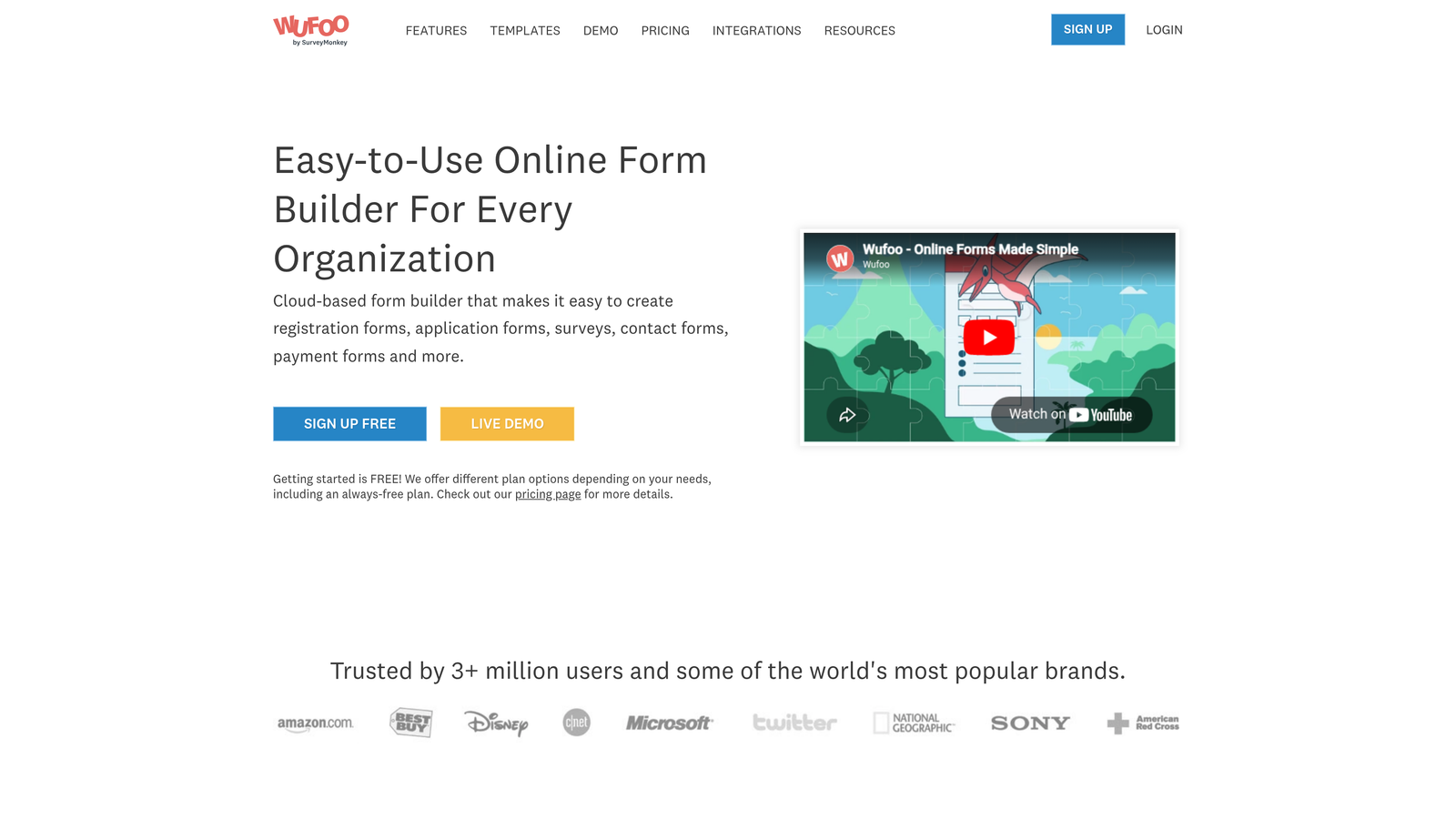
There are no headline compliance certifications here, and that's the point: if you don't need HIPAA or PCI paperwork, you shouldn't pay for it. Paid plans start at $14.08/month, with a free tier for basics.
8. Paperform
Best for: Australian and APAC organizations with data-residency requirements
Paperform's Australian-hosted data centers answer a question most global form builders can't: can our data stay in-country? For Australian government contractors and businesses bound by local data protection law, that's decisive. GDPR compliance, 256-bit SSL, two-factor authentication, and secure payment integrations mean the regional hosting doesn't cost you modern features.
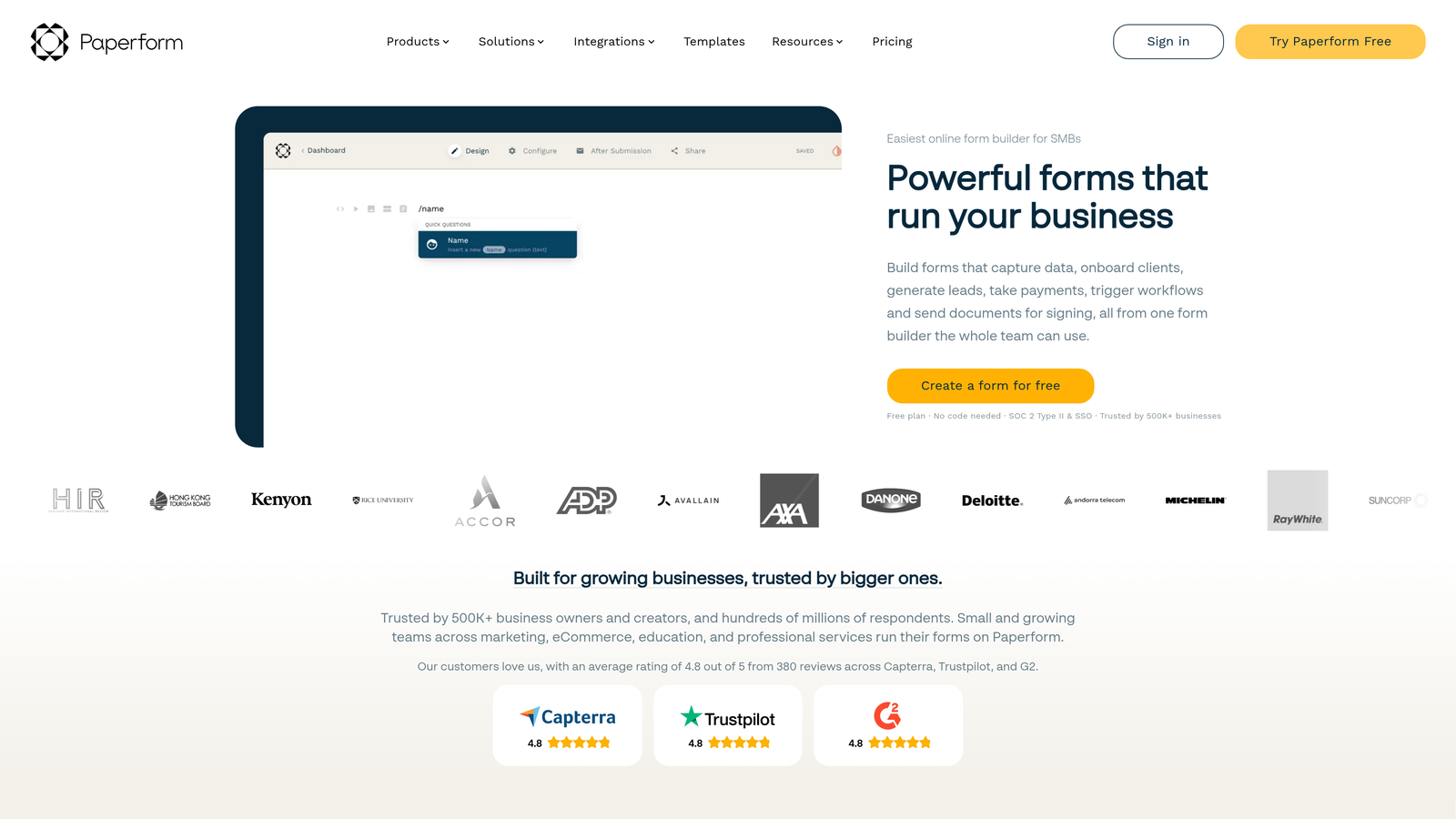
Plans start at $24/month with Australian hosting included. If your customers and regulators are in the Asia-Pacific, this is the shortcut; if not, its residency advantage is irrelevant to you.
9. Google Forms with Workspace
Best for: Organizations already paying for Google Workspace
Google Forms rides on infrastructure certified to SOC 2/3 and ISO 27001 — security few form vendors can match, and it's free. The catch: the meaningful controls arrive only with a Workspace subscription, which adds SSO, centralized admin, data loss prevention that flags sensitive data before it's overshared, and audit logs for compliance documentation.
Free Forms plus a personal account is fine for a bake-sale signup, not for regulated data. Workspace starts at $6 per user per month, and if your organization already pays for it, you inherit the security features at no extra form-tool cost.
Choosing a secure form builder
Start from the data, not the feature list. PHI: Jotform or Formstack, with a signed BAA — non-negotiable. Card payments: Cognito Forms' PCI Level 1. EU personal data: Typeform's EU residency. Government work: 123FormBuilder. B2B lead data that needs qualifying as well as protecting: OrbitForms. Nothing regulated at all: Wufoo or Google Forms, and keep the savings.
One thing certifications don't capture: the most secure form builder is the one your team uses correctly. A HIPAA-grade platform with submissions exported weekly to an unprotected spreadsheet is less secure than a modest tool used with discipline. Buy the level of compliance you need, then spend the leftover attention on access hygiene.
If your forms collect sales-sensitive data and your pipeline needs qualifying, book a demo of Orbit — security details are on the security page.
Frequently Asked Questions
What makes an online form secure?
A secure online form encrypts data in transit with TLS, encrypts it at rest in storage, and restricts who can view submissions through access controls. Beyond the basics, look for independent certifications like SOC 2 and, where relevant, compliance programs such as HIPAA, GDPR, or PCI DSS.
Are Google Forms secure enough for sensitive data?
Google's underlying infrastructure is certified to SOC 2/3 and ISO 27001, which is strong. But the free tier lacks admin controls, and regulated data needs more: a Workspace subscription for DLP and audit logging, and for health information, an offering that comes with a signed Business Associate Agreement rather than a personal account.
Which form builder is best for HIPAA compliance?
Jotform and Formstack are the standout options — both offer HIPAA-compliant form handling with signed BAAs. Jotform is the easier start for practices that want templates; Formstack suits enterprises that also need GDPR and PCI DSS coverage in the same platform.
What certifications should a secure form builder have?
SOC 2 Type II is the baseline signal that security controls are independently audited. Add PCI DSS if you collect payments, HIPAA compliance with a BAA for health data, and GDPR tooling or EU data residency if you handle European personal data. Match certifications to the data you actually collect.