SurveyMonkey is a reliable research tool, but if your goal is lead generation, you've probably noticed the gaps. It wasn't designed for conversion optimization, AI-powered qualification, or the kind of real-time lead routing that modern GTM teams depend on. It's a survey platform first, and that distinction matters when you're trying to turn form submissions into pipeline.
The good news is the market has moved well beyond generic form builders. Today's top alternatives offer conversational UX, built-in lead scoring, CRM-native workflows, and even AI qualification layers that do the heavy lifting before a lead ever reaches your sales team.
This list covers the best SurveyMonkey alternatives specifically for lead generation. Each tool was evaluated on lead capture capability, qualification features, integrations, ease of use, and pricing. If you're also exploring the broader landscape, our roundups of AI lead generation tools and Typeform alternatives are worth reading alongside this one.
1. Orbit CRM
Best for: High-growth SaaS and B2B teams that need forms to qualify leads automatically
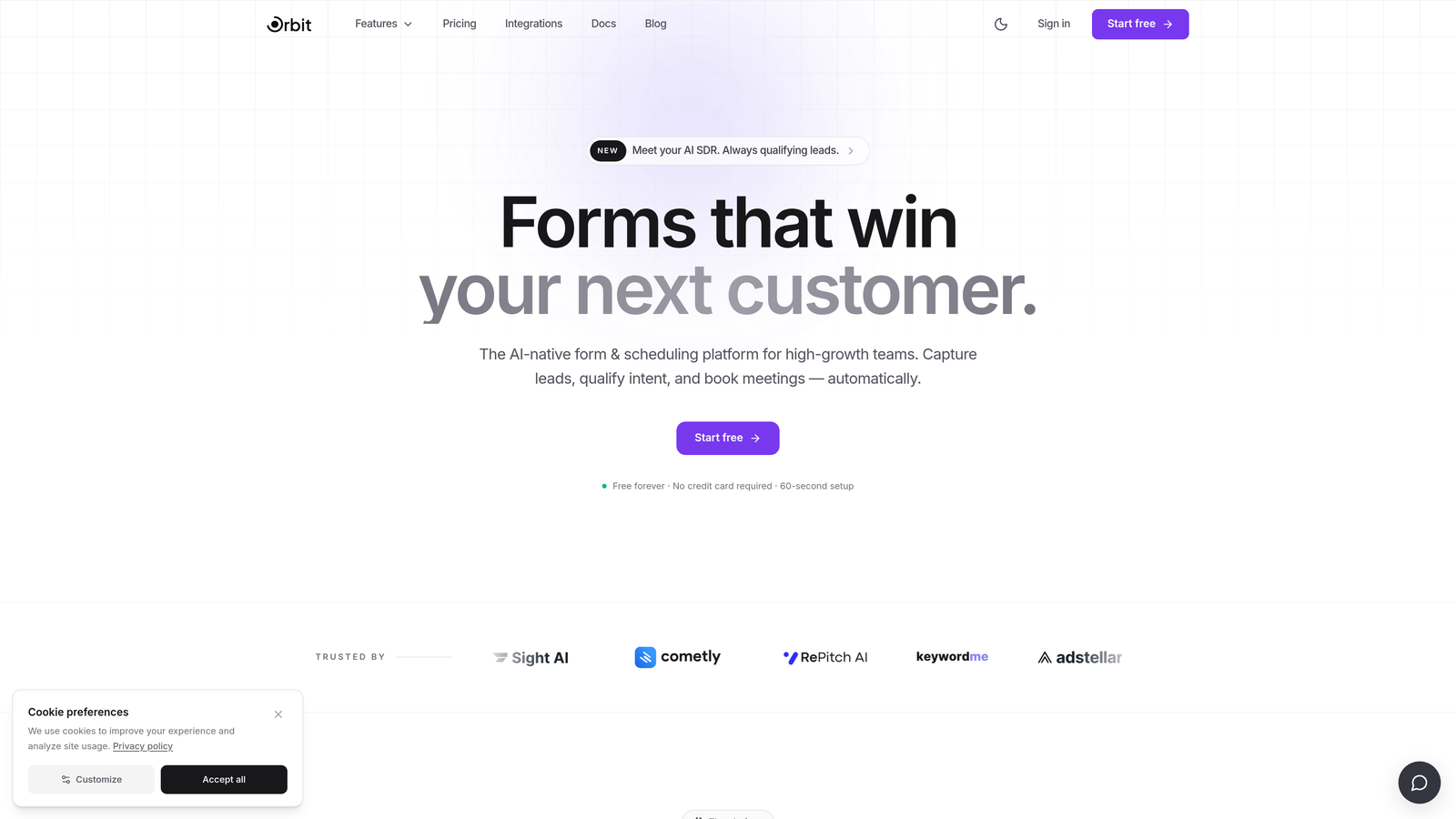
Orbit CRM is an AI-powered form builder with built-in lead qualification, designed for teams that need their forms to do more than collect data.
Where This Tool Shines
Most form builders treat qualification as an afterthought. Orbit CRM builds it directly into the form experience itself. Rather than collecting raw submissions and leaving your team to manually sort through them, the AI qualification layer evaluates leads as they move through the form, enabling smarter routing before anyone touches a CRM.
The design quality is also a genuine differentiator. Forms are modern, mobile-responsive, and conversion-optimized out of the box. For high-growth B2B teams where first impressions matter, that polish translates into better completion rates and a stronger brand experience at the top of the funnel.
Key Features
AI-Powered Lead Qualification: Qualification logic runs inside the form experience, scoring and routing leads automatically without manual review.
Conversion-Optimized Design: Modern, mobile-responsive templates built to maximize form completion rates.
Conditional Logic: Dynamic branching adapts the form path based on respondent answers, enabling precise lead routing.
B2B-Focused Templates: Purpose-built for SaaS and B2B use cases, not generic survey scenarios.
Beautiful UI: Clean, branded form experiences that reflect well on your product and company.
Best For
SaaS companies, B2B marketing teams, and growth-focused organizations that want AI-driven qualification baked into their lead capture workflow. Especially valuable for teams tired of manually sorting unqualified submissions from their CRM.
Pricing
Pricing is available on request. Book a demo for plan details.
2. Typeform
Best for: Teams that want a polished, conversational lead capture experience
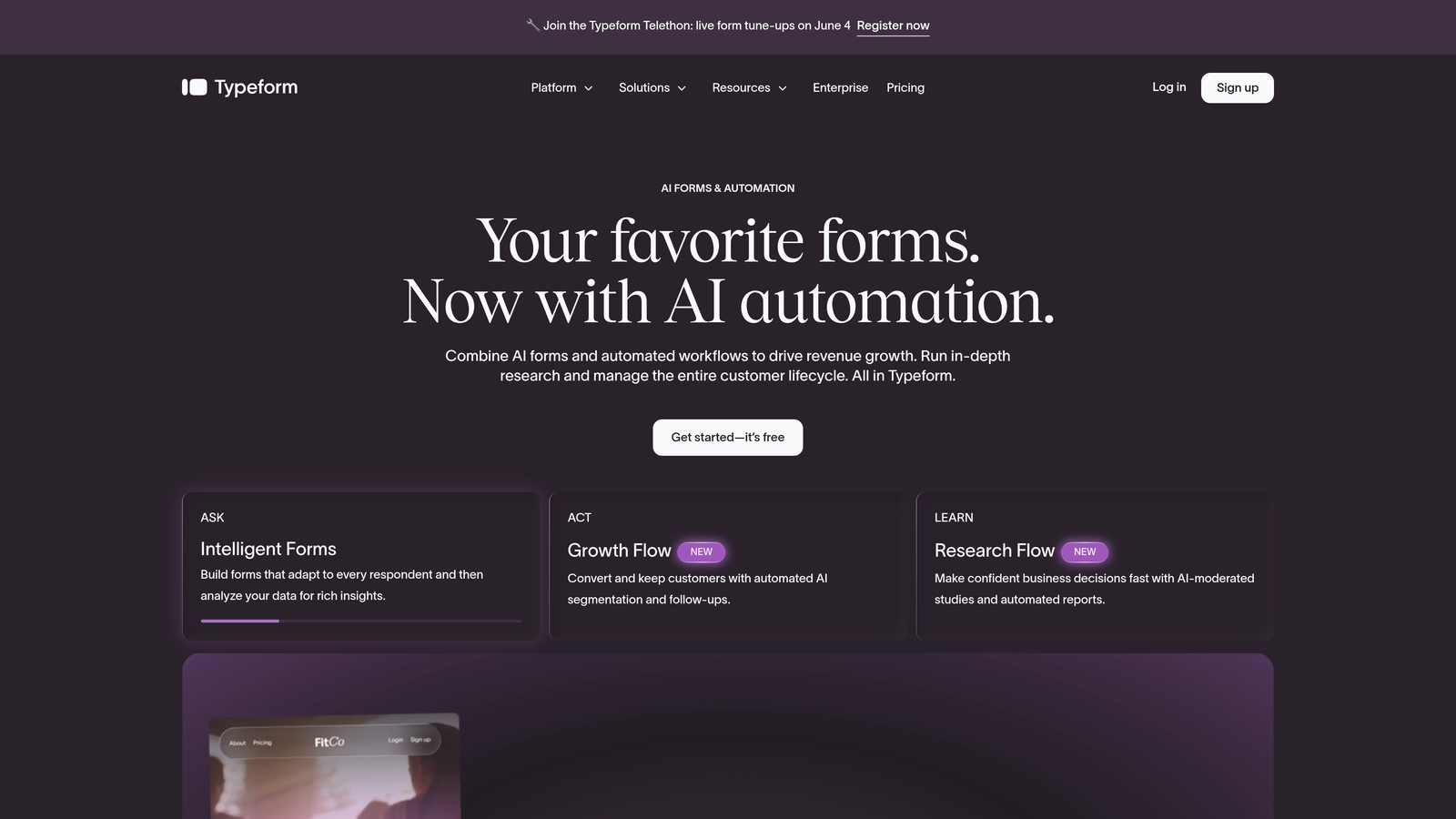
Typeform is a well-established conversational form builder known for its one-question-at-a-time format.
Where This Tool Shines
Typeform's signature UX reduces the cognitive load of form completion. By presenting one question at a time, it creates an experience that feels more like a conversation than a data entry task. For top-of-funnel lead capture, this can meaningfully reduce abandonment compared to traditional multi-field forms.
The Logic Jumps feature allows conditional branching based on responses, which gives you basic qualification routing. It's not as sophisticated as AI-driven scoring, but it works well for segmenting leads by company size, role, or intent before they hit your CRM.
Key Features
Conversational UX: One-question-at-a-time format creates an engaging, low-friction experience.
Logic Jumps: Conditional branching lets you route respondents based on their answers.
CRM Integrations: Native connections to HubSpot, Salesforce, and Zapier for workflow automation.
Rich Media Support: Embed videos and images directly within form questions.
Analytics Dashboard: Track response rates, drop-off points, and completion metrics.
Best For
Marketing teams that prioritize form engagement and brand experience. Works well for mid-market SaaS companies running inbound lead capture where UX quality is a priority and submission volume is moderate.
Pricing
Free tier available; paid plans start around $25/month. Verify current pricing at typeform.com.
3. HubSpot Forms
Best for: Teams already running their GTM stack on HubSpot
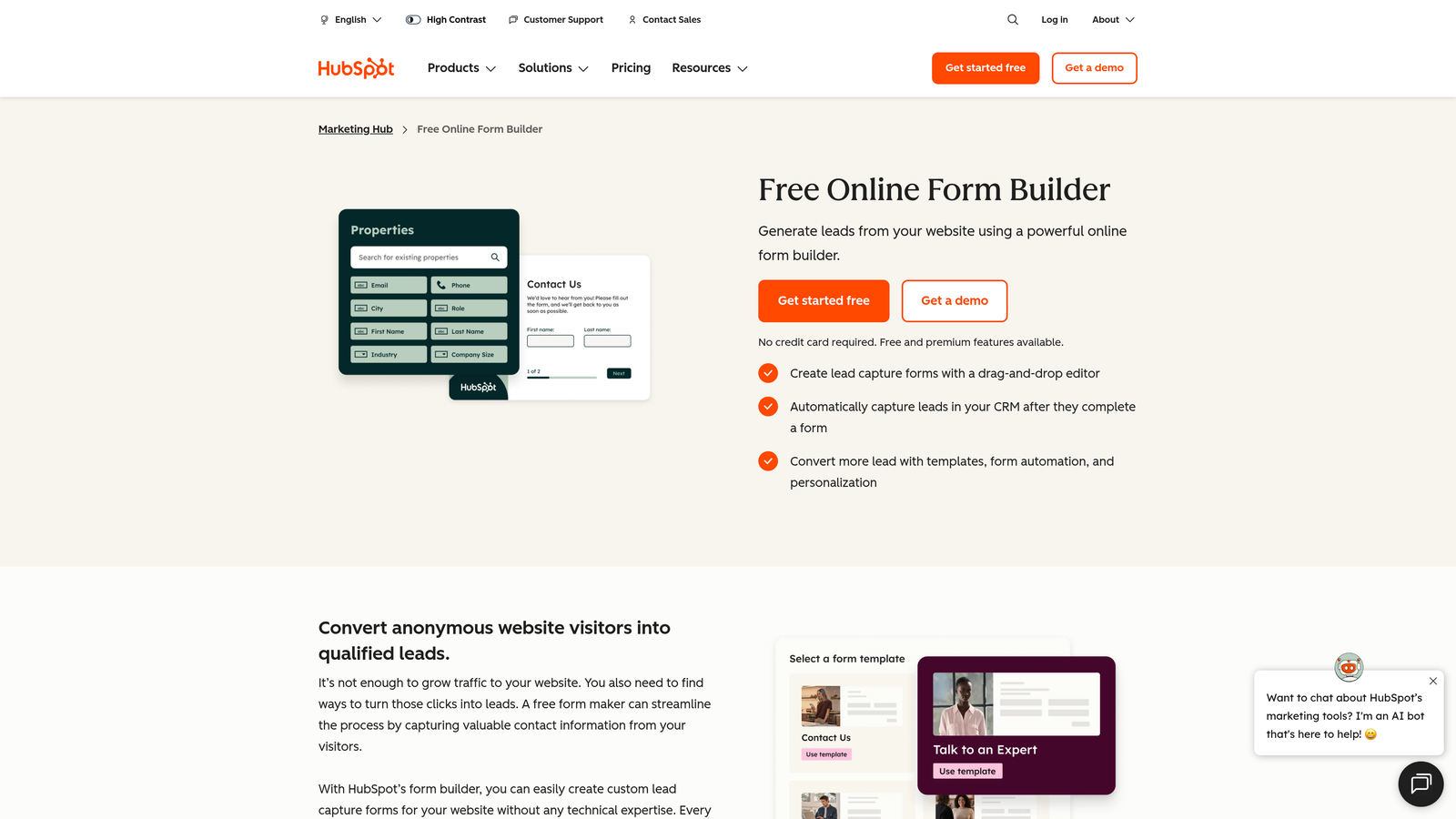
HubSpot Forms is the native form builder within the HubSpot CRM ecosystem, offering seamless contact and workflow integration.
Where This Tool Shines
If your team lives in HubSpot, this is the path of least resistance. Form submissions flow directly into contact records, trigger workflows, and update list segments without any middleware. That tight integration eliminates the data sync delays and mapping errors that come with third-party form tools.
Smart forms are a particularly useful feature for lead gen: they detect known contacts and pre-fill or swap out fields to avoid asking for information HubSpot already has. This reduces friction for returning visitors and keeps your data clean.
Key Features
Native CRM Integration: Submissions create or update contact records and trigger HubSpot workflows automatically.
Smart Forms: Pre-fill fields for known contacts and progressively collect new data over time.
Free Tier: Fully functional with HubSpot's free CRM, making it accessible without upfront cost.
Automatic List Segmentation: Leads are automatically added to lists based on form submission data.
A/B Testing: Available on paid Marketing Hub tiers for conversion optimization.
Best For
Teams already invested in HubSpot. The value is directly tied to how deeply you use the HubSpot ecosystem. As a standalone form tool outside of HubSpot, it offers limited appeal.
Pricing
Free with HubSpot's free CRM. Advanced features require paid Marketing Hub plans. Check hubspot.com for current tier details.
4. Jotform
Best for: Teams managing diverse form use cases across multiple departments
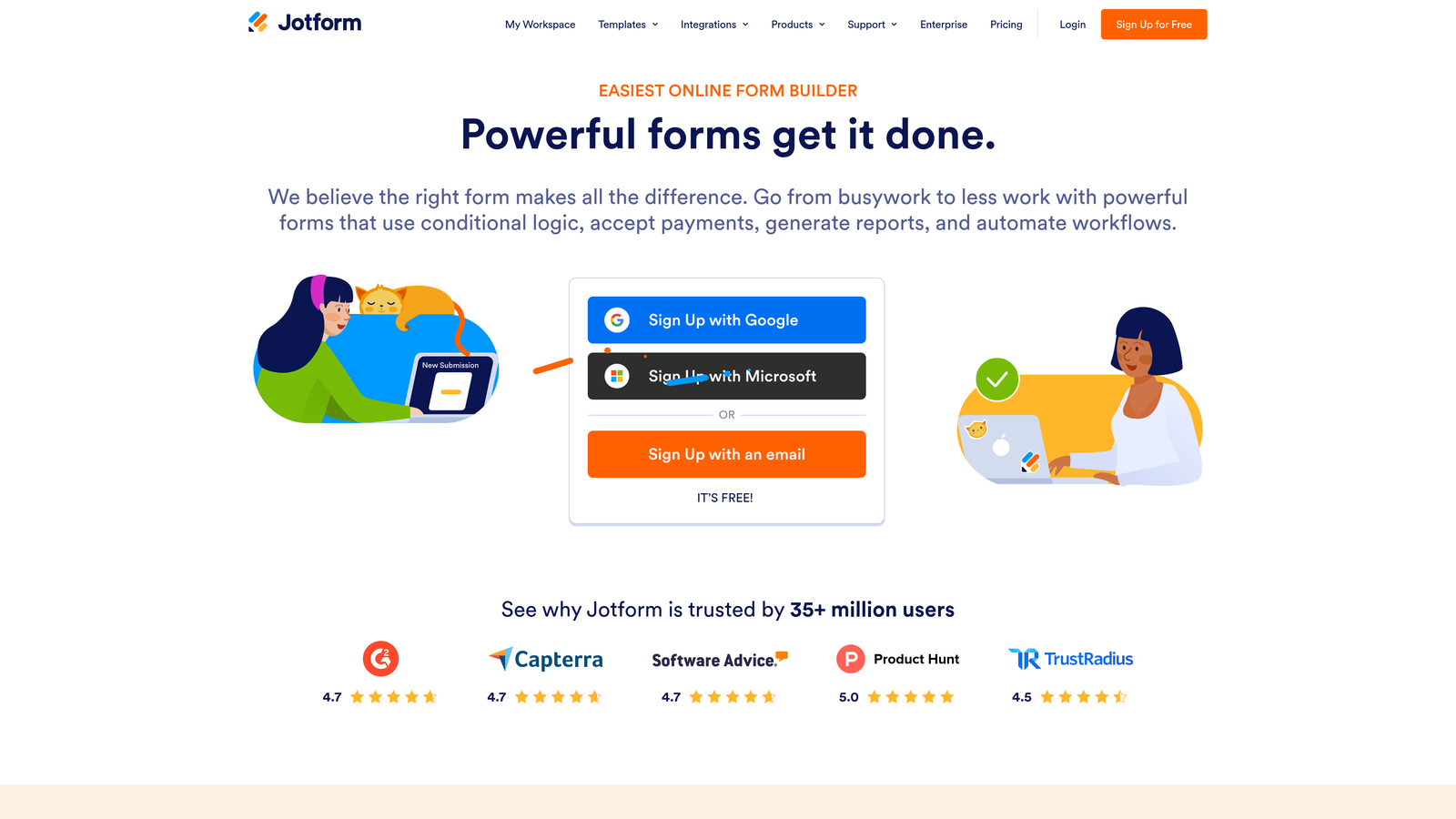
Jotform is one of the most feature-rich form builders available, with thousands of templates and a broad integration ecosystem.
Where This Tool Shines
Jotform's depth is its main selling point. With over 10,000 templates spanning lead capture, event registration, payments, and more, it's a versatile platform that can serve multiple teams across an organization. If you need a single form tool that handles everything from marketing intake to HR onboarding, Jotform is worth serious consideration.
For lead generation specifically, the combination of conditional logic, calculation fields, and CRM integrations covers most qualification scenarios. Jotform Tables also gives teams a built-in way to manage and review response data without immediately pushing everything into a CRM.
Key Features
Massive Template Library: 10,000+ templates across virtually every form category imaginable.
Broad Integration Library: Connects with major CRMs, payment processors, and project management tools.
Jotform Tables: Built-in data management layer for organizing and reviewing form responses.
Conditional Logic: Dynamic form fields and branching based on respondent input.
White-Label Options: Available on higher-tier plans for agencies and enterprise teams.
Best For
Organizations that need a versatile, all-purpose form platform. Also a good fit for agencies managing forms across multiple clients. Can feel overly complex for teams with simple, focused lead capture needs.
Pricing
Free tier available; paid plans scale with submission volume. Check jotform.com for current pricing.
5. Tally
Best for: Lean teams that need clean, unbranded forms without a budget
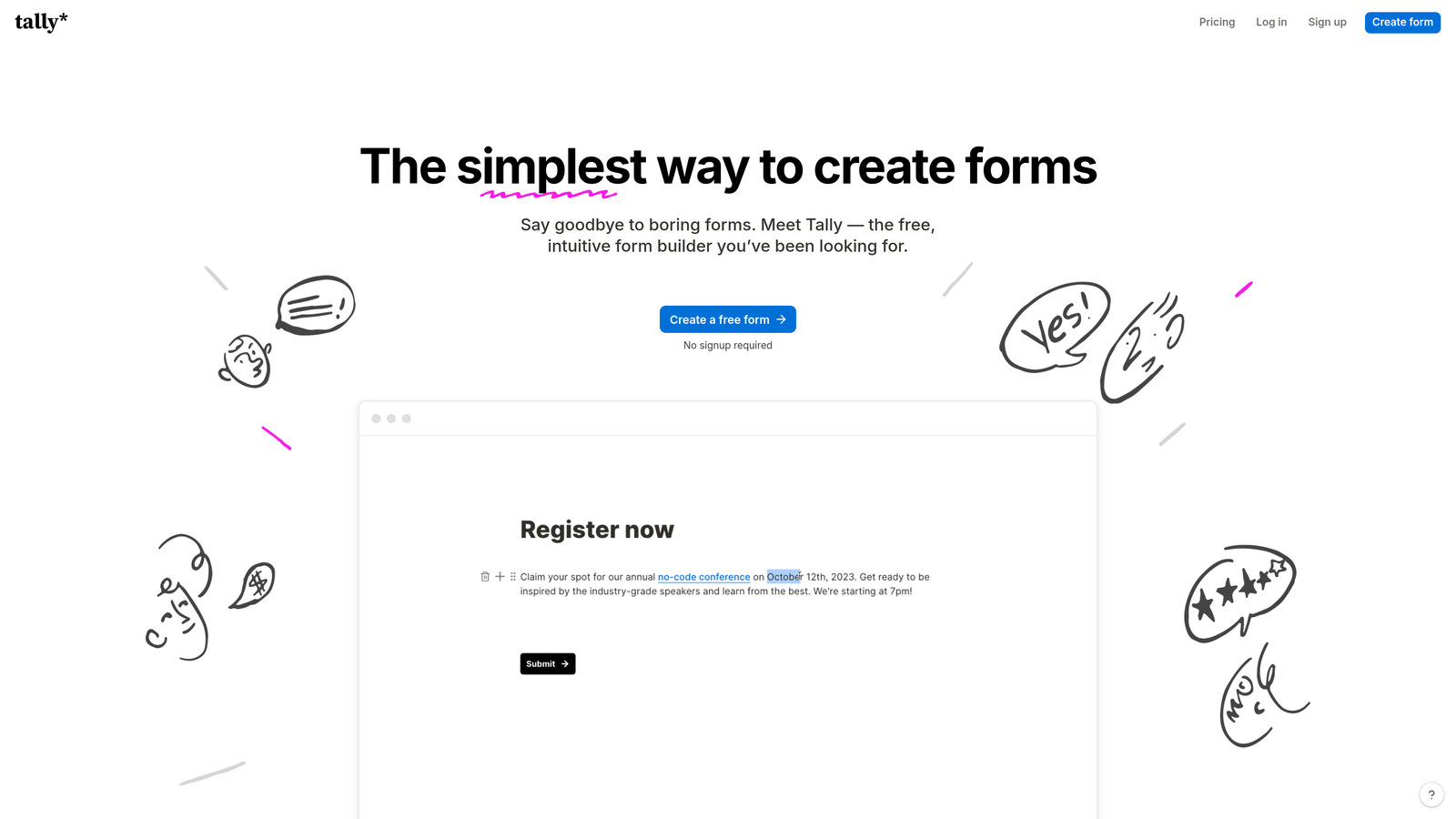
Tally is a modern, Notion-inspired form builder with one of the most generous free tiers in the market.
Where This Tool Shines
Tally's free plan stands out in a category where most competitors limit responses, add branding, or restrict features aggressively. Unlimited forms and unlimited responses on the free tier, with no Tally branding, is a rare combination that makes it genuinely useful for early-stage teams and startups watching their spend.
The Notion-like editor makes form building fast and intuitive for anyone already familiar with block-based tools. While Tally lacks advanced lead qualification or scoring features, it handles the basics well and connects to automation tools like Zapier for downstream routing.
Key Features
Unlimited Free Plan: Unlimited forms and responses on the free tier, a standout differentiator.
No Branding on Free Plan: Forms look clean and professional without forced Tally attribution.
Notion-Like Editor: Familiar block-based interface that's fast to learn and use.
Zapier and Native Integrations: Connect form responses to your existing automation workflows.
Multi-Page Forms and Conditional Logic: Supports basic branching and multi-step form structures.
Best For
Startups, indie teams, and lean marketing operations that need functional lead capture forms without a tool budget. Not the right fit for teams that need built-in lead scoring or deep CRM integration.
Pricing
Generous free tier available; Tally Pro unlocks additional features. Check tally.so for current pricing.
6. Paperform
Best for: Teams that want branded lead capture without a separate landing page tool
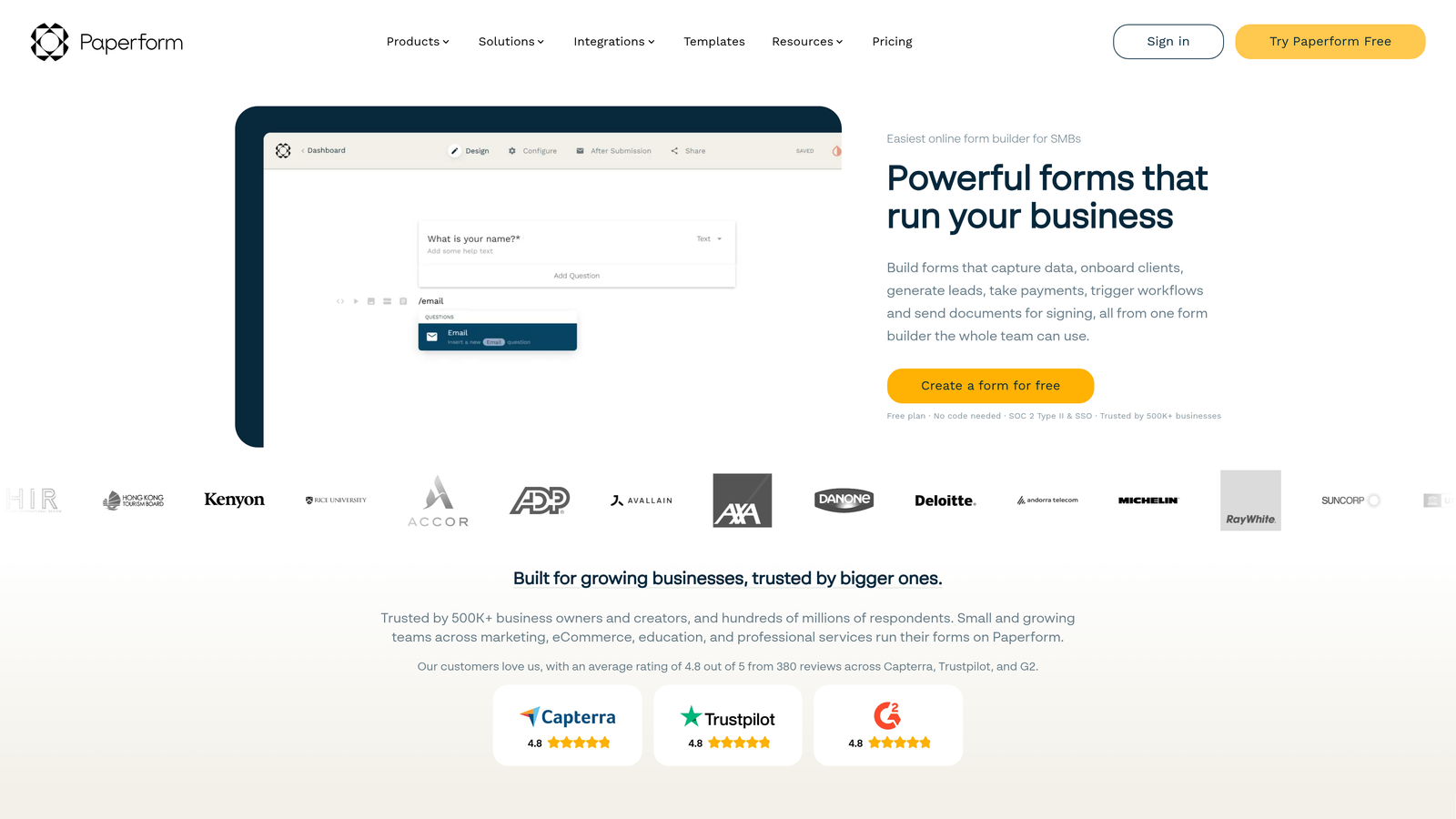
Paperform is a hybrid form and landing page builder with rich design flexibility and strong conditional logic.
Where This Tool Shines
Paperform blurs the line between a form and a landing page. You can embed rich text, images, and video alongside your form fields, creating a fully branded capture experience that doesn't require a separate page builder. For teams running focused lead gen campaigns where design quality matters, this is a meaningful advantage.
Custom domain support means your form URLs can match your brand rather than displaying a third-party domain. Combined with strong conditional logic and payment collection capabilities, Paperform works well for teams running product demos, consultation bookings, or gated content offers.
Key Features
Rich Media Embedding: Add text, images, and video alongside form fields for a full branded experience.
Custom Domain Support: Host forms on your own domain for a seamless brand presentation.
Conditional Logic and Calculations: Advanced branching and field calculations for complex form flows.
CRM and Marketing Integrations: Connects with major platforms for lead data routing.
Built-In Payment Collection: Accept payments directly within the form experience.
Best For
Marketing teams running branded lead gen campaigns who want design control without managing a full landing page platform. Less suitable for teams on a tight budget since there's no meaningful free tier.
Pricing
Paid-only platform; plans start around $24/month. Verify current pricing at paperform.co.
7. Formstack
Best for: Larger organizations with complex data routing and compliance requirements
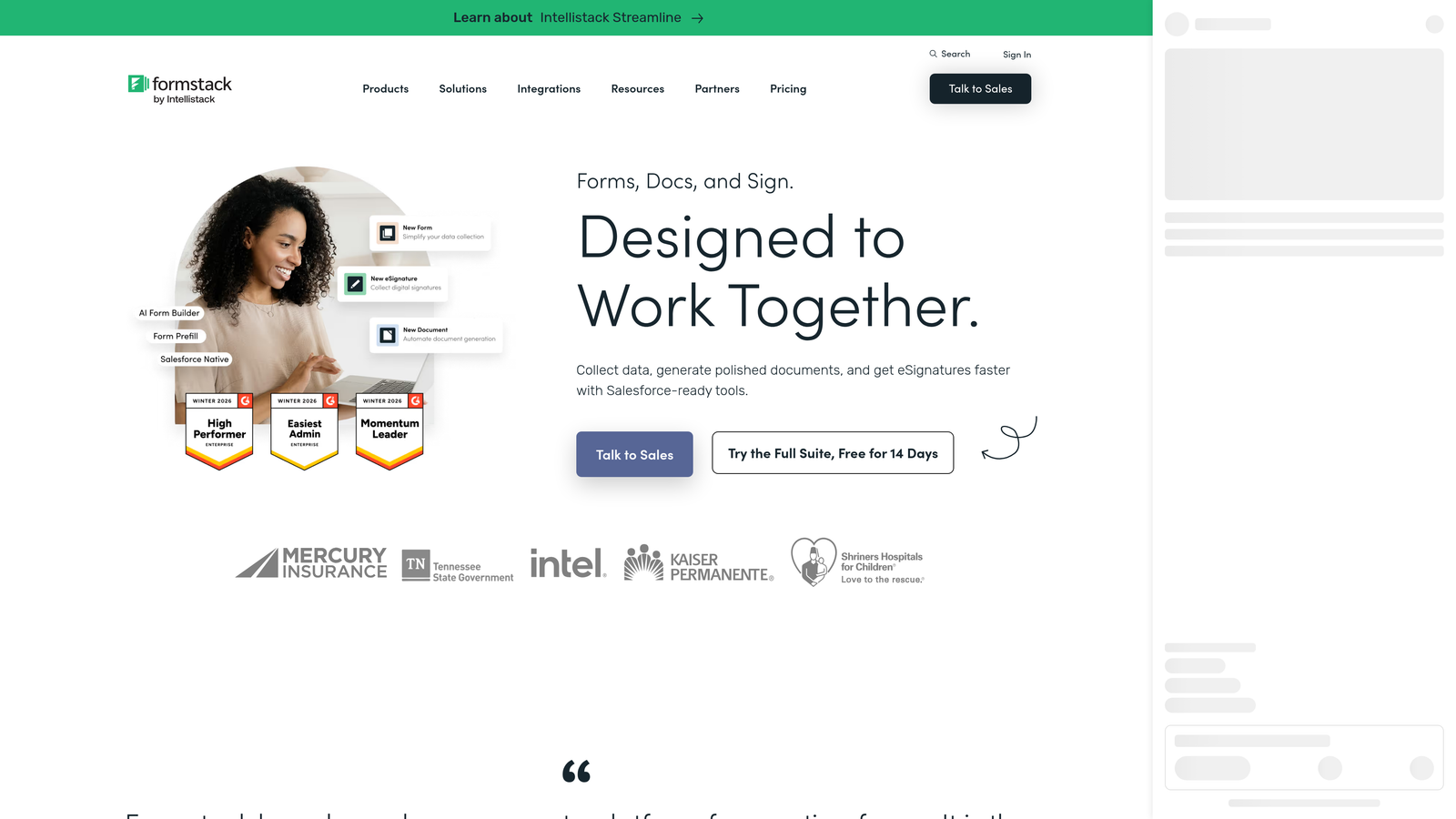
Formstack is an enterprise form and workflow automation platform built for organizations that need more than basic data collection.
Where This Tool Shines
Formstack's strength is workflow automation and compliance. If your organization operates in a regulated industry or needs approval chains, e-signatures, and document generation tied to form submissions, Formstack covers that ground in ways that lighter form builders simply don't.
For lead generation specifically, Formstack is better suited to complex internal qualification workflows than top-of-funnel capture. Think multi-department approval routing, compliance-gated intake forms, or enterprise sales processes where data governance matters as much as conversion rate.
Key Features
Workflow Automation: Build multi-step approval and routing workflows triggered by form submissions.
E-Signature Integration: Collect signatures via Formstack Sign within the same platform.
Compliance Features: HIPAA and GDPR compliance capabilities for regulated industries.
Document Generation: Automatically generate documents from form submission data.
Enterprise Security: Advanced access controls and security features for larger organizations.
Best For
Enterprise teams, regulated industries, and organizations with complex internal data routing needs. Likely overkill for early-stage startups or teams focused purely on top-of-funnel lead capture.
Pricing
Higher-tier pricing reflecting the enterprise feature set. Check formstack.com for current plans.
8. LeadGen App
Best for: Performance marketers and agencies focused on lead conversion optimization
LeadGen App is a purpose-built lead generation form tool with multi-step forms, A/B testing, and partial lead capture.
Where This Tool Shines
LeadGen App was built with one goal in mind: maximizing lead conversion. Multi-step forms with progress bars reduce abandonment by making long forms feel manageable. The partial lead capture feature is particularly valuable for agencies, as it saves respondent data even when someone abandons the form mid-way, recovering leads that would otherwise be lost entirely.
Built-in A/B testing and conversion analytics give performance marketers the feedback loop they need to iterate on form design and copy. For agencies managing multiple client campaigns, the multi-client management structure keeps things organized without juggling separate accounts.
Key Features
Multi-Step Form Builder: Break long forms into steps with progress indicators to reduce drop-off.
Built-In A/B Testing: Test form variations and track conversion performance natively.
Partial Lead Capture: Saves form data automatically when respondents abandon before completion.
Conversion Analytics: Track step-by-step completion rates to identify where leads drop off.
Agency Multi-Client Management: Manage multiple client campaigns from a single dashboard.
Best For
Performance marketing agencies, demand generation teams, and anyone running paid traffic campaigns where form conversion rate directly impacts cost per lead. Less name recognition than Typeform or Jotform, but highly focused on the use case.
Pricing
Agency-oriented pricing structure. Check leadgenapp.io for current plans.
9. Google Forms
Best for: Teams with simple needs or zero budget
Google Forms is a free, reliable form tool that works within the Google Workspace ecosystem.
Where This Tool Shines
Google Forms earns its place on this list through sheer accessibility. It's free, requires no setup, and works instantly for anyone with a Google account. For internal intake forms, simple surveys, or very early-stage teams that haven't yet invested in a dedicated tool, it gets the job done without friction.
The direct integration with Google Sheets means response data is immediately available in a familiar format. That's genuinely useful for small teams that live in Google Workspace and don't need CRM routing or lead scoring.
Key Features
Completely Free: No cost, no submission limits, no plan tiers.
Google Sheets Integration: Responses feed directly into Sheets for immediate data access.
Basic Conditional Logic: Simple branching based on multiple-choice answers.
Unlimited Forms and Responses: No artificial caps on usage.
Google Workspace Integration: Works natively within Gmail, Drive, and the broader Google ecosystem.
Best For
Internal use cases, simple surveys, and teams with zero budget. Not a serious lead generation tool. No native CRM integrations, no lead qualification, and limited design customization make it a baseline option rather than a strategic choice for growth-focused teams.
Pricing
Completely free with a Google account.
Which Tool Is Right for Your Lead Gen Stack?
The right choice depends on what your lead generation workflow actually needs. Here's a quick way to think through it.
If AI-powered lead qualification is the priority, Orbit CRM is the clear starting point. It's the only tool on this list with qualification built directly into the form experience, which means less manual sorting and faster handoffs to sales. It's purpose-built for the high-growth B2B context where form quality directly impacts pipeline.
If conversational UX and engagement are your focus, Typeform delivers a polished experience that works well for top-of-funnel capture. For teams already running HubSpot, HubSpot Forms offers the tightest CRM integration with the lowest friction setup. And for enterprise teams with compliance requirements and complex routing, Formstack handles what lighter tools can't.
On the budget end, Tally is genuinely impressive for what it offers at no cost. Google Forms works for simple internal use, but it's not a tool you build a lead gen strategy around.
For agencies and performance marketers optimizing cost per lead, LeadGen App's partial capture and A/B testing capabilities make it worth a close look. And if design flexibility is a priority without a separate landing page tool, Paperform fills that gap well.
The common thread across the best options here is that they treat forms as a conversion asset, not just a data collection mechanism. That shift in perspective is exactly what separates modern lead capture from the survey-first approach SurveyMonkey was built around.
Transform your lead generation with AI-powered forms that qualify prospects automatically while delivering the modern, conversion-optimized experience your high-growth team needs. Book a demo and see how intelligent form design can elevate your conversion strategy.